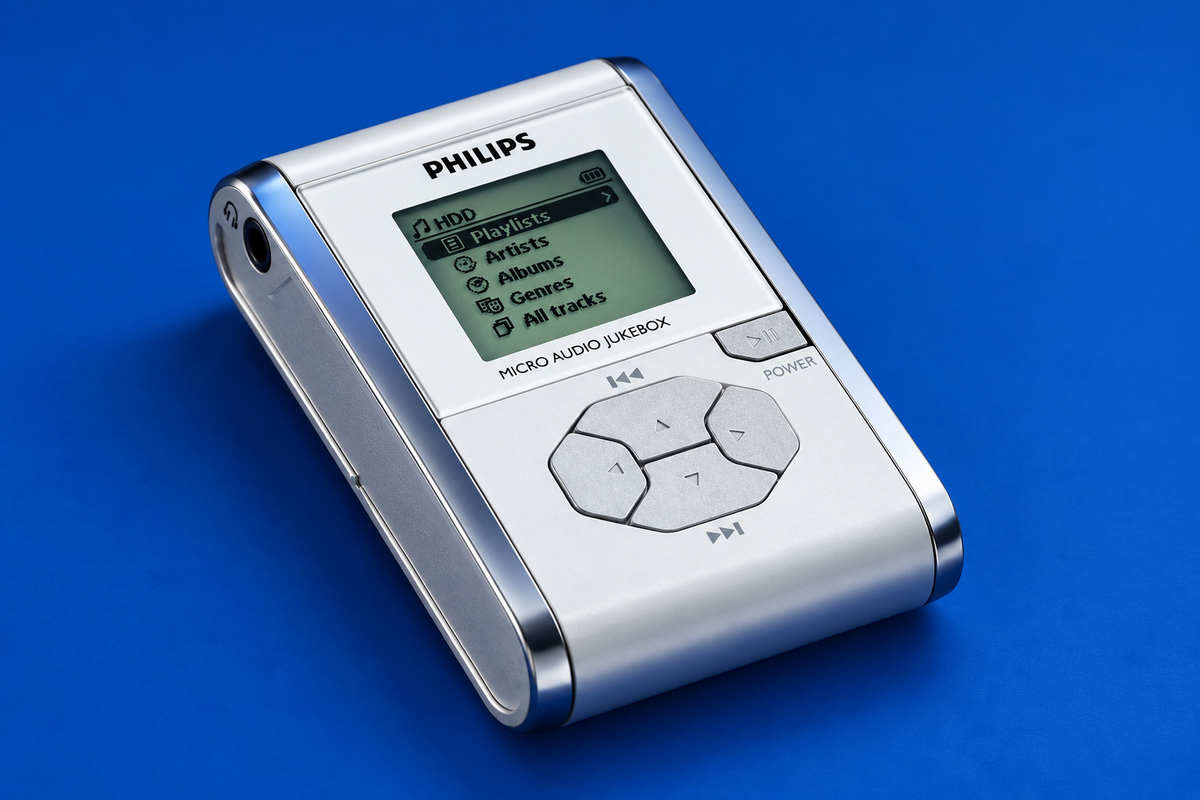
philips
Philips HDD060: Specs, File Transfers and Using It Today
A model-specific guide to the Philips HDD060, its media formats, DMM transfer path and historical compatibility limits.
Read device profile ↗ PORTABLE TECH. REDISCOVERED.
THE COLLECTION / 20 DEVICES
A browsable directory of 20 classic portable-electronics profiles, grouped by device type.
20 articles to explore
philips
A model-specific guide to the Philips HDD060, its media formats, DMM transfer path and historical compatibility limits.
Read device profile ↗philips
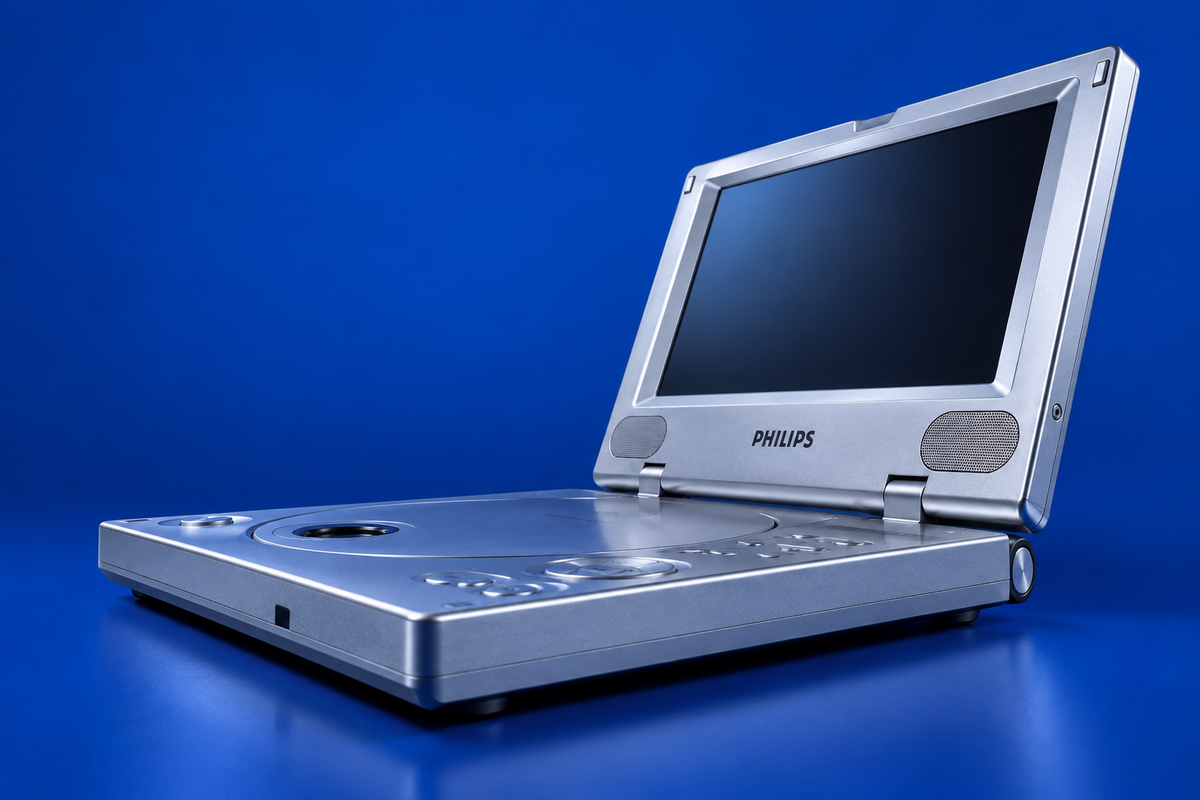
A suffix-aware guide to PET800 discs, power and TV output, including a documented charging-time conflict.
Read device profile ↗philips
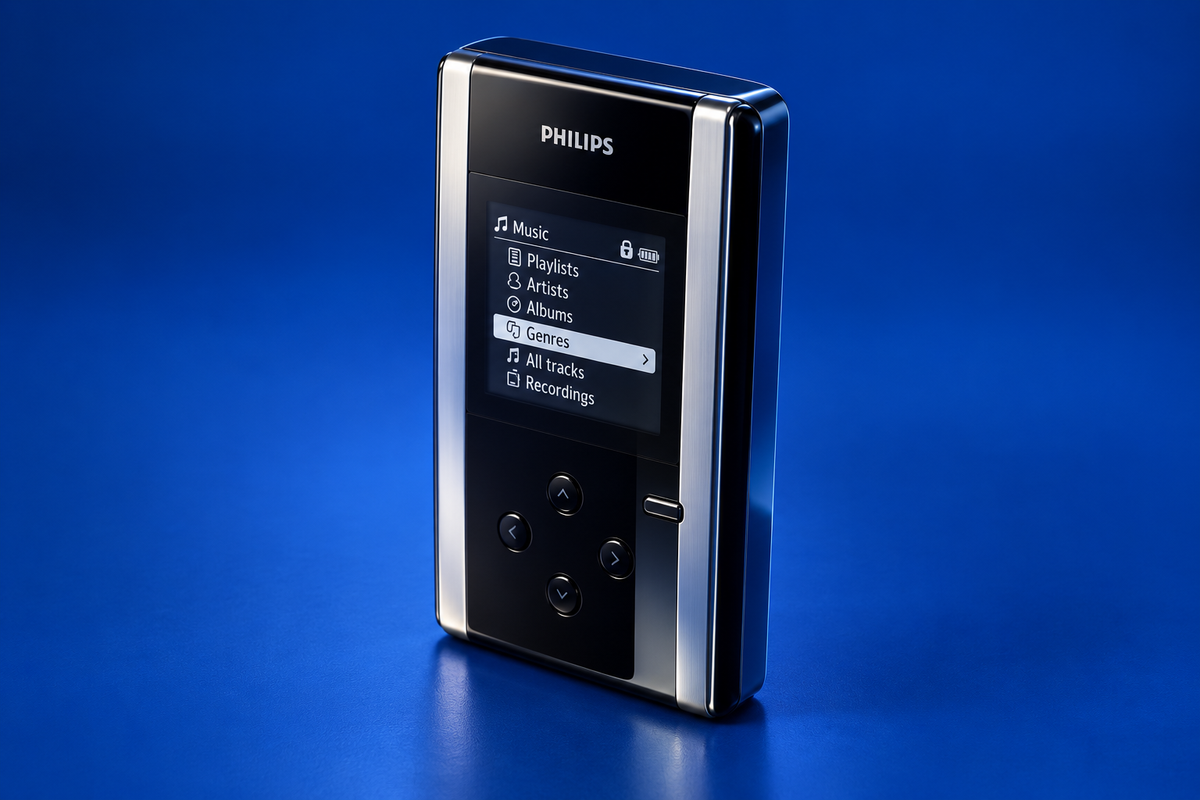
Identify your Philips HDD100, understand its original music-transfer and recording features, and see what the surviving documentation can—and cannot—tell you about using it with a computer today.
Read device profile ↗philips
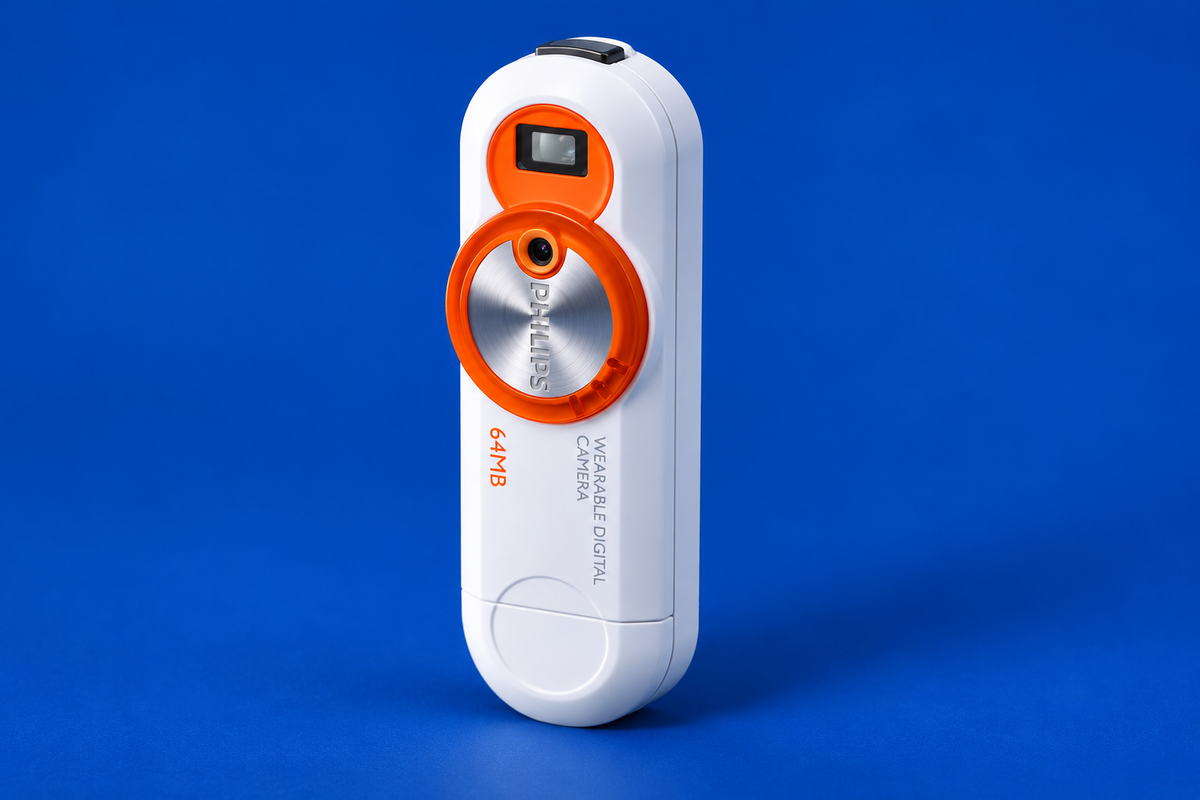
The KEY007 is a tiny 64 MB camera with a built-in USB plug. This guide explains the documented photo-retrieval route, the Windows 98 driver exception and what the old resolution claims do—and do not—tell us.
Read device profile ↗philips
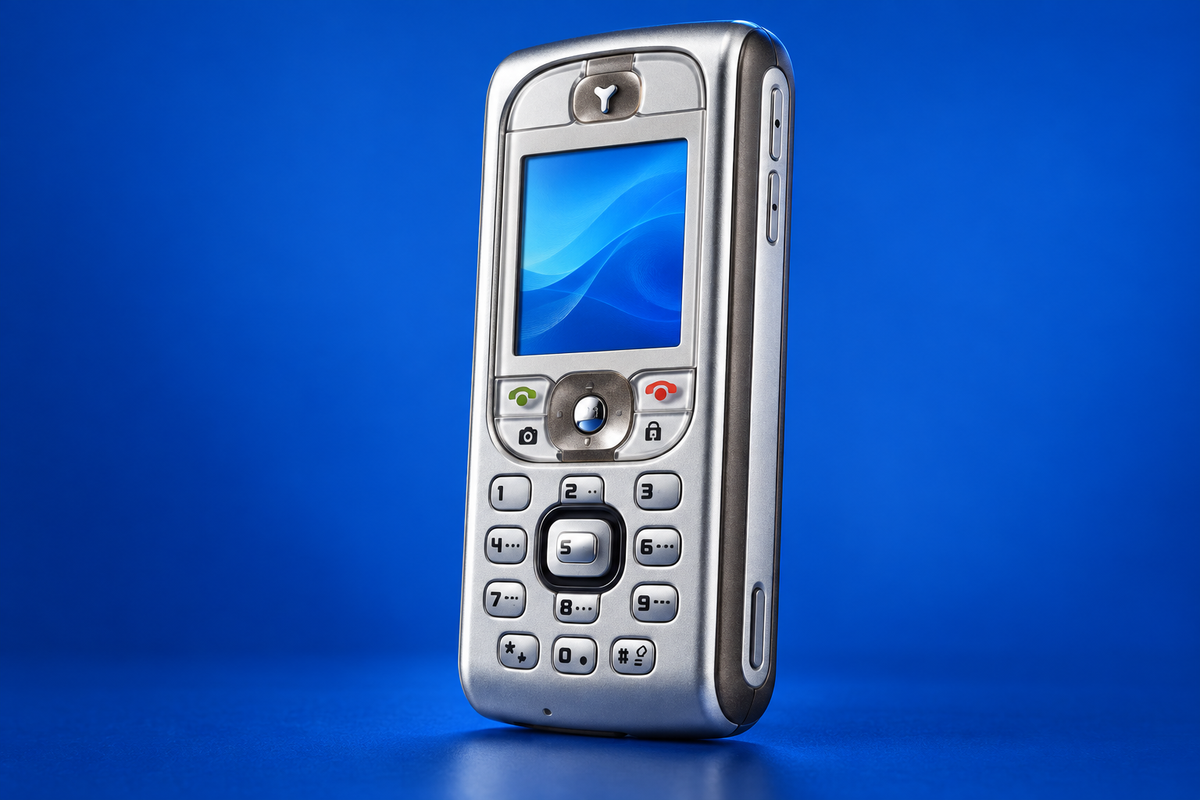
The Philips 530 combines local features with IrDA file exchange and operator-dependent GPRS services. Learn how to send an item to another infrared device, what the manual says about WAP setup, and why live network access is a separate question.
Read device profile ↗apple / Archive photograph
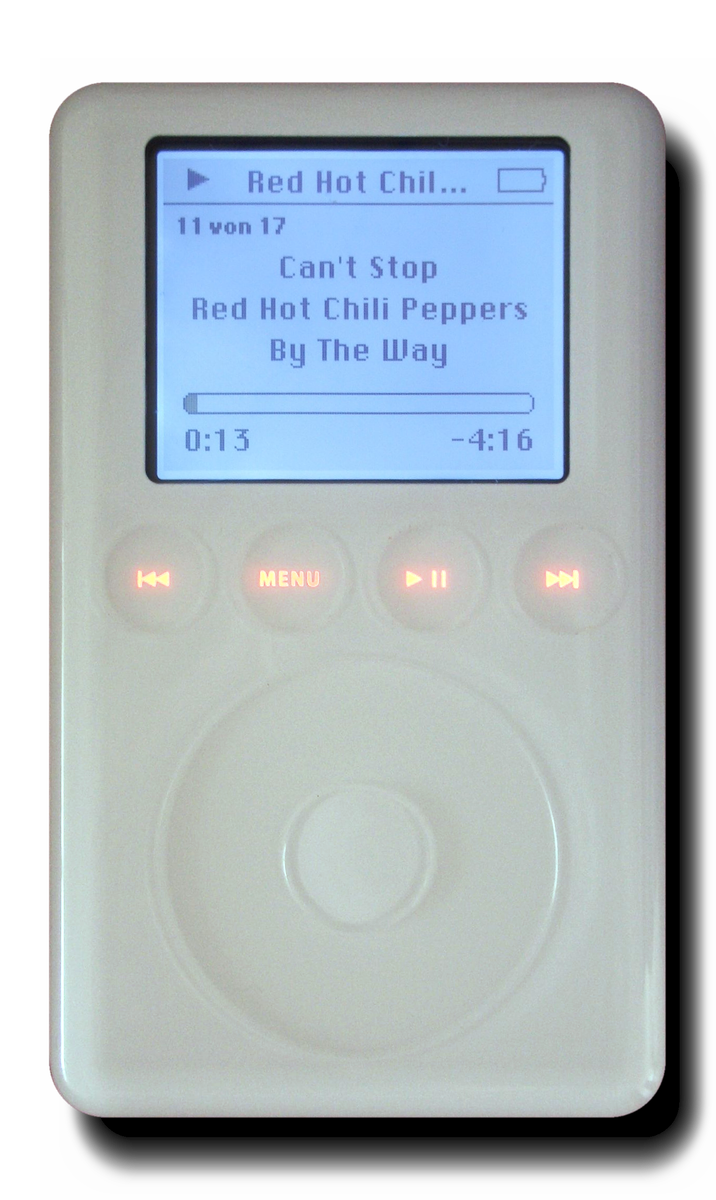
Identify Apple’s 2003 touch-wheel iPod before choosing a cable: its split dock cable used USB for data and FireWire for charging. Here are the generation clues, original connection choices and compatibility limits supported by Apple and period reviews.
Read device profile ↗apple / Archive photograph
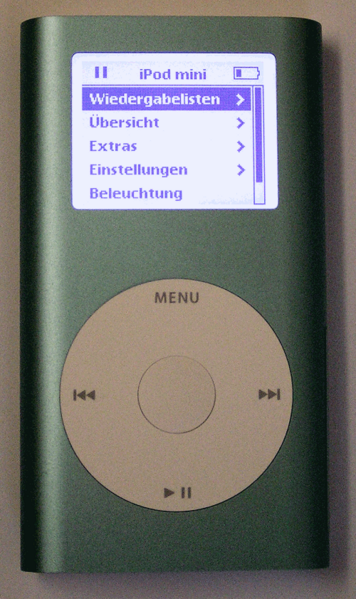
The first iPod mini is the 4 GB model introduced in 2004, but its A1051 number is shared with the second generation. Use the back engraving and wheel text to distinguish them, then choose a supported FireWire or USB 2 connection.
Read device profile ↗creative / Archive photograph
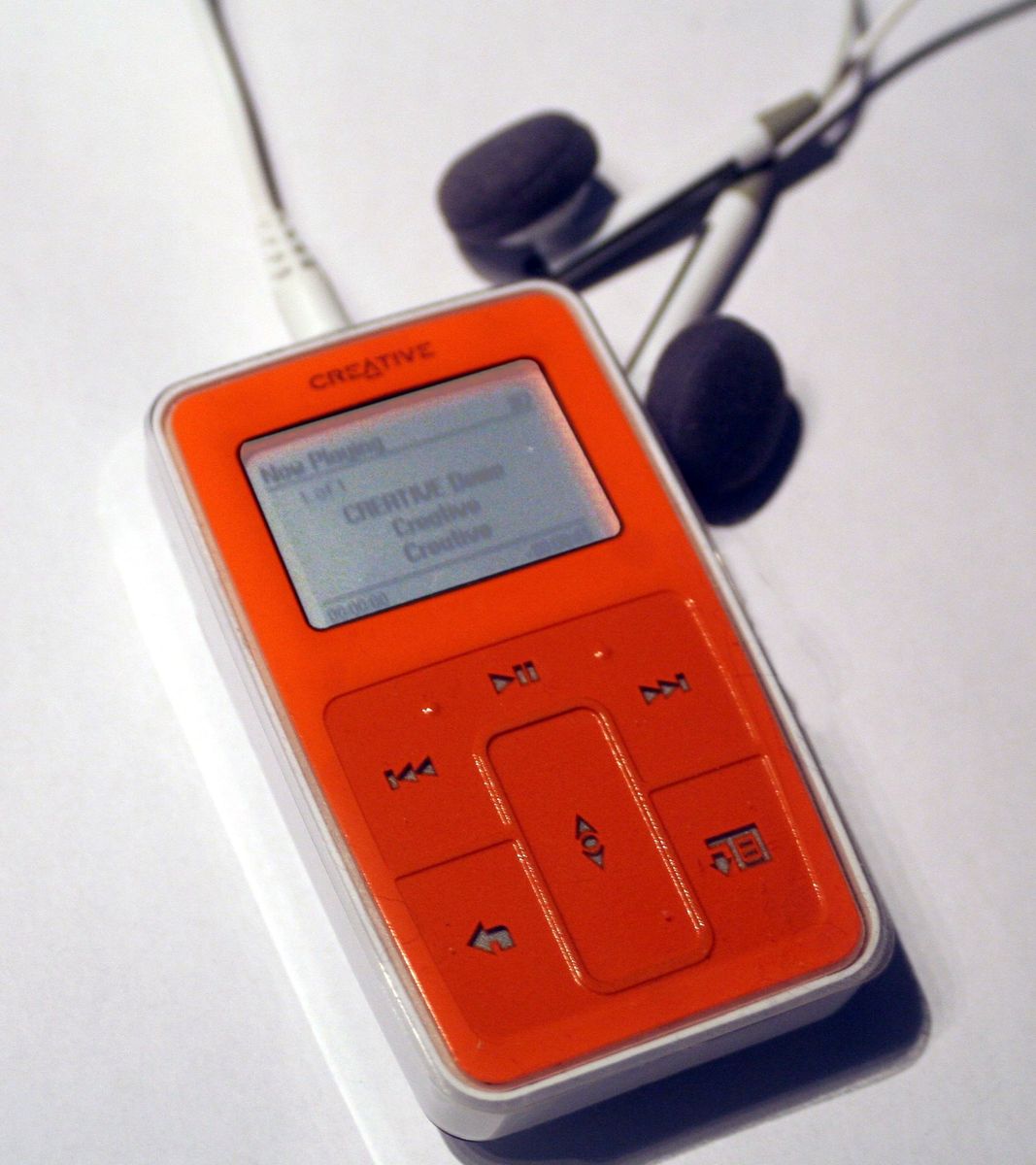
The Zen Micro can use Creative MediaSource for its music library, but it is not automatically a generic USB music drive. This guide explains supported audio, the Docked disconnect state and the separately enabled removable-disk mode—without implying that legacy software works on modern computers.
Read device profile ↗creative
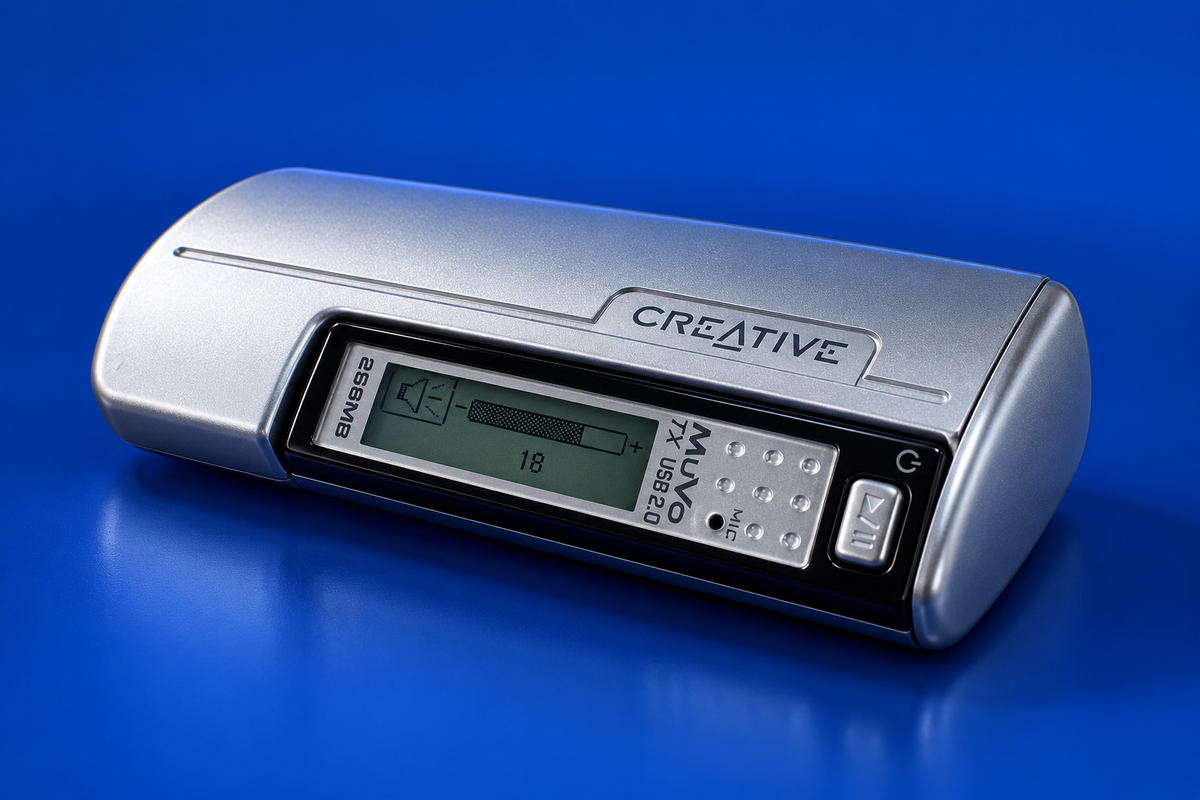
A model-specific guide to the non-FM Creative NOMAD MuVo TX manual and the documented 256 MB period unit, its USB mass-storage route, formats and present-day compatibility limits.
Read device profile ↗iriver / Archive photograph
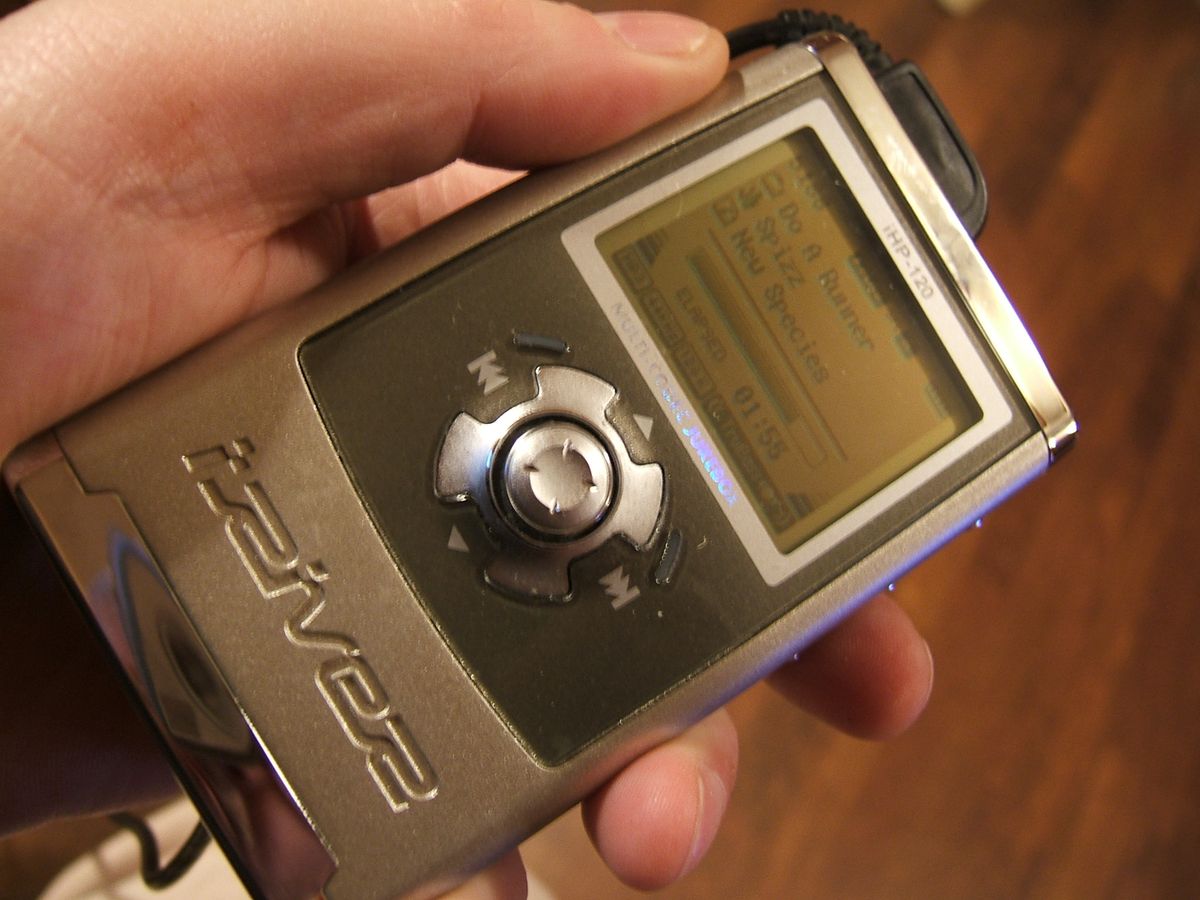
The iRiver H120 (also labeled iHP-120) combines a 20 GB player, USB storage and several recording inputs. This guide separates stock firmware from Rockbox, explains the original music-transfer path and outlines documented recording choices.
Read device profile ↗iriver / Archive photograph
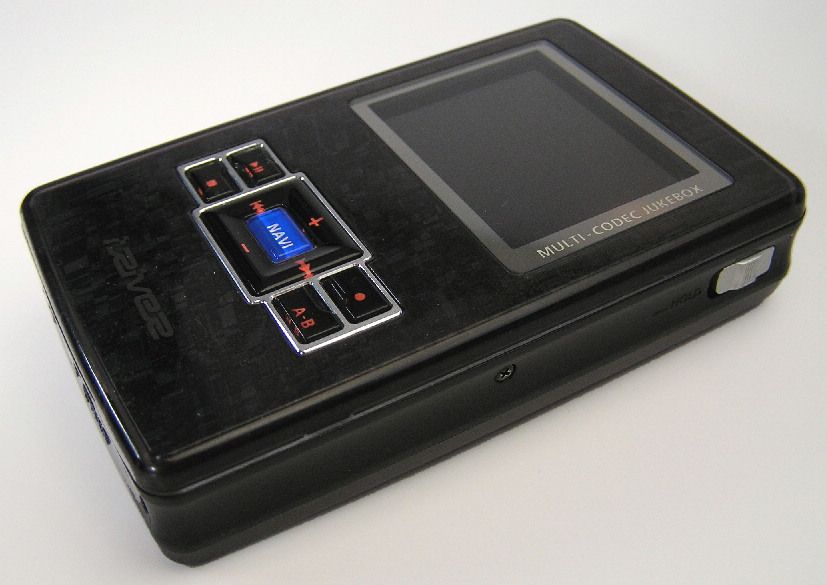
Identify the 20 GB iRiver H320, choose the correct DATA or MEDIA port, and separate its original file workflow from optional Rockbox firmware and present-day compatibility.
Read device profile ↗sony / Archive photograph
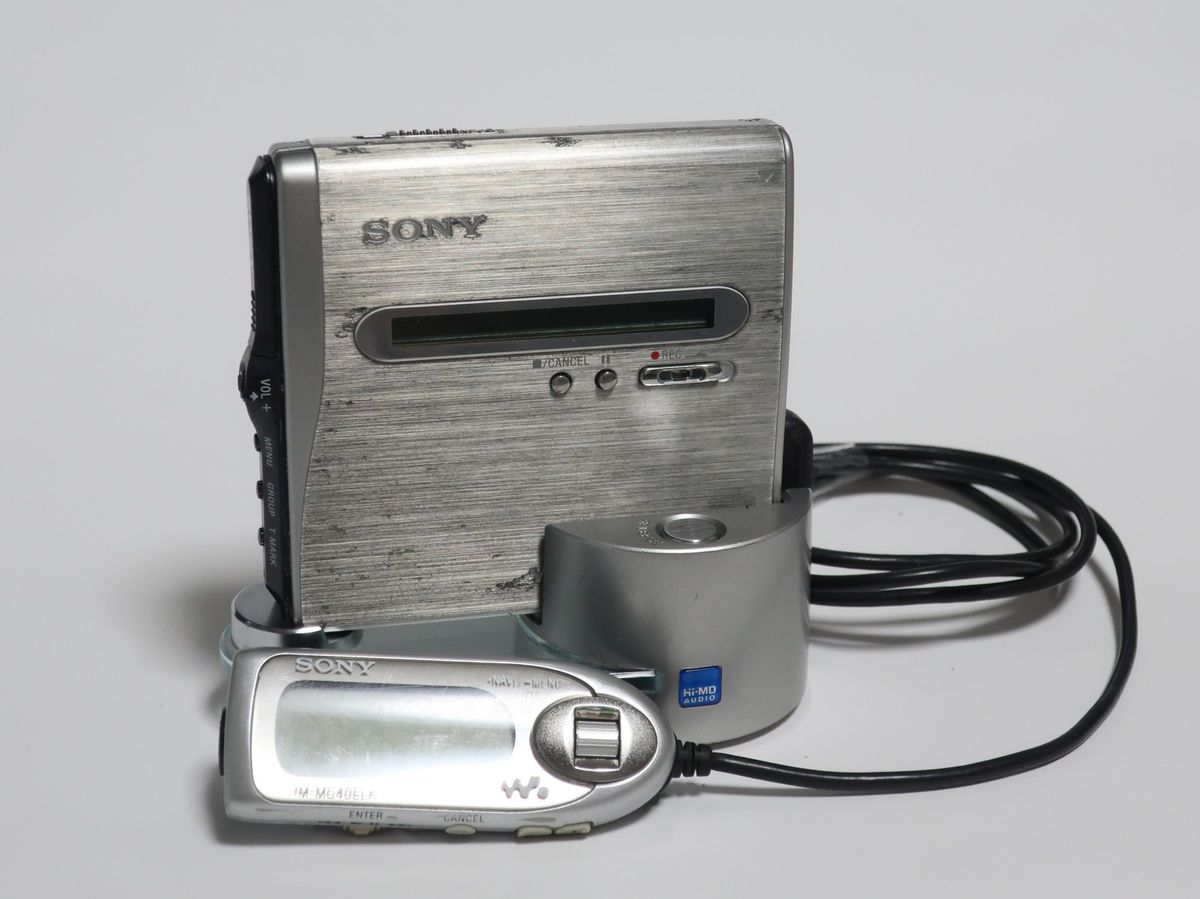
Choose the right MiniDisc mode for the Sony MZ-NH1, understand its usable capacities, and follow the period USB and recording workflows without assuming today’s software compatibility.
Read device profile ↗sony
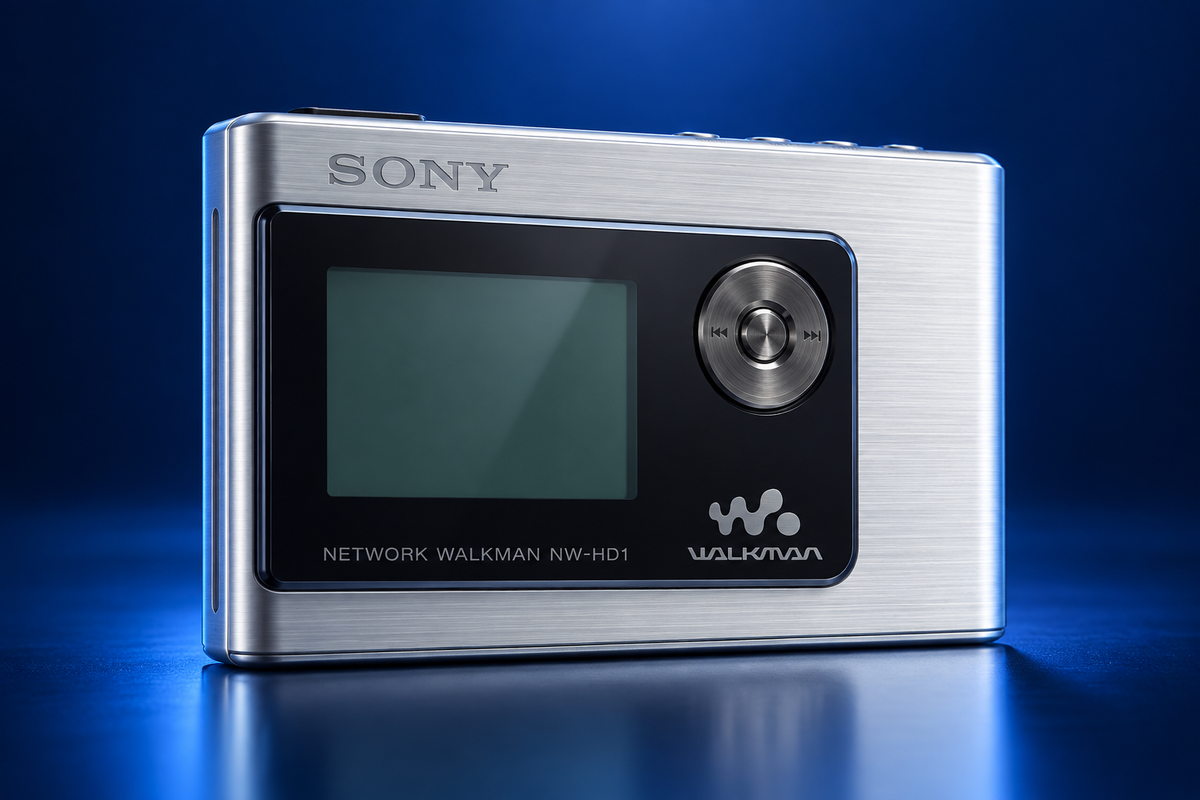
Understand why the Sony NW-HD1 uses ATRAC audio, why Explorer is only for non-audio files, and how its original software-first USB cradle workflow worked.
Read device profile ↗canon / Archive photograph
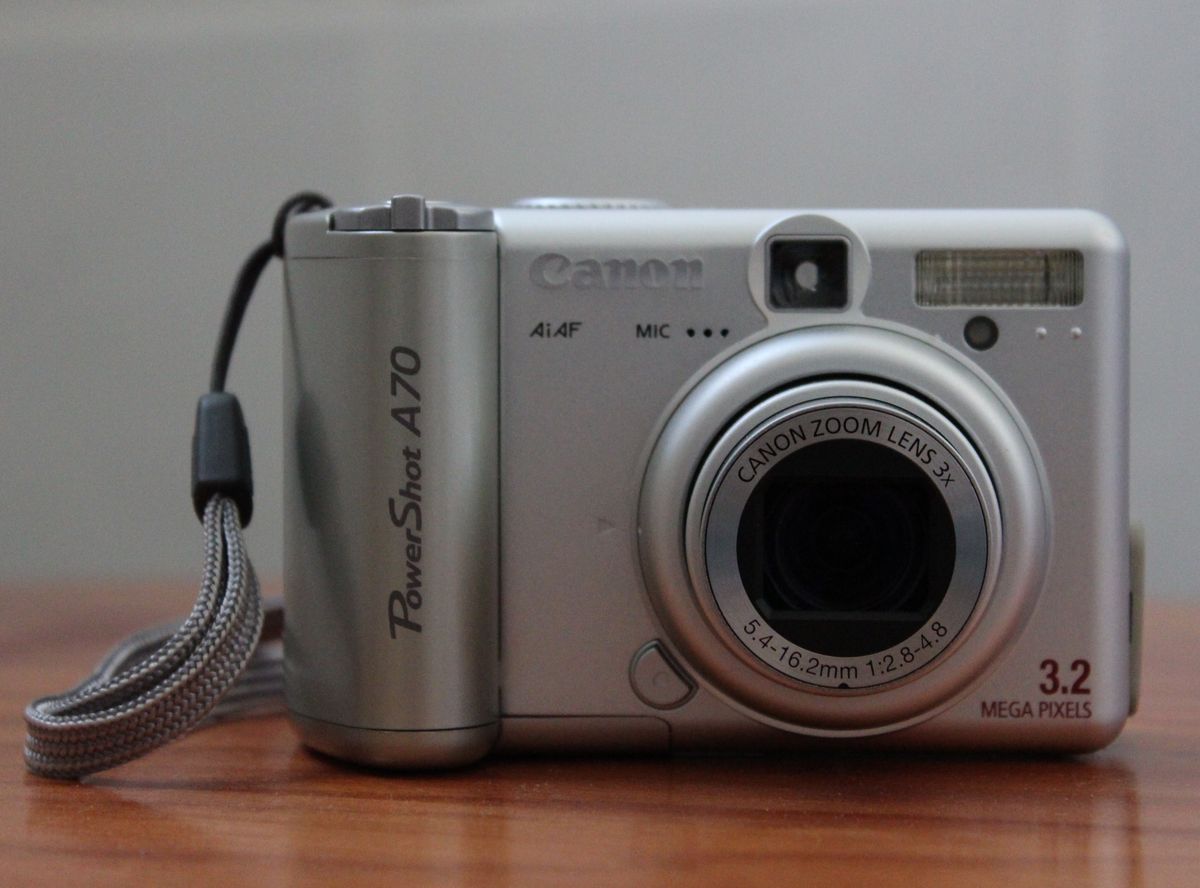
Identify the Canon PowerShot A70, check the limits of the available CompactFlash evidence, and follow Canon’s original software-first USB download sequence.
Read device profile ↗nikon / Archive photograph
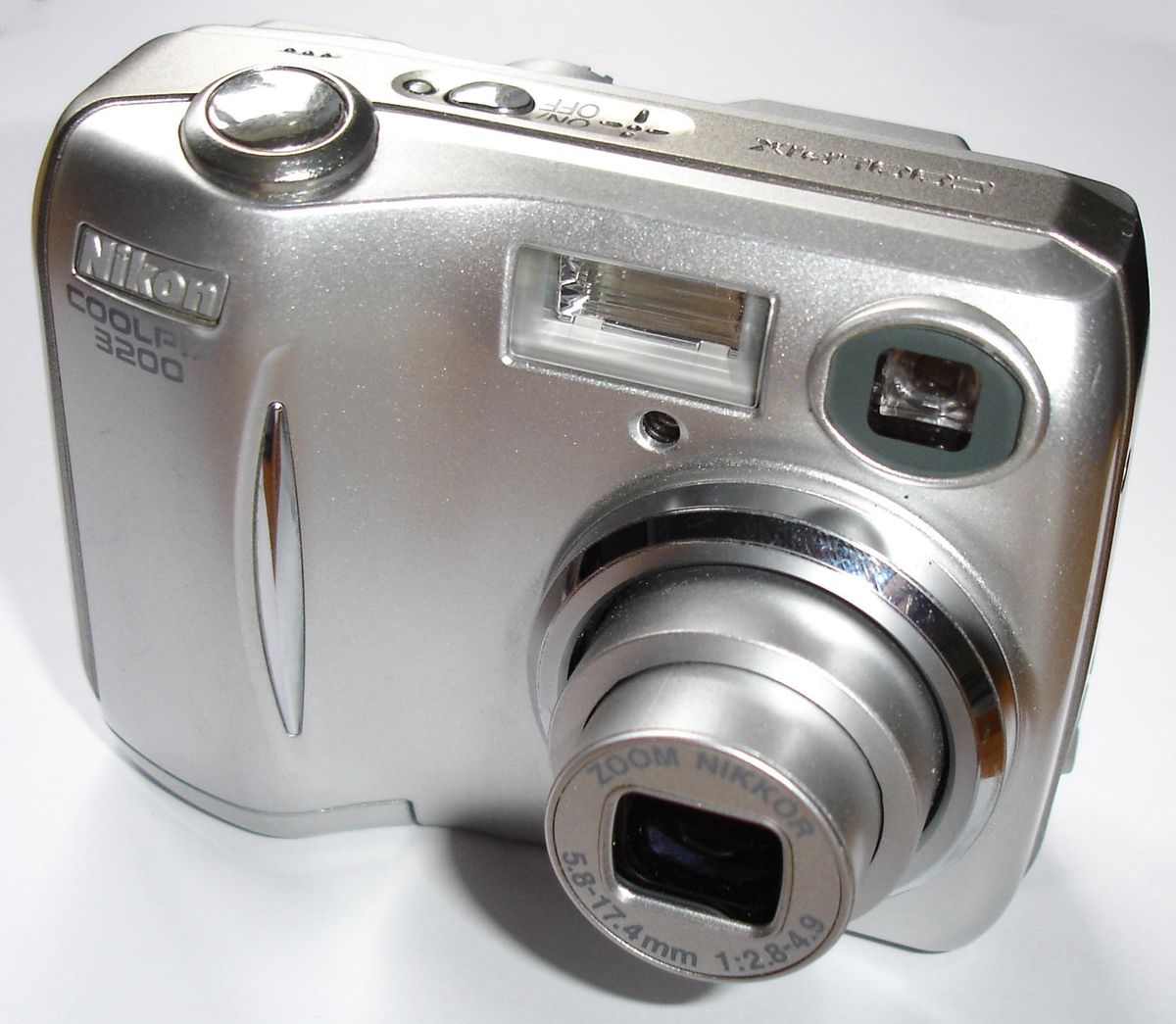
Compare Nikon-tested SD cards with later vendor guidance, then choose a documented card-copy or Nikon View route for COOLPIX 3200 photos. Learn what the exact-model evidence establishes, and what remains unknown: current USB, SDHC and SDXC compatibility.
Read device profile ↗sony
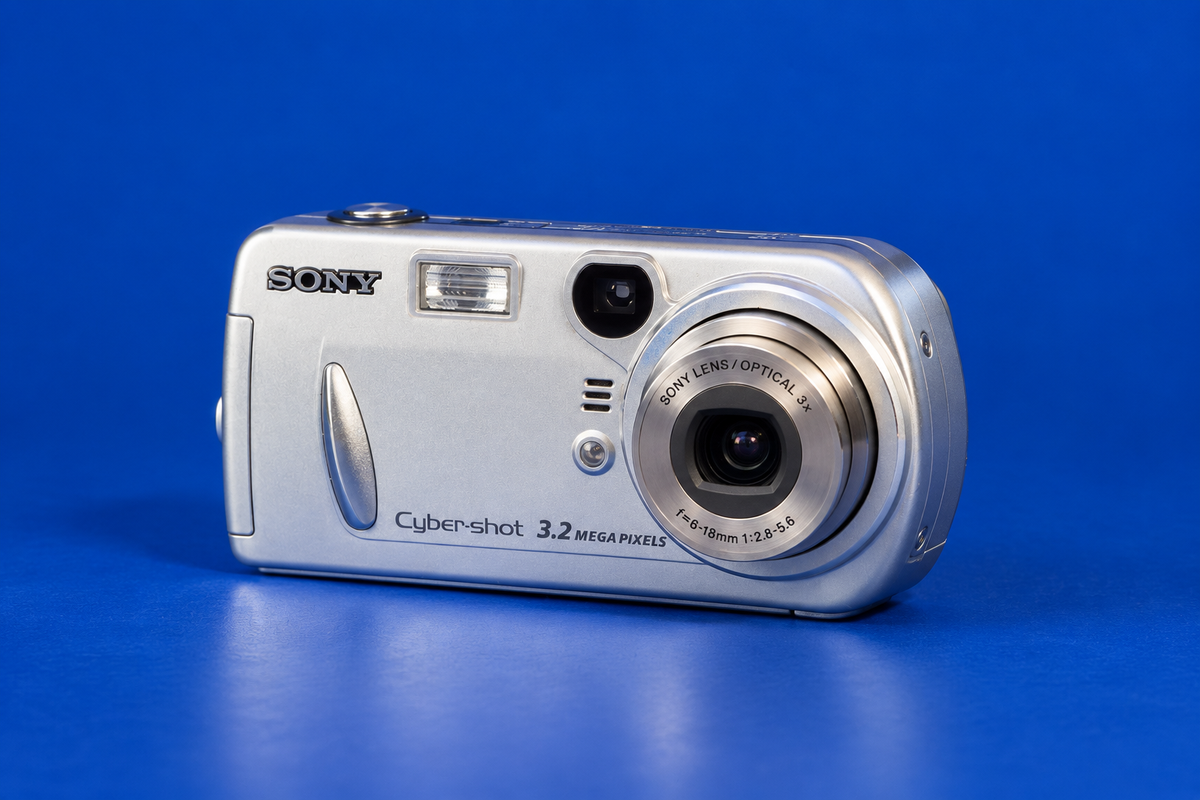
Identify the DSC-P72’s Memory Stick media, use Sony’s conservative 1 GB PRO reference, and follow the manual’s USB setup. The AI-generated reconstruction is approximate; current host and reader compatibility remain unknown, so check the exact card class.
Read device profile ↗nokia / Archive photograph
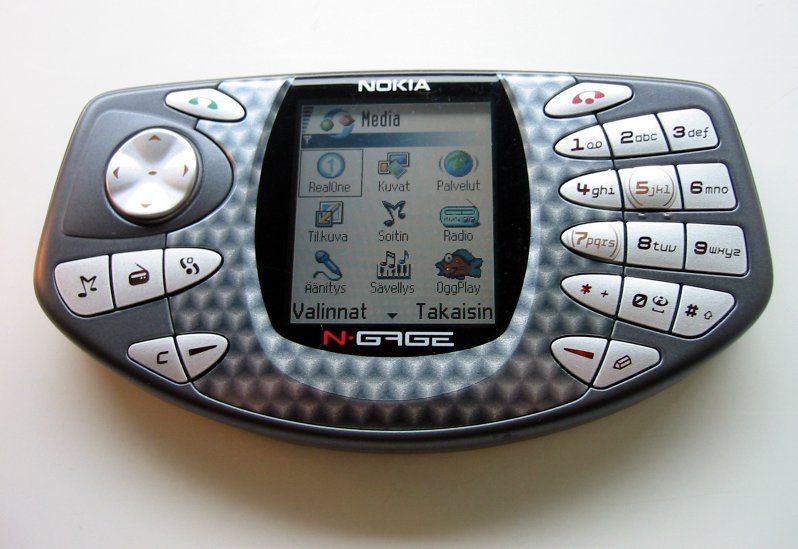
Identify the original N-Gage—not the later QD—then follow Nokia’s period PC music workflow and learn how its MMC game cards fit. The guide separates documented historical steps from current storage and host compatibility that remains unverified.
Read device profile ↗sony / Archive photograph
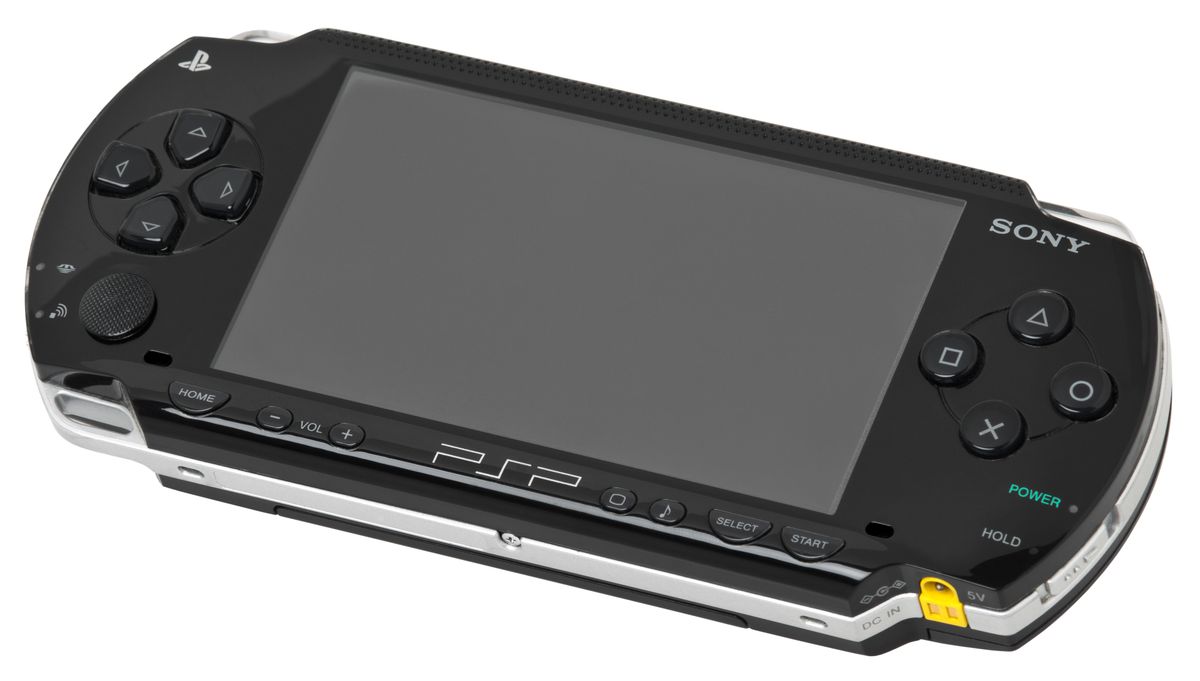
Copy music to Memory Stick Duo using the documented USB or reader route, keep files in PSP/MUSIC and format media on the console when needed. The guide distinguishes PSP-1000 from the regional PSP-1001 manual and flags present-day computer support as unknown.
Read device profile ↗palm / Archive photograph
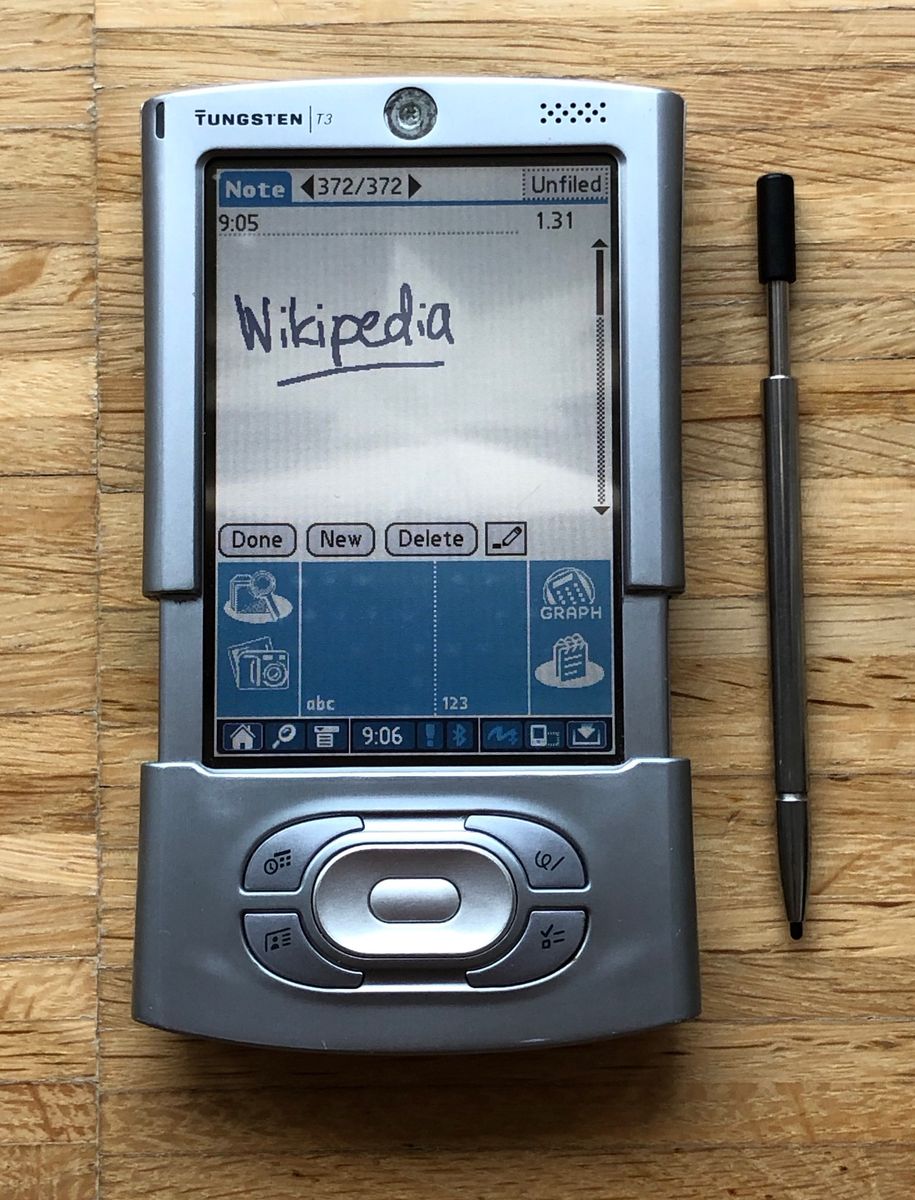
Set up the original cradle, charge the handheld, start a wired HotSync and use an expansion card for MP3s while preserving card-write safety. The sources do not establish a maximum card capacity or current Palm Desktop compatibility.
Read device profile ↗sony
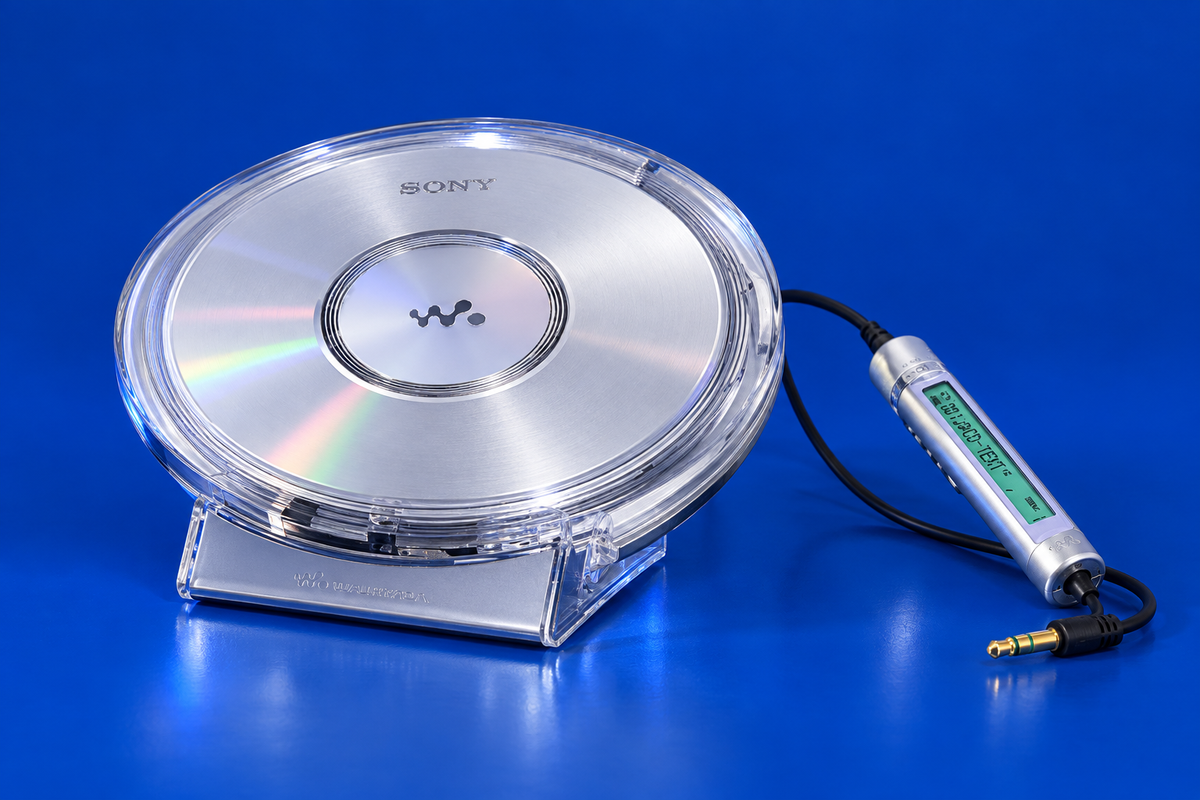
Compare the D-NE1’s ATRAC and MP3 disc limits, learn Sony’s documented Simple Burner route, and review its rechargeable, AA and AC power options. The AI illustration is approximate; current software compatibility is unverified.
Read device profile ↗No matching articles. Try a broader term or clear the filters.
Browse by the kind of device you have, then open its profile for model-specific media, connection and transfer notes. Use the complete model number on the device to choose the right entry; similar names can refer to different hardware.
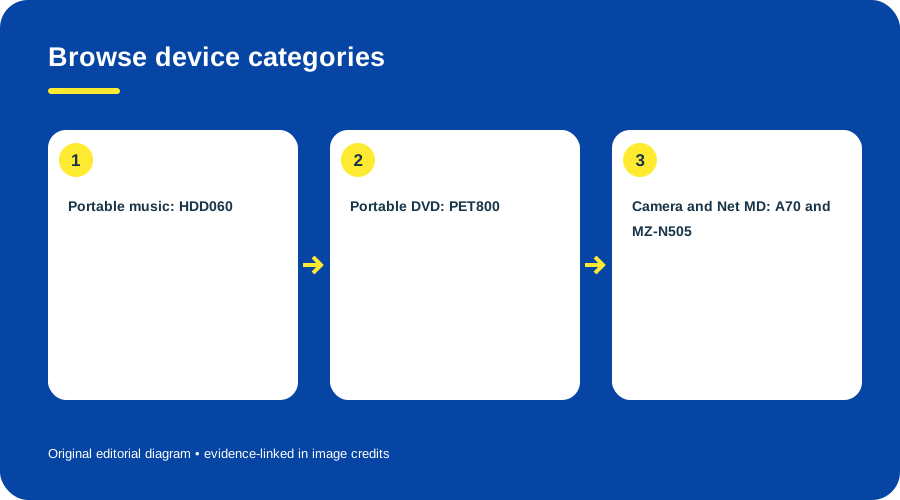
Browse device categories. Original diagram by Things To Do Your Thing; facts are traced to S02-S1, S02-S2, S02-S3, S02-S4.
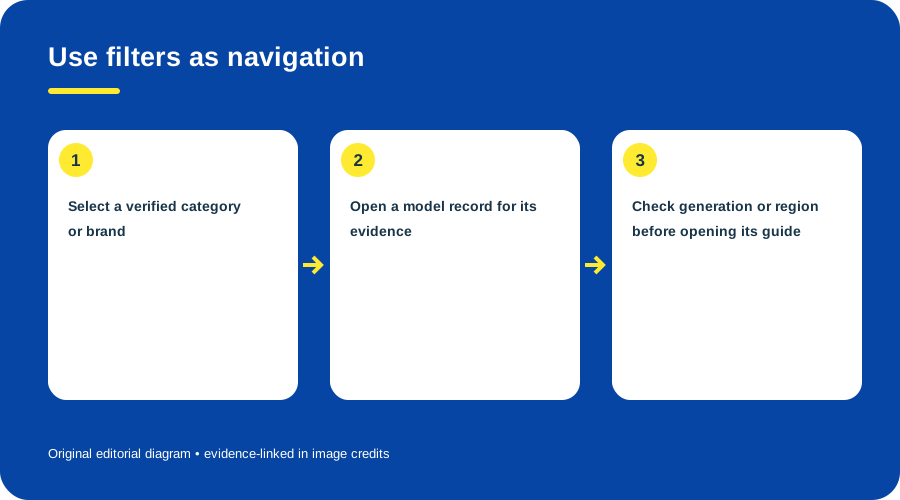
Choose a category, find the exact model entry, and check its variant before opening a guide. Original diagram by Things To Do Your Thing; facts are traced to S02-S1, S02-S2, S02-S3, S02-S4.
This directory is a navigation index, not a claim that every model has the same evidence depth or that every modern connection has been tested. Read each profile’s scope and source notes before applying a procedure. The current evidence includes examples across portable music, video, cameras and handheld devices; it does not verify every possible model, filter or release year.
Use the Philips collection for five Philips profiles, or the 2003 collection for entries with a verified date in that year.
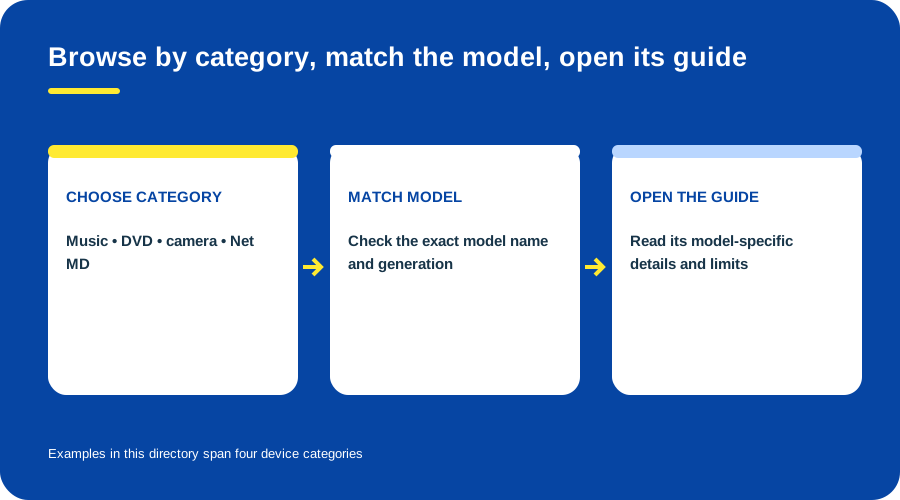
Directory coverage today. Original diagram by Things To Do Your Thing; facts are traced to S02-S1, S02-S2, S02-S3, S02-S4.


.JPG)


