Philips HDD060: Specs, File Transfers and Using It Today
The Philips HDD060 is a 1.5 GB pocket audio jukebox. The manual covers HDD060/00, /05 and /17; read the rear label before applying suffix-specific accessory or display details. For playable music, use Philips Digital Media Manager (DMM). Explorer is only for ordinary files: music copied through Explorer will not play from the music library. (HDD060 manual)
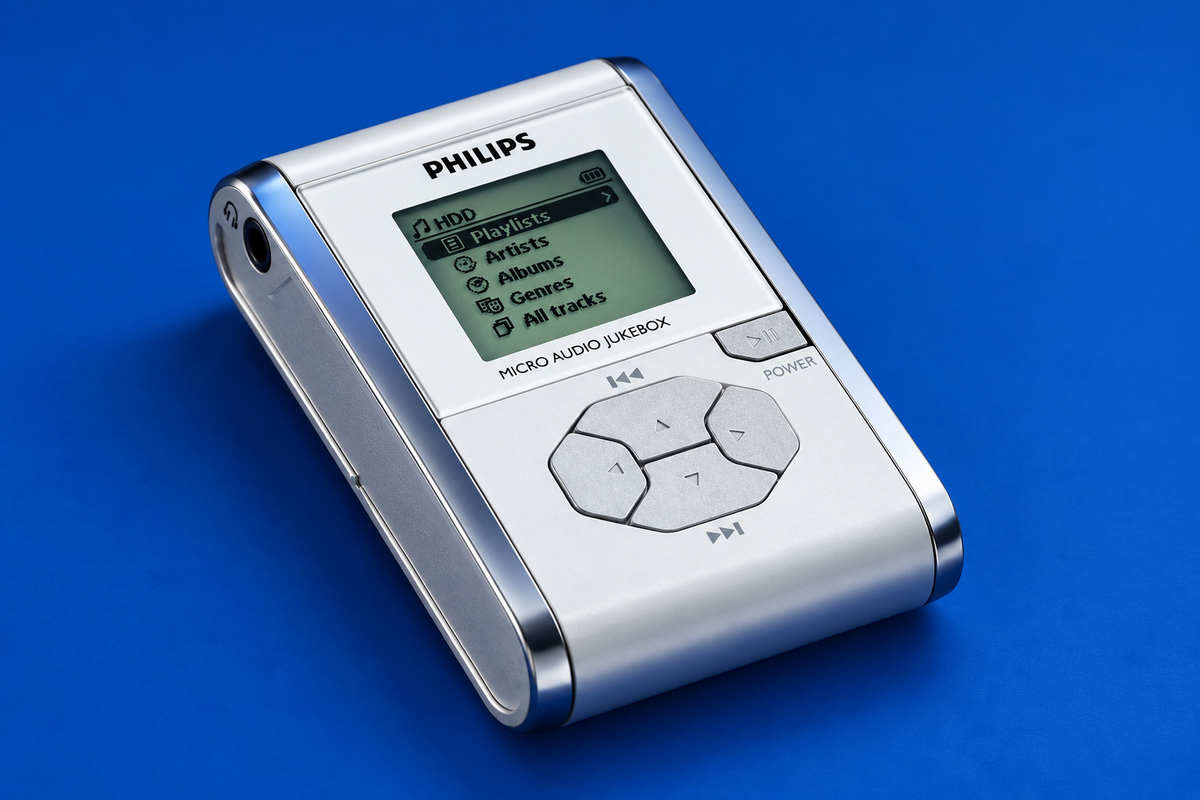
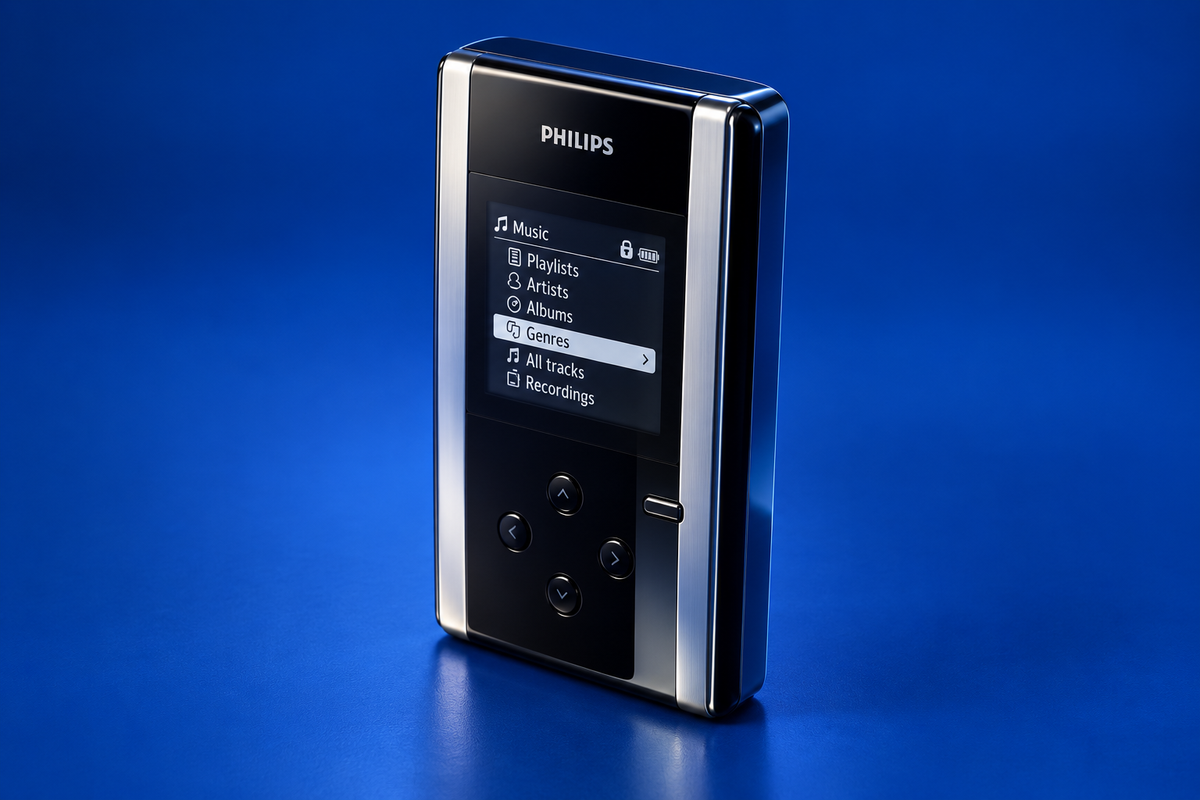
AI-generated illustration of the Philips HDD060; fine markings may differ from a real unit.
Verified specifications
| Item | Documented detail |
|---|---|
| Storage | 1.5 GB built-in hard disk |
| Playable formats | MP3, 8–320 kbps including VBR; WMA, 32–192 kbps |
| Computer connection | USB 1.1 for transfer |
| Power | Rechargeable internal battery; supplied Philips 5 V DC adapter/charger |
| Full charge | About 2.5–4 hours in the user guide, depending on charging conditions |
The manual says DMM manages music; it does not rip audio CDs, so a separate CD-ripping tool is needed before adding tracks. The service manual’s USB 1.1 specification describes the period interface, not current host support. (Service manual)
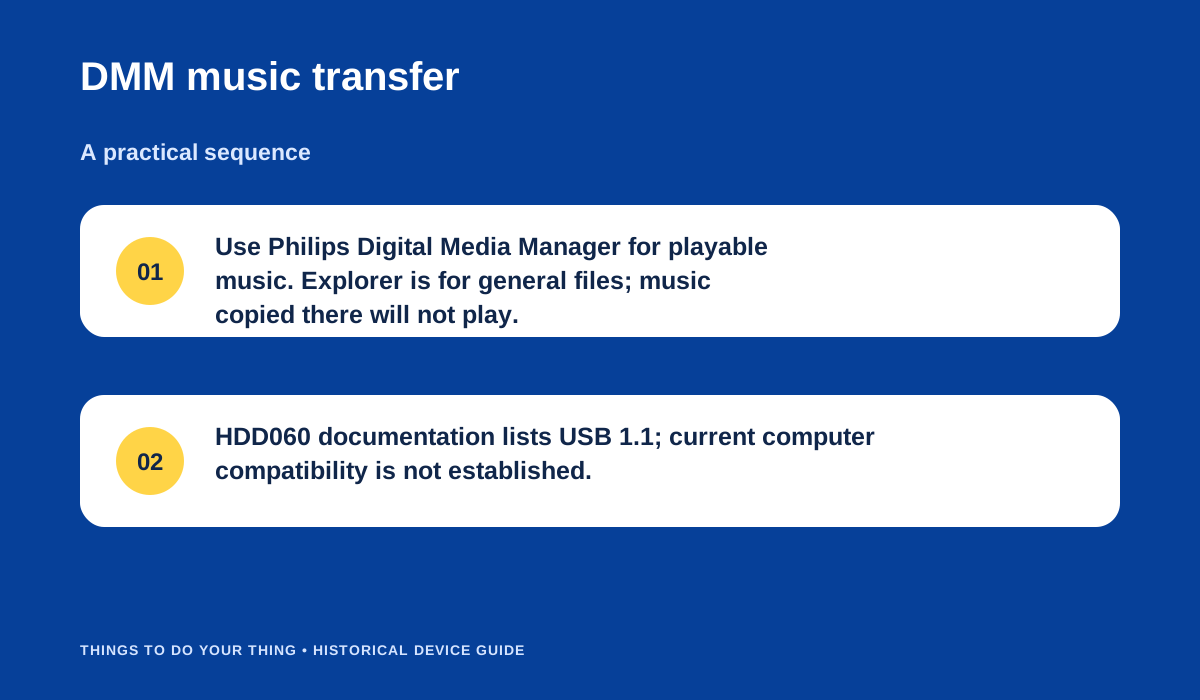
Philips Digital Media Manager is the documented route for playable music; Explorer is for general files. Original editorial diagram based on the HDD060 manual.
What you need
- The HDD060 and a known-good charging adapter for the exact unit.
- A data-capable USB cable that fits the player and computer.
- The original Philips DMM installer or a verified copy of the supplied software, if using the documented music-library route.
- MP3 or WMA files within the documented ranges.
Transfer playable music
- Charge the player with its supplied charger. The manual gives a full-charge range of roughly 2.5–4 hours.
- Install Philips Digital Media Manager on the computer before connecting the player, following the supplied installation instructions.
- Connect the HDD060 by USB and open DMM. Organize the tracks in DMM and use its transfer function to load them onto the player.
- Wait until transfer activity is complete, then disconnect using the documented software/hardware removal procedure.
- If you only need general storage, Windows Explorer can access the player as an external disk. Do not put music there expecting it to appear in the player’s music library.
A contemporary Tweakers review reported about 8.5 hours of playback at its stated settings; that is one reviewer’s test of a period unit, not a promise for an aged battery. (Tweakers review)
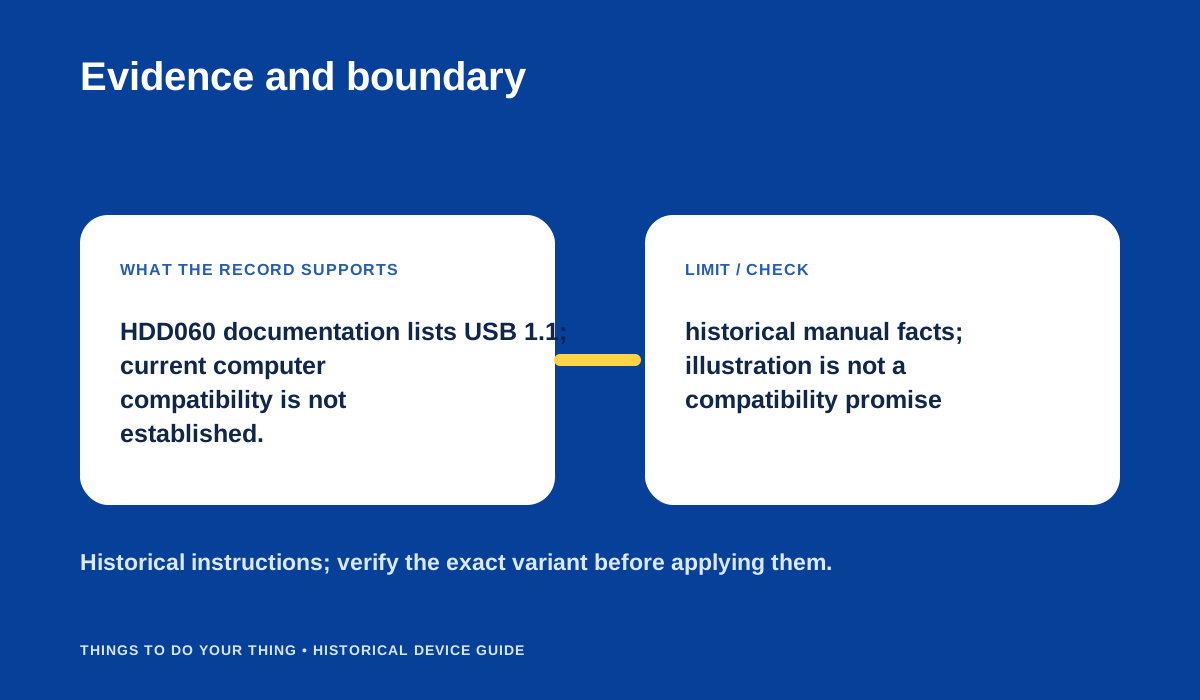
USB 1.1 is documented; present-day computer compatibility is not.
What works today
The cited sources describe the original DMM and period PC workflow. They do not establish present-day Windows or macOS compatibility, present DMM availability, current USB-adapter behavior or the condition of a surviving HDD060. No current host or device was tested. If DMM cannot see the unit, verify the cable and exact suffix, then consult the manual-finding guide rather than installing an unverified package.
Sources & image credits
Sources
- D01-S1 Philips HDD060 User Manual — pp. 3–4 (charging and DMM music transfer); p. 10 (external hard disk behavior); pp. 24–25 (formats/specs/power).
- D01-S2 Philips HDD060 Service Manual — pp. 1–2, especially p. 1 lines/spec table: USB 1.1 transfer, MP3/WMA rates, DMM vs Explorer, AC/battery and accessories; p. 2 quick start.
- D01-S3 Philips hdd060 MP3-speler review — Transfer section (DMM and USB 1.1 use); battery test section, lines 316–325 (reviewer states tested battery conditions and result).
Image credits
- D01-I-HERO — AI-generated illustration created because a photograph with verified publication rights was not available. Details may differ from the original device. Reference photographs (private visual references, not publication assets): Philips-Hdd060.html; philips-hdd060-mp3-speler-review.html.
- D01-I-DIAG-TRANSFER — USB 1.1 is documented; present-day computer compatibility is not. — Things To Do Your Thing editorial diagram. Evidence: Philips HDD060 User Manual. Evidence: Philips HDD060 Service Manual. Rights basis: original explanatory vector artwork recorded in the image ledger.
- D01-I-DIAG-CHECK — USB 1.1 is documented; present-day computer compatibility is not. — Things To Do Your Thing editorial diagram. Evidence: Philips HDD060 Service Manual. Rights basis: original explanatory vector artwork recorded in the image ledger.