Sony D-NE1: Identification, Media and Using It Today
The Sony D-NE1 is a portable CD player that reads audio CDs and compatible recordable discs containing ATRAC or MP3 files. Unlike a flash player, it does not receive music files over USB: Sony’s documented ATRAC workflow creates a disc on a computer with CD-writing hardware and SonicStage Simple Burner. The original software’s present-day availability and compatibility are not established by these sources. (D-NE1 Operating Instructions, pp. 5–7; Sony specifications)
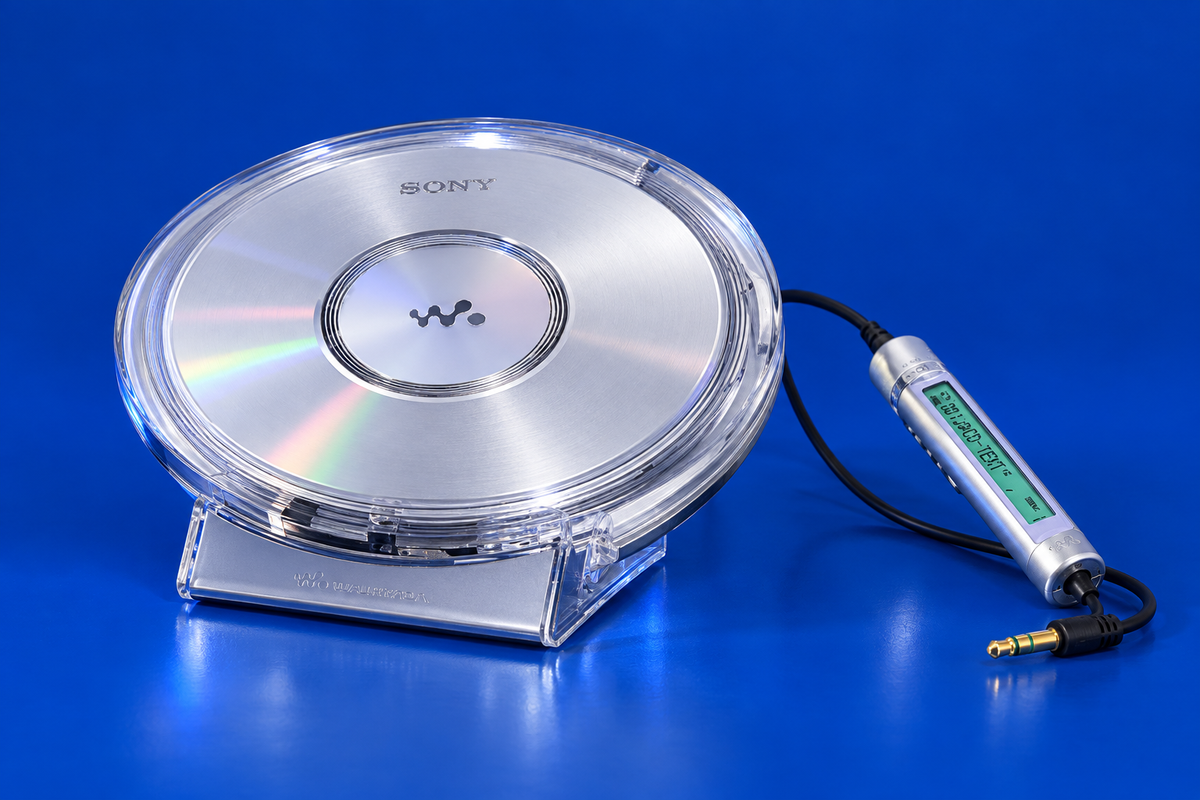
AI-generated illustrative reconstruction of the Sony D-NE1; details are approximate and this is not a documentary photograph. Private visual references used for product geometry only: Obsolete Sony archive and AV Watch Sony report. The references are not republished assets or claimed as licensed.
Disc types and limits
The manual gives separate rules for the two data-disc families:
| Disc content | Documented structure and limits |
|---|---|
| ATRAC3plus/ATRAC3 | ISO 9660 Level 1 or 2, or Joliet; up to 255 groups and 999 files |
| MP3 | 16–320 kbps; 32, 44.1 or 48 kHz; VBR supported; up to 100 groups, 400 files and eight directory levels |
The player’s supported range depends on how the disc is authored. For ATRAC discs, Sony’s manual directs users to SonicStage Simple Burner: select source audio on the computer, create the ATRAC disc data, then burn to CD-R/RW with a writer. For MP3, organize the disc within Sony’s stated directory/file limits and use a compatible recording setup. The manual warns that CD-R/RW playback can vary with disc quality and recorder condition, so a failed disc is not automatically a player fault. (Operating Instructions, pp. 5–7; Sony specifications)
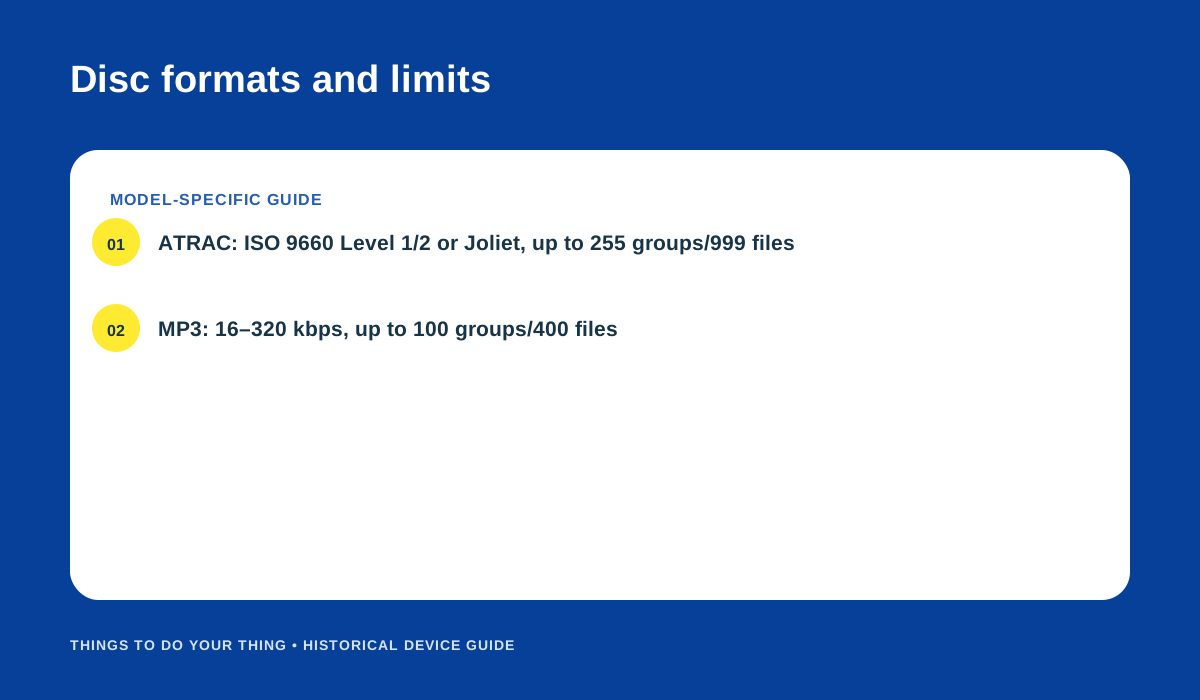
The D-NE1 manual’s separate ATRAC and MP3 limits. Original editorial diagram.
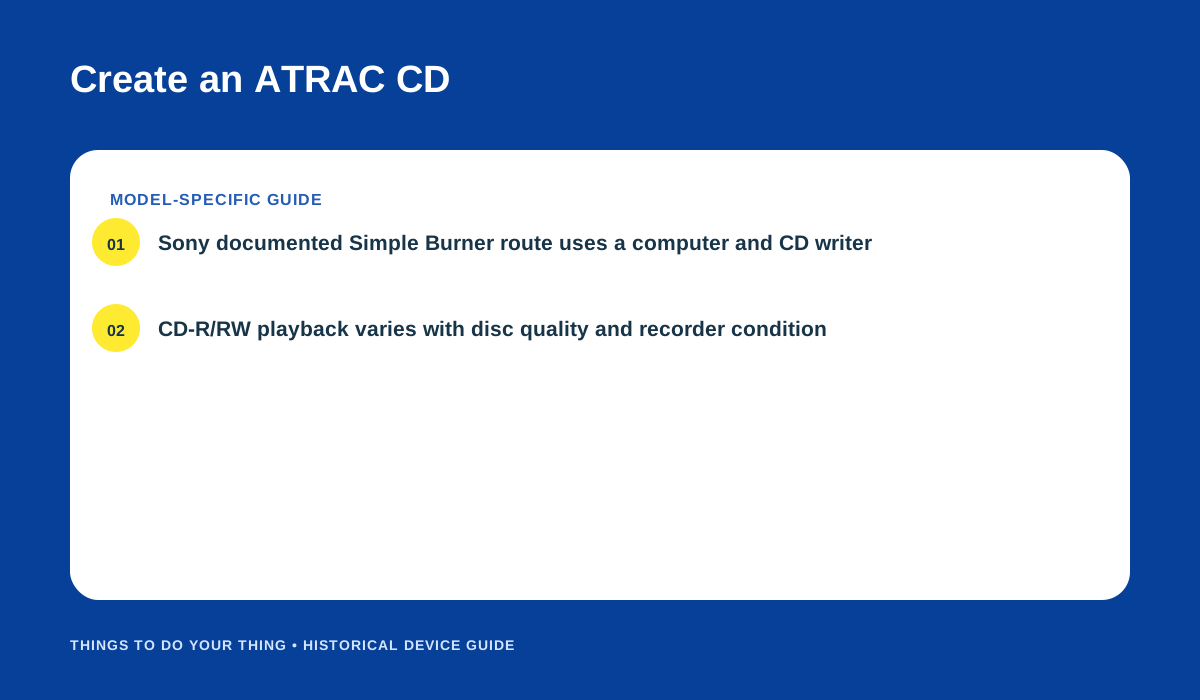
Sony’s documented computer-to-disc route and CD-R/RW caveat. Original editorial diagram.
Power options
Sony’s manual lists three power routes: the rechargeable NH-14WM(A) battery, two AA/LR6 alkaline batteries in the external battery case, or an AC adapter through the player’s DC IN 4.5 V jack. For charging, place the unit on the supplied charging stand with the marks aligned and connect the adapter as shown in the manual. Use the correct regional adapter and follow the model’s instructions; connector voltage is not a substitute for checking polarity and accessory fit. Sony’s specifications list battery-life conditions, which vary by disc and playback mode. (Operating Instructions, pp. 27–29, 36–38; Sony specifications)
If a disc will not play
Check whether it is an audio CD, ATRAC disc or MP3 disc; verify the relevant format and folder limits; and consider the quality of the blank disc and recording device. For ATRAC, use a compatible authoring workflow if the required software and operating environment are available. Do not expect the D-NE1 to mount as a USB file-storage device—the documented computer role is disc creation, not file transfer into the player.
Sources
- Sony D-NE1 Operating Instructions, pp. 5–7, 27–29, 36–38.
- Sony D-NE1 Specifications.
- Sony D-NE1 Manuals.
Image credits
- AI-generated illustration made for this article. Exact-model private references used for geometry only: Obsolete Sony archive and AV Watch Sony report. Details are approximate; references are not published assets or claimed as licensed.
- “Disc formats and limits” and “Create an ATRAC CD”: original editorial diagrams based on Sony’s D-NE1 manual.