Nikon Coolpix 3200: Memory Cards and Photo Transfers
The COOLPIX 3200 is Nikon’s 2004 E3200 compact camera, not the later COOLPIX S3200 or DSLR D3200. Nikon lists a 3.2-effective-megapixel image sensor, 1.6-inch 80,000-pixel screen and 38–115mm-equivalent 3× zoom. It saves images to removable SD memory cards or its built-in memory; with a card inserted, new photos go to the card. A contemporary launch notice lists 14.5 MB of built-in flash, so a card is the practical place for a larger photo batch. (DPReview launch announcement; Nikon product history; reference manual, p. 10)
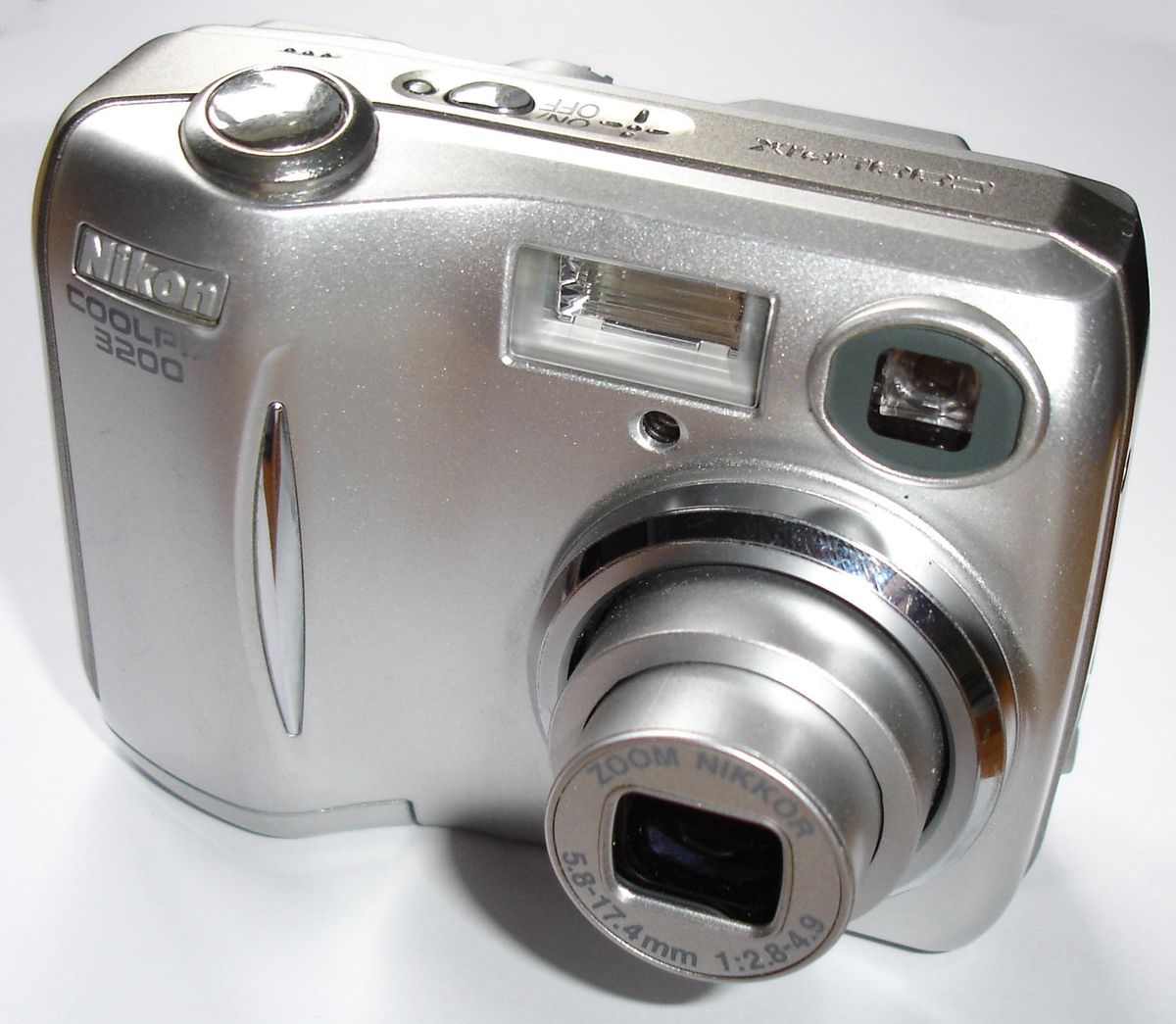
Silver Nikon COOLPIX 3200 compact camera in a close front three-quarter view. Bluemoose~commonswiki, CC BY-SA 2.0, via Wikimedia Commons.
Which card is a cautious choice?
Nikon’s manual calls for an SD memory card and gives a model-tested list: named SanDisk and Toshiba cards through 256 MB and Panasonic examples through 512 MB. A later Kingston compatibility listing gives the COOLPIX 3200 one SD/MMC slot and lists capacity up to 1 GB. These are different kinds of evidence: treat Nikon’s named cards as the conservative period reference and Kingston’s 1 GB as vendor guidance, not Nikon approval. Neither source confirms SDHC or SDXC support, so do not buy those formats on the assumption that capacity alone guarantees recognition. (Nikon manual, pp. 97–98; Kingston compatibility listing)
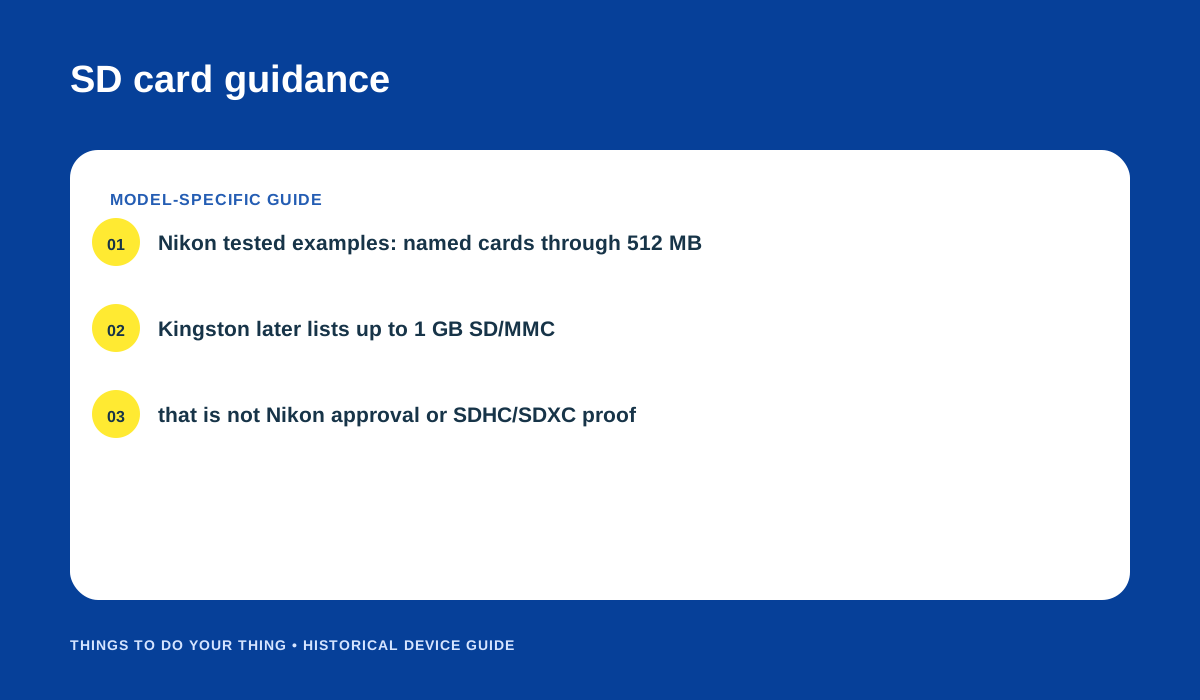
Nikon’s listed cards and Kingston’s later capacity guidance are not equivalent approvals. Original editorial diagram.
Get pictures onto a computer
Choose the route that matches where the photographs are stored:
- If using internal memory, copy the pictures to the SD card first. Remove the card, turn off the camera, and use the Playback Menu’s Copy command to move selected or all pictures between internal memory and the card. Then put the card in a compatible SD reader. This avoids relying on old computer software, but present-day reader or phone compatibility is not established by the camera manual.
- For a direct camera connection, use the documented Nikon View route. Install Nikon View before connecting. Use the supplied UC-E6 USB cable, select PTP or Mass Storage according to the manual’s period operating-system table, connect directly to the computer rather than through a hub, and then turn the camera on. Nikon’s instructions describe older Windows and Mac versions; they do not establish that Nikon View or the camera will be recognized by a current computer.
The camera uses AA-size batteries. The setup menu lets you identify alkaline AA, rechargeable EN-MH1 NiMH AA or CR-V3/lithium battery use; setting the type correctly helps the camera display power status as intended. For a transfer session, start with adequate power and do not disconnect while files are being copied. (Nikon manual, pp. 54–56, 80–81, 105)
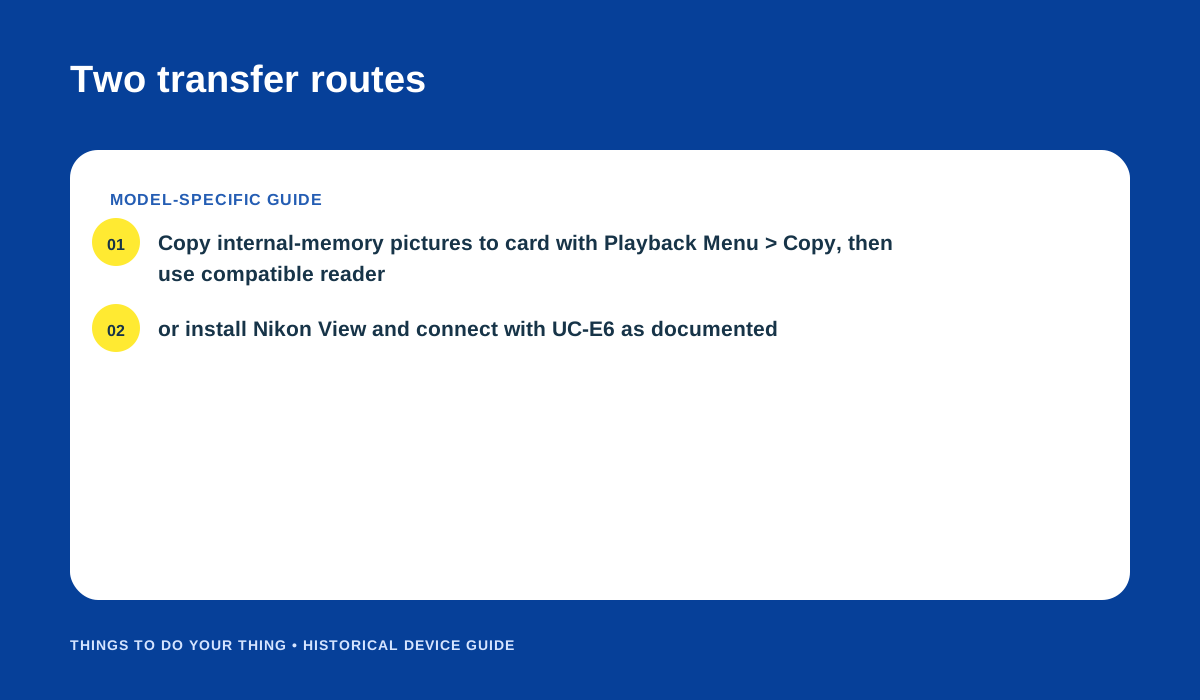
Internal-memory copy-to-card route and Nikon View/UC-E6 route from the Nikon manual. Original editorial diagram.
If the pictures do not appear
First check whether the image was saved to the card or internal memory: remove the card to view internal-memory pictures, or reinsert it to view card pictures. If relying on USB, confirm Nikon View was installed before the camera was connected and follow the correct period PTP/Mass Storage instructions. If those older steps do not work on a current host, use a compatible card reader instead; modern host compatibility remains unknown. Keep the card’s exact SD type in mind, since the available sources do not verify SDHC or SDXC support.
Sources
- Nikon COOLPIX 3200/2200 Reference Manual, pp. 10, 54–56, 80–81, 97–98, 105.
- Nikon product history: COOLPIX 3200.
- Kingston COOLPIX 3200 compatibility listing.
- DPReview: Nikon Coolpix 3200 and 2200.
Image credits
- Photo: Bluemoose~commonswiki, “Nikon CoolPix 3200,” CC BY-SA 2.0, unchanged, via Wikimedia Commons; license.
- “SD card guidance” and “Two transfer routes”: original editorial diagrams, based on the linked Nikon manual and Kingston listing.