iPod Mini 1st Generation: Specs, Syncing and Using It Today
The first-generation iPod mini launched as a 4 GB player in five colors. Apple identifies it as model A1051, but the second generation also uses A1051. Apple distinguishes second-generation units by capacity engraved on the back and wheel text matching the body color; the first generation was 4 GB only. (Apple model identification; Apple launch announcement)
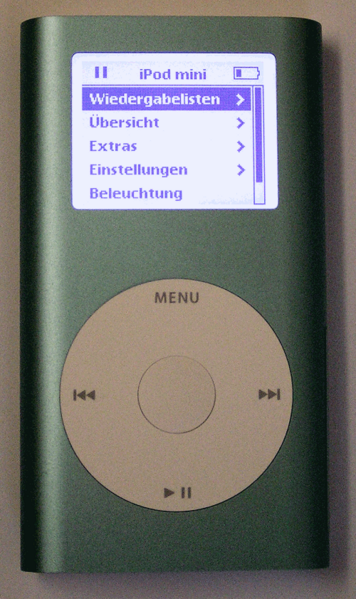
An iPod mini photographed in August 2004, before the second-generation model appeared. Photo credited to Martin Steiger in the Commons description; CC0 1.0 via Wikimedia Commons.
Specs and original connection options
The first-generation mini syncs over its 30-pin dock connector using FireWire or USB 2. Apple’s specifications list a three-hour full-charge time and the original software/host requirements. Those requirements describe the product’s launch era; they do not prove a current computer will recognize it. (Apple technical specifications)
| Connection | Historical role |
|---|---|
| FireWire through dock connector | Sync and charge |
| USB 2 through dock connector | Sync and charge when used with the supported cable/host |
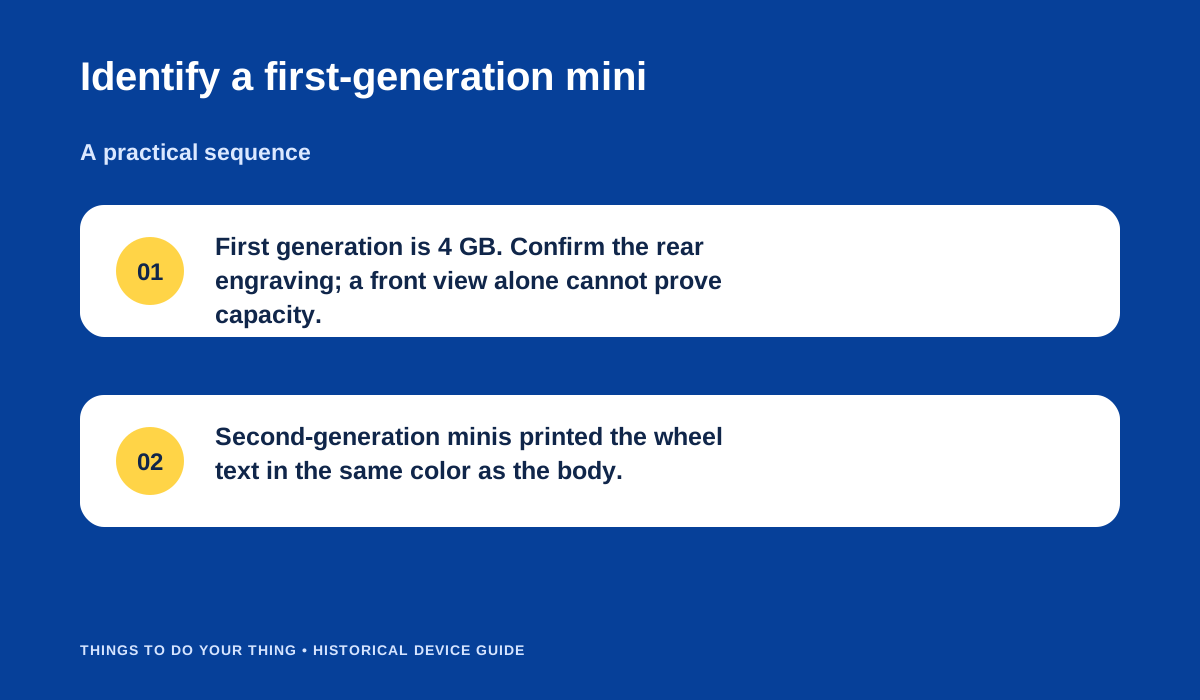
Identify a first-generation mini.
Sync music
- Confirm it is the 4 GB first-generation model; distinguish it from the second generation by its back and wheel markings.
- Connect the dock cable to a documented FireWire or USB 2 host and use compatible iTunes software.
- Add supported audio—Apple lists AAC, MP3 (including variable bit rate), Audible, AIFF on Mac and WAV—then allow the library sync to complete.
- Eject the iPod in the music software or operating system before unplugging. The manual-era source describes synchronization, not general drag-and-drop music playback.
A period Macworld review describes the device in its original context; it cannot confirm the condition of an individual aged battery or storage. (Macworld review)
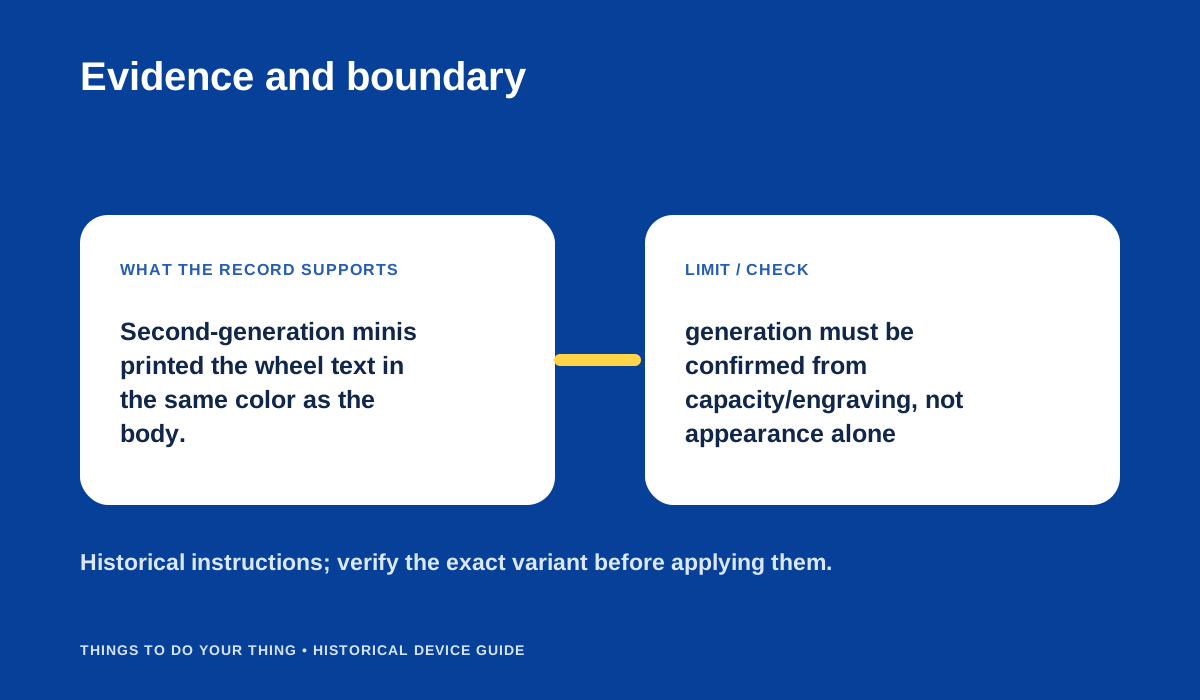
Evidence and boundary.
What remains unknown
No current host test is documented here. Cable, battery, hard drive and surviving software may affect a specific unit; inspect and back up an old device before relying on it. Do not infer modern support from its historic FireWire/USB 2 specification.
Sources & image credits
Sources
- D07-S1 Identify your iPod model — Lines 364–397: original A1051/4 GB/January 2004 and second-generation distinctions.
- D07-S2 iPod mini and iPod mini (Second Generation) Technical Specifications — Top comparison table and “iPod mini 4GB (First Generation)” section, lines 16–34, 45–107, 206–209.
- D07-S3 Apple Introduces iPod mini — Announcement lines 33–43: design/colors, sync/charge, Auto-Sync, 4GB and included USB/FireWire accessories.
- D07-S4 iPod mini (2004) review — Review sections on dimensions/capacity and accessory compatibility, lines 123–134.
Image credits
- D07-I-HERO — An iPod mini photographed in August 2004, before the second-generation model appeared. Photo credited to Martin Steiger in the Commons description; CC0 1.0 via Wikimedia Commons. Photo credited to Martin Steiger in the Commons description; CC0 1.0 via Wikimedia Commons file page. No changes.
- D07-I-DIAG-TRANSFER — Identify a first-generation mini. — Things To Do Your Thing editorial diagram. Evidence: Identify your iPod model. Evidence: iPod mini and iPod mini (Second Generation) Technical Specifications. Evidence: Apple Introduces iPod mini. Rights basis: original explanatory vector artwork recorded in the image ledger.
- D07-I-DIAG-CHECK — Evidence and boundary. — Things To Do Your Thing editorial diagram. Evidence: Identify your iPod model. Evidence: iPod mini and iPod mini (Second Generation) Technical Specifications. Rights basis: original explanatory vector artwork recorded in the image ledger.