Creative Zen Micro: File Transfers, Software and Compatibility
This guide covers the Creative Zen Micro described by its User Guide. Its stock firmware supports MP3 and WMA, including WMA DRM 9, with documented bitrates up to 320 kbps. The manual lists USB 1.1 and USB bus power; neither specification confirms present-day host compatibility or battery condition. (Creative Zen Micro User Guide, pp. 7, 23–26, 63–64)
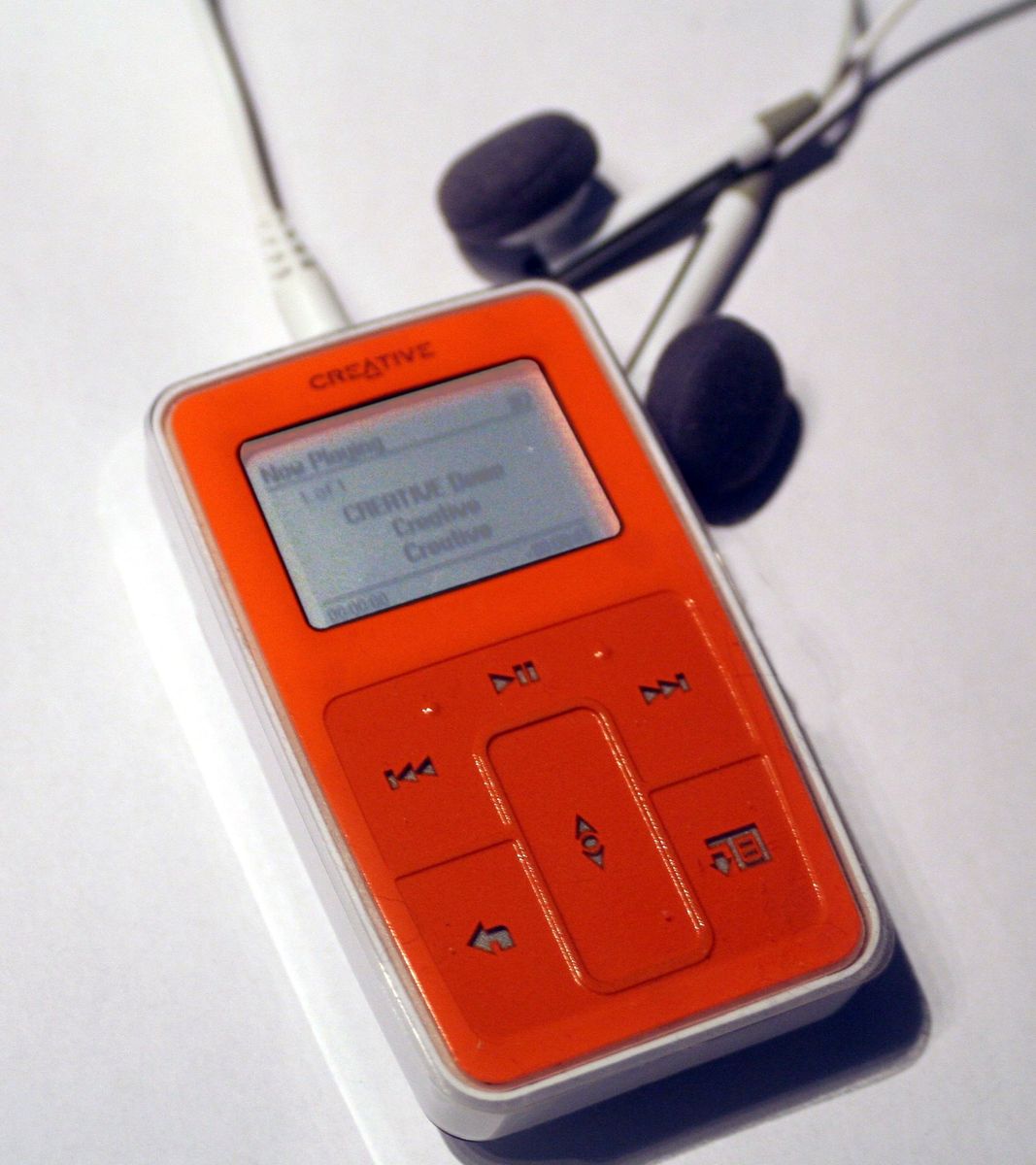
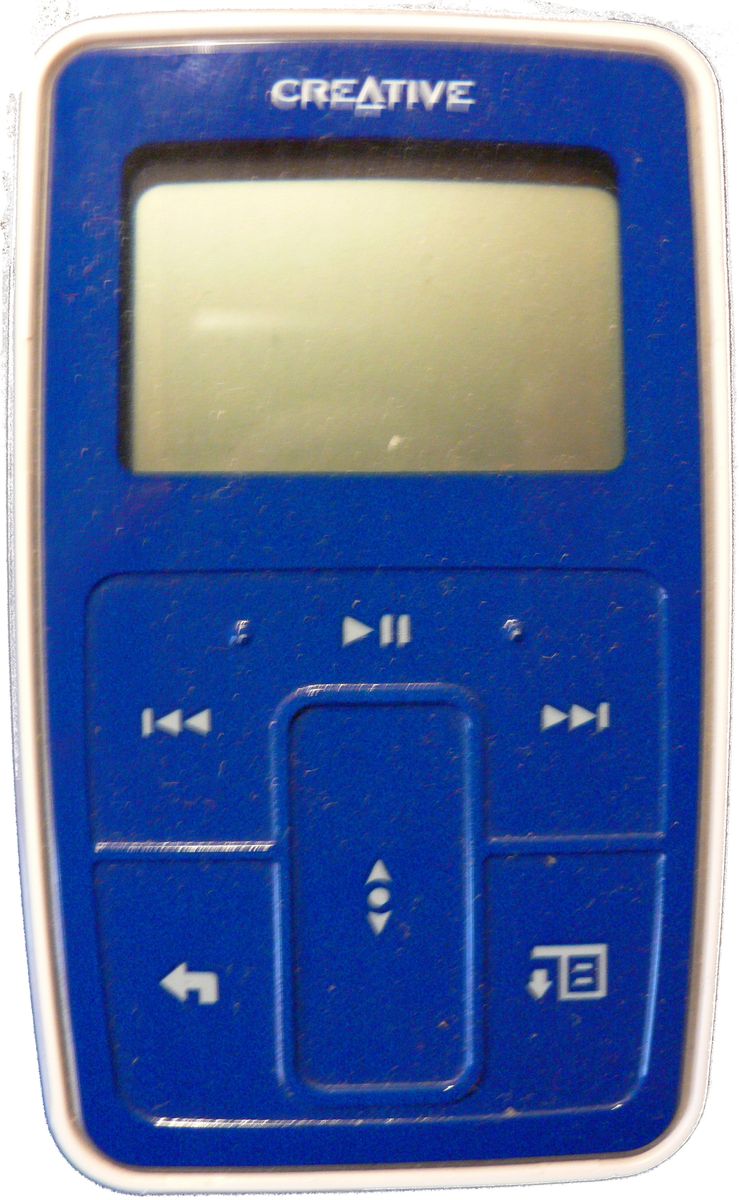
Creative Zen Micro photo by Electricmoose; color balance/brightness by Rugby471, dedicated to the public domain, via Wikimedia Commons.
Transfer music with the supplied software
- Install the supplied Creative MediaSource software in its documented environment, then connect the player with its USB cable.
- Use MediaSource’s library/transfer tools to add supported files. WMA DRM-protected content depends on the original licensing/software environment; ordinary unprotected files are the simpler archival choice.
- Wait until the player displays Docked and the activity has stopped. Use the software/operating-system eject command; disconnect only when the Docked display is inactive.
The guide describes this as the managed music path. If the player appears connected but transfers stall, wait for activity to finish and use eject before unplugging; do not pull the cable during writes. (Creative Zen Micro User Guide, pp. 23–26)
Attribution: Sebyx, CC BY-SA 3.0, via Wikimedia Commons.
Removable-disk mode is separate
The player can also expose user-allocated storage as a removable disk, but that mode and space allocation must be configured. A contemporary Register review describes setting aside disk space for this purpose. It is not the same as the MediaSource music library; files copied there are general storage. Check the player’s available-space setting before copying and preserve a separate backup. (The Register review)
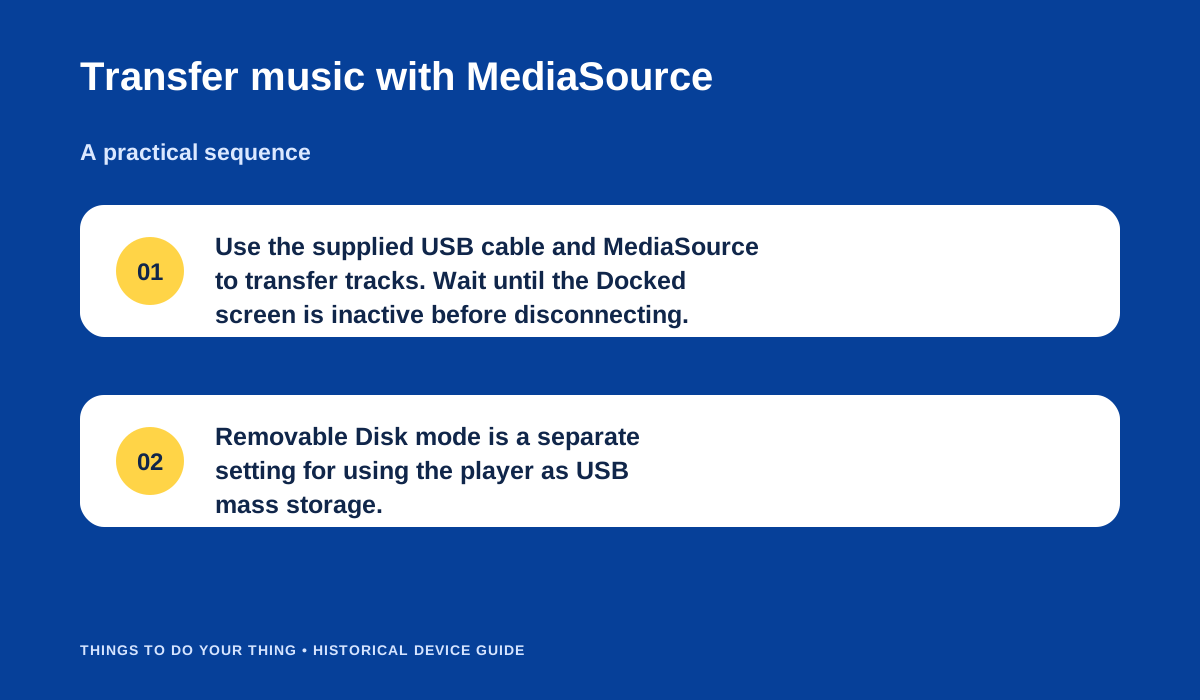
Creative’s documented MediaSource transfer and separate Removable Disk mode.
Creative’s archived firmware/support page was not directly readable, so this guide does not prescribe an update. The user guide treats Format All and Reload Firmware as separate recovery actions; Format All erases contents, while Reload Firmware erases firmware. They are not routine transfer fixes. (Creative Zen Micro User Guide, pp. 63–64) No modern Windows/macOS compatibility has been verified. A 2005 review discusses MediaSource and Windows Media Player, but its results describe that reviewer’s period computer only. (Les Numériques review)
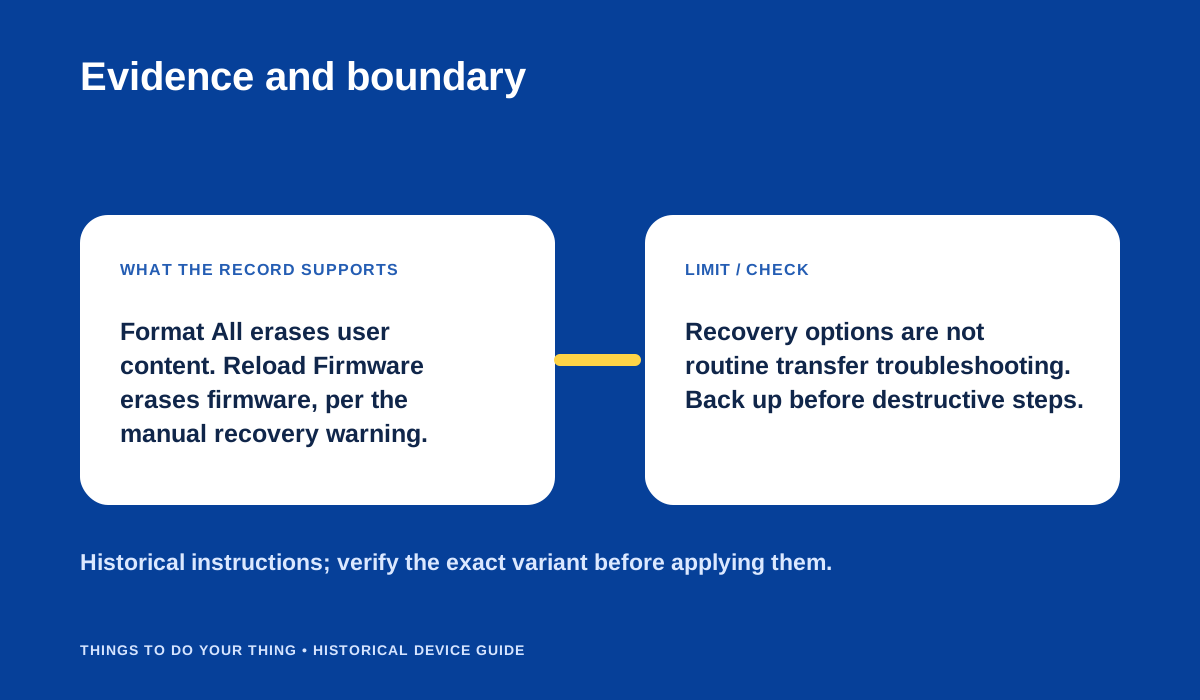
The manual distinguishes destructive recovery commands from ordinary transfer.
Sources & image credits
Sources
- D08-S1 Zen Micro User Guide — Printed pp. 7, 23-26, 63-64: USB connector, MP3/WMA transfer with MediaSource and supplied cable, disconnect after Docked screen is inactive, supported bitrate and WMA DRM9; USB 1.1 and bus power; recovery options.
- D08-S3 Creative Zen Micro 5GB music player — Lines 116-126 and 135: removable-disk mode must be enabled; disk-space allocation choices; Windows Media Player 10, Media Explorer drag-and-drop, and a reported XP software crash; USB 2.0 transfer experience.
- D08-S4 Test Creative Zen micro — Lines 101-110: Creative management tools, observed 1.9 MB/s transfer and Windows Media Player sync performance; lines 118-134: USB charging and reviewer critique.
Image credits
- D08-I-HERO — Creative Zen Micro photo by Electricmoose; color balance/brightness by Rugby471, dedicated to the public domain, via Wikimedia Commons. — Creative Zen Micro photo by Electricmoose; color balance/brightness by Rugby471, dedicated to the public domain, via Wikimedia Commons. Original: Zenmicro3. License: Public domain, released by author (PD-self). Changes: None.
- D08-I-PHOTO-2 — Attribution: Sebyx, CC BY-SA 3.0, via Wikimedia Commons. — Attribution: Sebyx, CC BY-SA 3.0, via Wikimedia Commons. Original: Zen micro. License: CC BY-SA 3.0 Unported (terms). Changes: None.
- D08-I-DIAG-TRANSFER — Creative’s documented MediaSource transfer and separate Removable Disk mode. — Things To Do Your Thing editorial diagram. Evidence: Zen Micro User Guide. Evidence: Creative Zen Micro 5GB music player. Rights basis: original explanatory vector artwork recorded in the image ledger.
- D08-I-DIAG-CHECK — The manual distinguishes destructive recovery commands from ordinary transfer. — Things To Do Your Thing editorial diagram. Evidence: Zen Micro User Guide. Rights basis: original explanatory vector artwork recorded in the image ledger.