Philips PET800: Discs, Connections and Using It Today
The Philips PET800 is a portable DVD player. Check the rear typeplate first: suffixes matter. The English manual says /17 is NTSC-only, while other covered variants support NTSC, PAL or AUTO. The specification sheet covers /00, /05, /55 and /93, not /17. (English user manual; technical specifications)
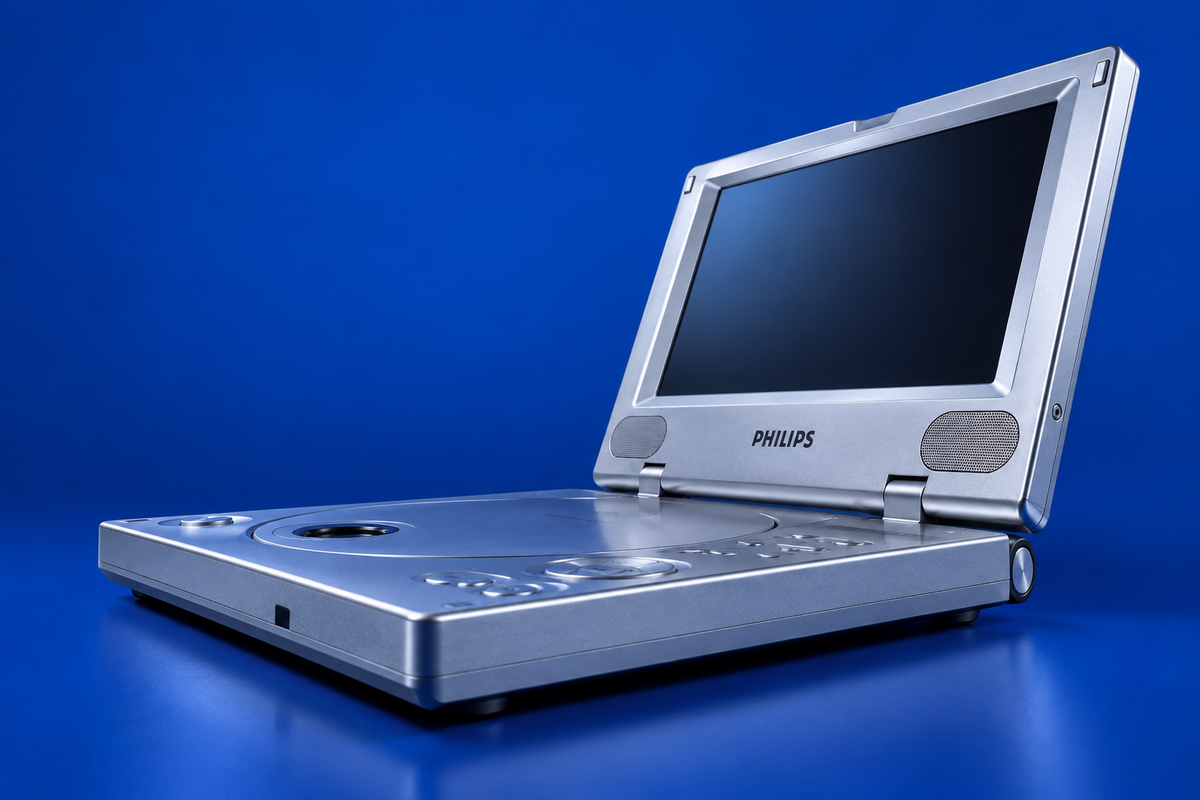
AI-generated illustration of the Philips PET800/05; fine markings may differ from a real unit.
Verified specifications
| Item | Documented detail |
|---|---|
| Display | 8-inch, 480 × 234 (specification sheet suffix group) |
| Documented media | DVD-Video, Video CD, audio CD/CD-R/CD-RW, MP3-CD and JPEG still images |
| Not established | DVD-R support is not established by the cited manuals |
| Outputs | Composite audio/video, coaxial digital audio, two headphone jacks |
| Power | Supplied AC/DC adapter, supplied car adapter or rechargeable battery pack; spec sheet lists 9 V DC input |
The manual and specification sheet disagree about charging duration: the manual gives approximately 4.5–6.5 hours from power-off and says charging is complete when the orange indicator turns off; the specification sheet lists 3.5 hours. Follow the indicator for the exact battery/unit and treat the published duration as conflicting rather than universal. (manual, pp. 9–11; specifications, pp. 1–2)
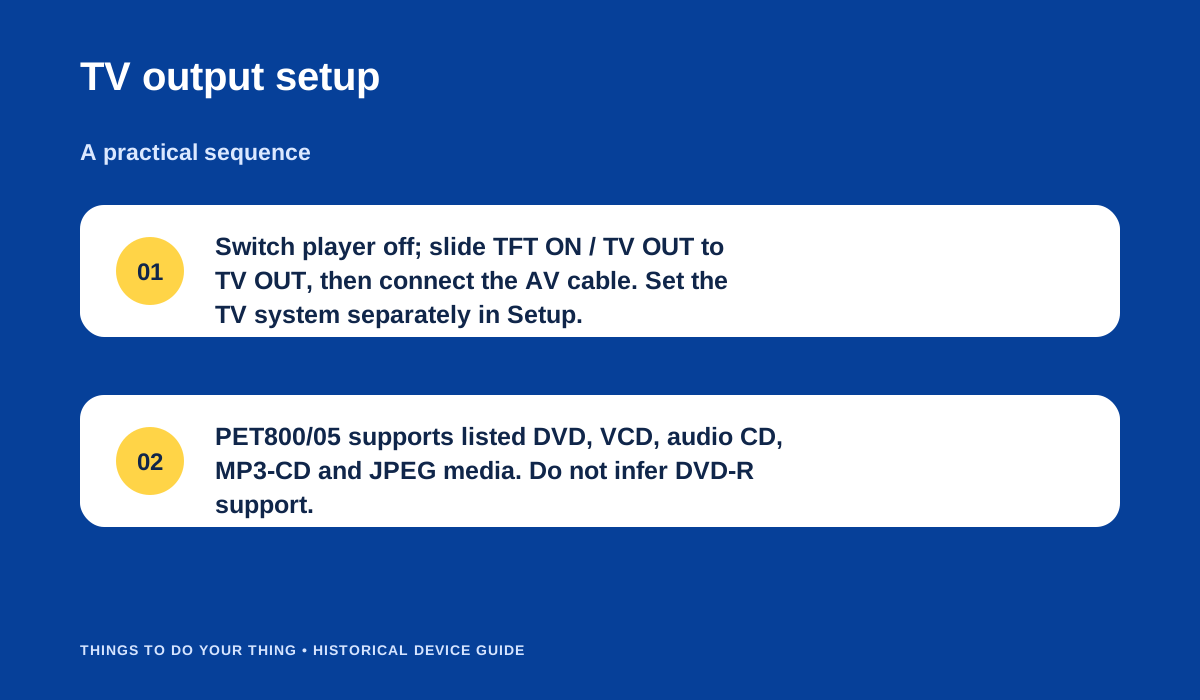
Set the TFT ON / TV OUT switch to TV OUT; select the TV system separately in Setup.
What you need
- The player, with suffix recorded from the rear plate.
- The correct Philips adapter for that regional unit, or its supplied car adapter/battery pack. Replacement-adapter suitability for an individual used player is not verified here.
- For TV playback, the supplied AV cable and a display with composite input.
Connect the player to a TV
- Switch the PET800 off before connecting.
- Move the side switch from TFT ON to TV OUT.
- Connect the supplied AV cable to the player’s AUDIO/VIDEO jack.
- Connect yellow to composite video and white/red to left/right audio on the display.
- Set the display to the matching TV system. Confirm the suffix first; /17 is NTSC-only in the manual.
- Power the player on and start the disc. The COAXIAL jack is a separate digital audio output; consult the audio receiver instructions if using it.
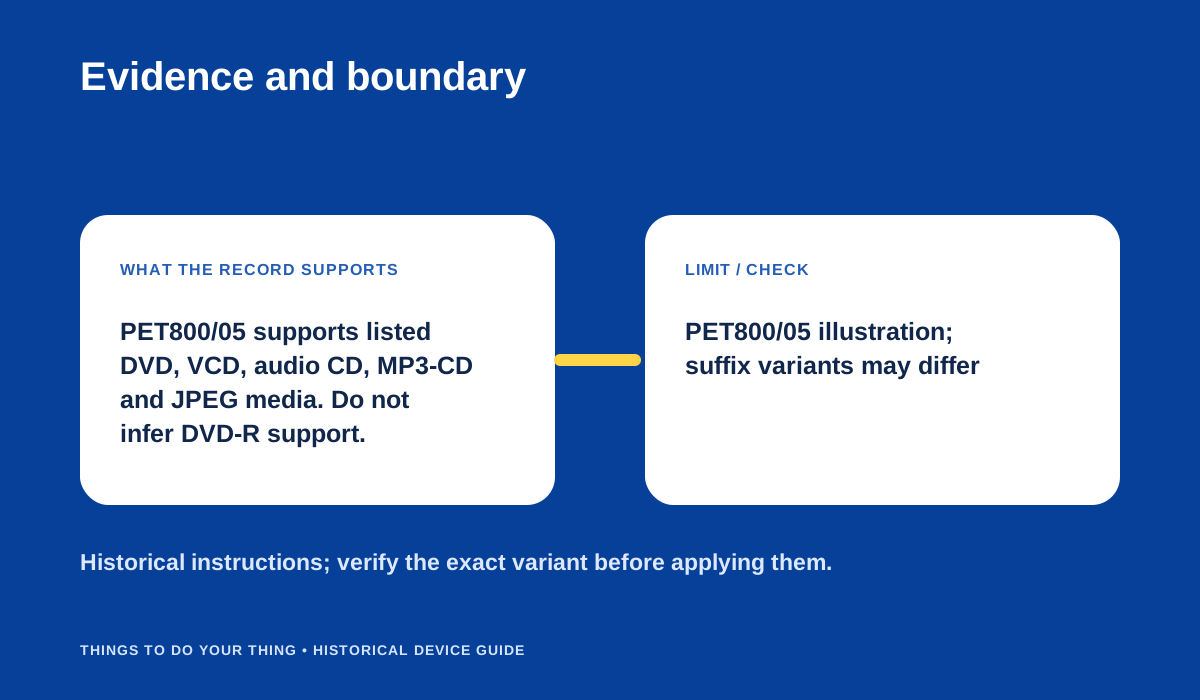
Evidence and boundary.
What works today
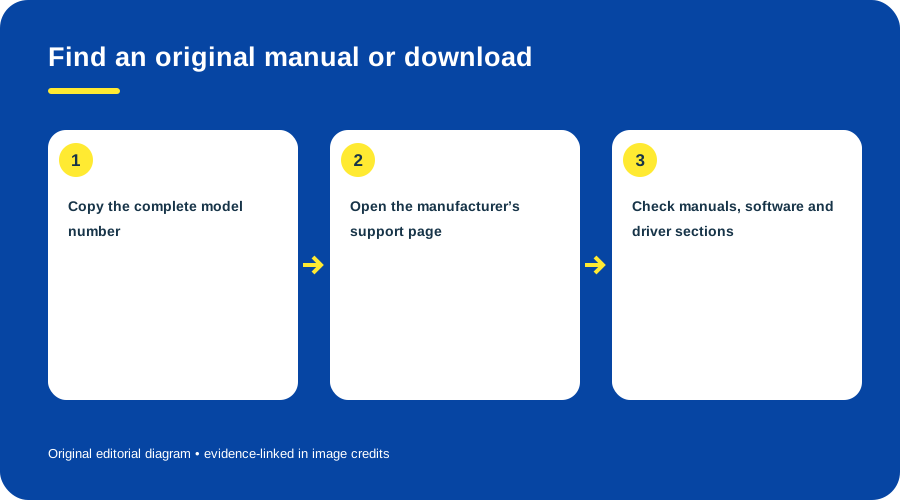
The manuals establish historical formats and connections, not the readability of a particular used disc, the health of an old battery or modern replacement-adapter compatibility. No individual PET800 was tested. Use the rear label and actual manual before buying media or power accessories. See the manual-finding guide if a required historical download is missing.
Sources & image credits
Sources
- D02-S1 PET800 User Manual (English) — pp. 3–5 playable media; pp. 9–11 power/battery, connection and TV system; product plate at rear noted p. 2.
- D02-S2 PET800 Technical Specifications (PET800/00/05/55/93) — pp. 1–2: media, connectors, battery, charging and accessories; suffix grouping on p. 1.
- D02-S3 Portable DVD Player PET800/05 product page — Product identity and disc compatibility text; Philips marks the model discontinued.
Image credits
- D02-I-HERO — AI-generated illustration created because a photograph with verified publication rights was not available. Details may differ from the original device. Reference photographs (private visual references, not publication assets): -; 7e07997c34c14ac2b86fb0c40045a437.pdf.
- D02-I-DIAG-TRANSFER — Set the TFT ON / TV OUT switch to TV OUT; select the TV system separately in Setup. — Things To Do Your Thing editorial diagram. Evidence: PET800 User Manual (English). Evidence: PET800 Technical Specifications (PET800/00/05/55/93). Rights basis: original explanatory vector artwork recorded in the image ledger.
- D02-I-DIAG-CHECK — Evidence and boundary. — Things To Do Your Thing editorial diagram. Evidence: PET800 User Manual (English). Evidence: PET800 Technical Specifications (PET800/00/05/55/93). Rights basis: original explanatory vector artwork recorded in the image ledger.