Creative MuVo TX: Formats, USB Transfers and Using It Today
This guide covers the non-FM Creative NOMAD MuVo TX described by the opened English manual and the 256 MB period reports. Confirm the label and capacity before applying its instructions; the evidence reviewed here does not establish other capacities or support-page product IDs.
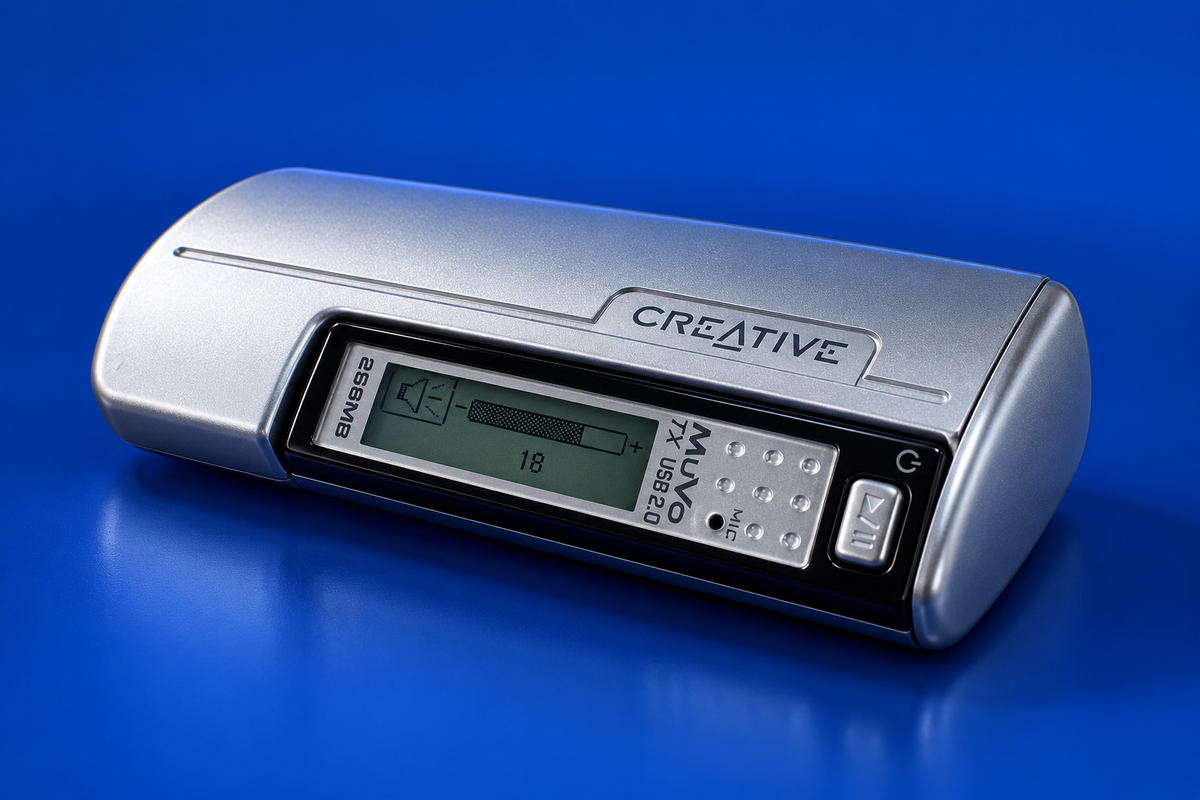
AI-generated illustration of the Creative MuVo TX (plain TX, not TX FM); fine markings may differ from a real unit.
Formats and power
The manual documents MP3 and WMA playback, including the supported protected-WMA workflow, and the player uses one AAA cell. It is flash storage, not a hard-drive jukebox. Do not assume modern formats such as AAC or FLAC are supported by stock firmware. (Creative NOMAD MuVo TX guide)
Transfer files over USB
The player/memory module has the USB plug integral to it and separates from the battery-holder housing. The module itself plugs directly into a compatible computer port. Period launch coverage describes it as USB 2.0 mass storage for drag-and-drop; Creative’s MediaSource software is an optional library route rather than a prerequisite for ordinary file copying. (The Register launch report)
- Confirm the non-FM MuVo TX label and preserve any files already on it.
- Separate the USB-equipped player/memory module from its battery-holder housing.
- Insert the module’s integral USB plug into the computer. Period coverage describes the plain 256 MB unit as USB mass storage.
- Copy supported MP3/WMA files to the removable storage, wait for writing to finish, then eject in the operating system before removing the module. Reattach the battery holder/housing afterward.
On Windows 98 SE, the guide calls for the supplied driver before formatting; that is a historical requirement. Later Windows editions were described as USB mass-storage use, but no current Windows/macOS test is recorded. Do not format unless needed and only after backup. (Creative NOMAD MuVo TX guide; CHIP test)
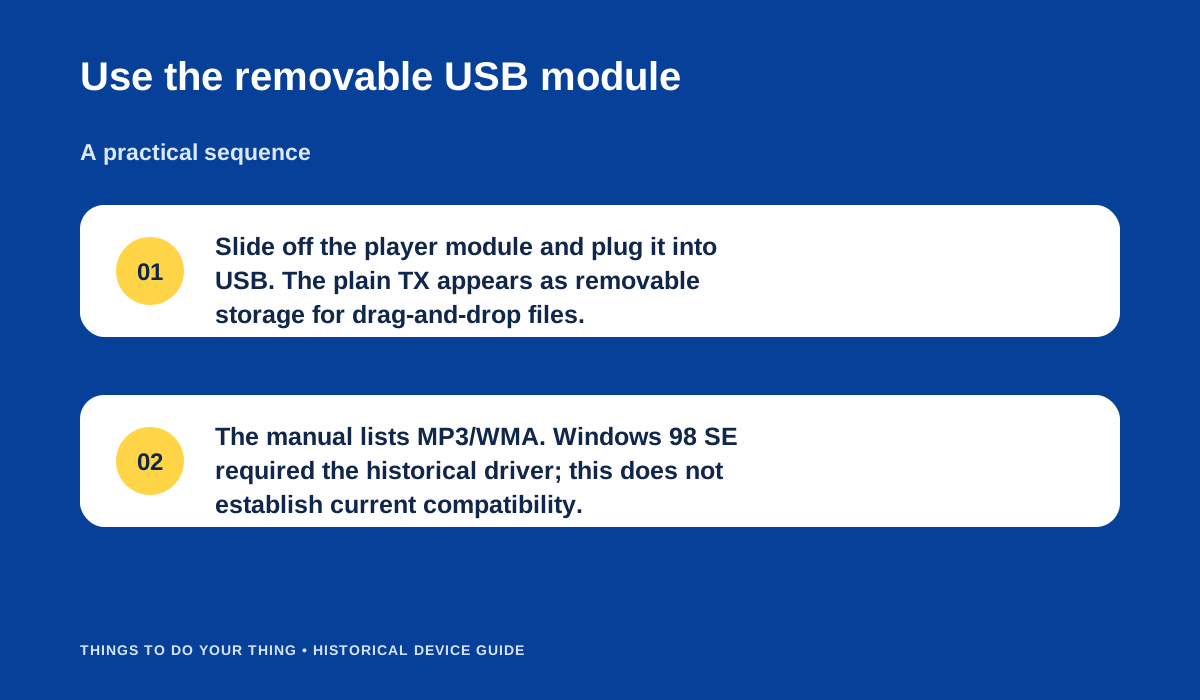
Use the removable USB module.
The built-in voice recorder and one AAA battery are period features; battery-life figures in contemporary coverage are estimates, not promises for an old unit. Use a manual that names the non-FM NOMAD MuVo TX; do not assume instructions for a similarly named model apply.
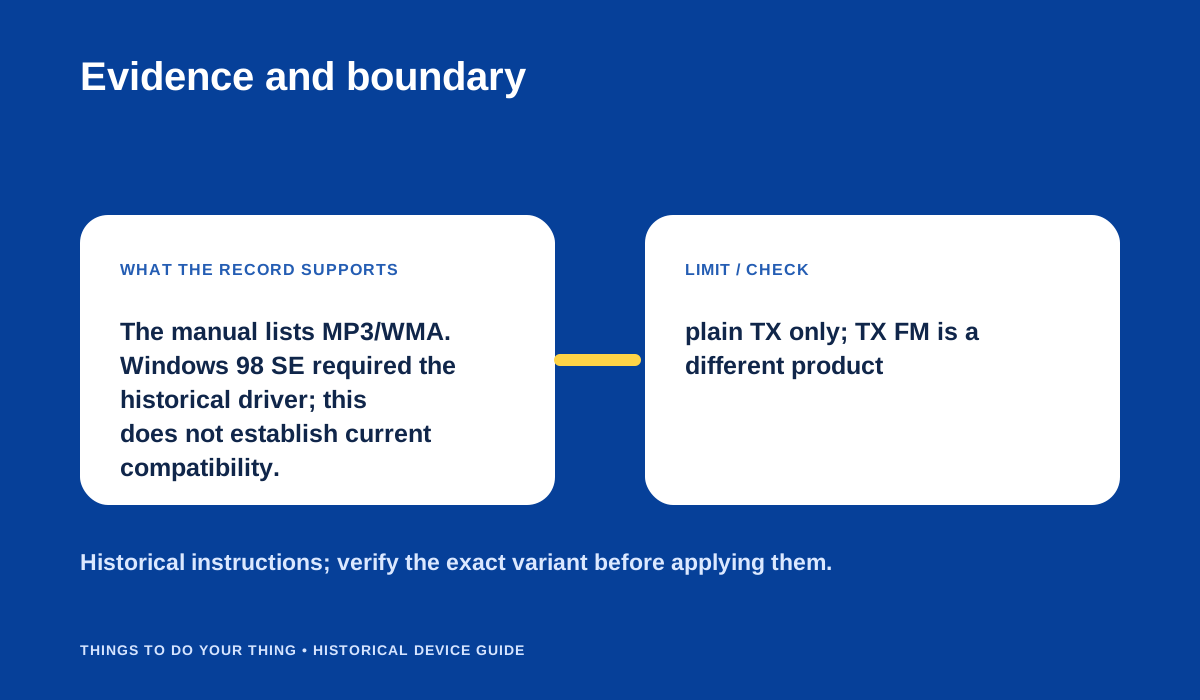
Evidence and boundary.
Sources & image credits
Sources
- D09-S1 NOMAD MuVo TX User's Guide (Creative manual mirrored by ManualsLib) — Page lines 484-520 show the original English guide header and controls; lines 637-644 summarize transfer/setup/formatting pages; line 653 identifies the WMA DRM FAQ. The English manual text is indexed in the source; several individual page URLs returned cache misses.
- D09-S3 Creative ships 256MB MuVo TX — Lines 97-106: USB mass-storage drag/drop, USB 2.0, single AAA, voice-record feature, approximate period battery statement and LCD details.
- D09-S4 MP3-Player: Creative MuVo TX USB 2.0 (256MB) — Lines 141-165: exact 256MB TX identity, flash/USB-stick combination, tested format management through Creative MediaSource, microphone/voice notes, and one-era AAA battery test claim.
Image credits
- D09-I-HERO — AI-generated illustration created because a photograph with verified publication rights was not available. Details may differ from the original device. Reference photographs (private visual references, not publication assets): 125391942488; 125391942488.
- D09-I-DIAG-TRANSFER — Use the removable USB module. — Things To Do Your Thing editorial diagram. Evidence: NOMAD MuVo TX User's Guide (Creative manual mirrored by ManualsLib). Rights basis: original explanatory vector artwork recorded in the image ledger.
- D09-I-DIAG-CHECK — Evidence and boundary. — Things To Do Your Thing editorial diagram. Evidence: NOMAD MuVo TX User's Guide (Creative manual mirrored by ManualsLib). Rights basis: original explanatory vector artwork recorded in the image ledger.