Philips KEY007: How It Works and How to Retrieve Your Photos
The Philips KEY007 is a 64 MB keychain camera with a USB plug built into its body. The family manual covers KEY007, KEY0078, KEY0079 and KEY008; check the label because folder details and accessory instructions can differ. (Philips KEY007 manual, pp. 3–4, 15–18)
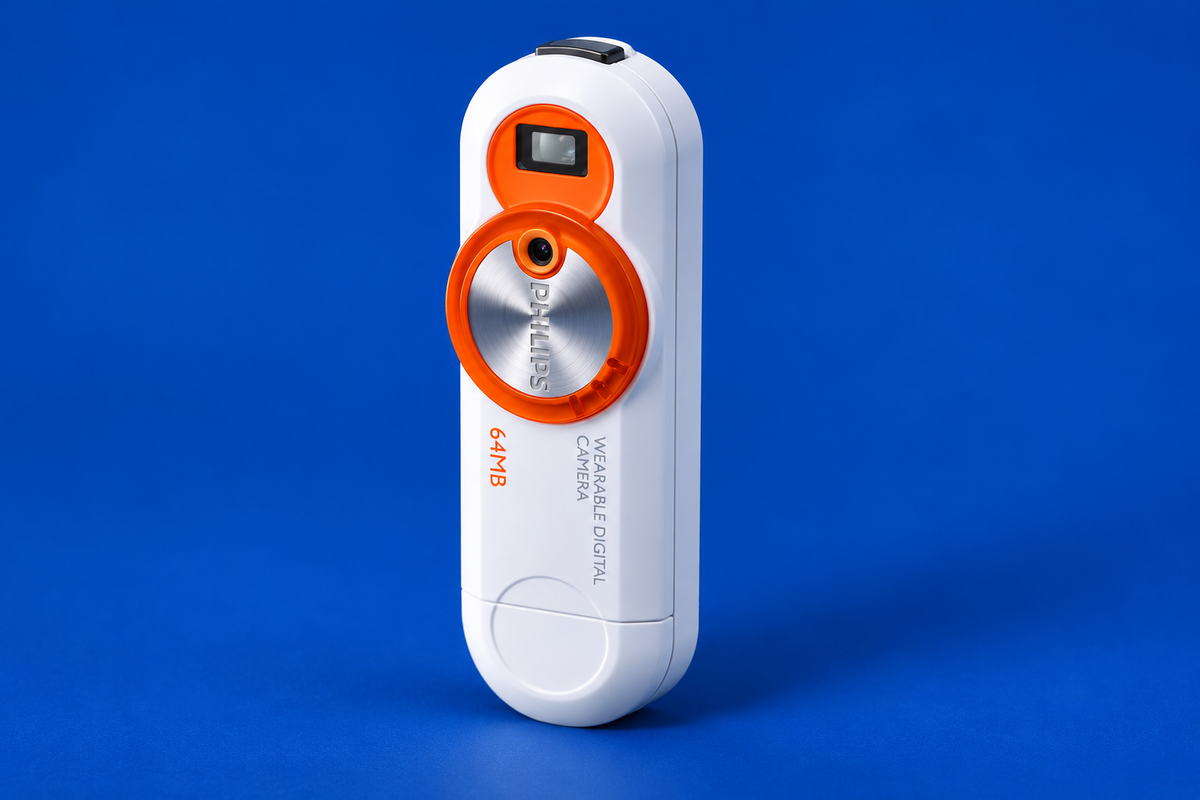
AI-generated illustration of the Philips KEY007; fine markings may differ from a real unit.
Documented specifications and limits
| Item | What the sources establish |
|---|---|
| Storage | 64 MB internal flash in the specification leaflet |
| Connection | Direct USB plug; no separate data cable needed |
| Power | Rechargeable battery; USB connection also charges it; leaflet suggests about three hours for the initial charge |
| Images | The leaflet says “1.3 megapixel output,” while the period review describes captured pictures as 640 × 480. These are not equivalent claims, and the evidence does not resolve the wording. |
Do not describe the KEY007 as a native 1.3-megapixel capture camera on this evidence. The exact file size and image quality also depend on the specific family member and settings. (Philips specifications, pp. 1–2; Gadgetspeak review)
Retrieve the photos
- Check the label for the full model code. For Windows 98/98SE, install the supplied Philips driver before plugging in the camera; the manual’s other listed Windows versions and Mac OS 9–X use mass storage without that driver step. These are historical requirements, not a promise about current operating systems. (Philips support)
- Open the built-in USB connector and plug the camera directly into the computer. The camera begins charging while connected.
- On a documented mass-storage system, open the removable disk in the file browser and look for JPEGs in the camera’s DCIM folder. Copy the files to a dated folder on the computer before deleting anything from the camera. Folder naming is variant-specific; do not assume KEY008’s layout for a KEY007.
- Open a few copied photos, then safely eject the removable disk before unplugging the camera.
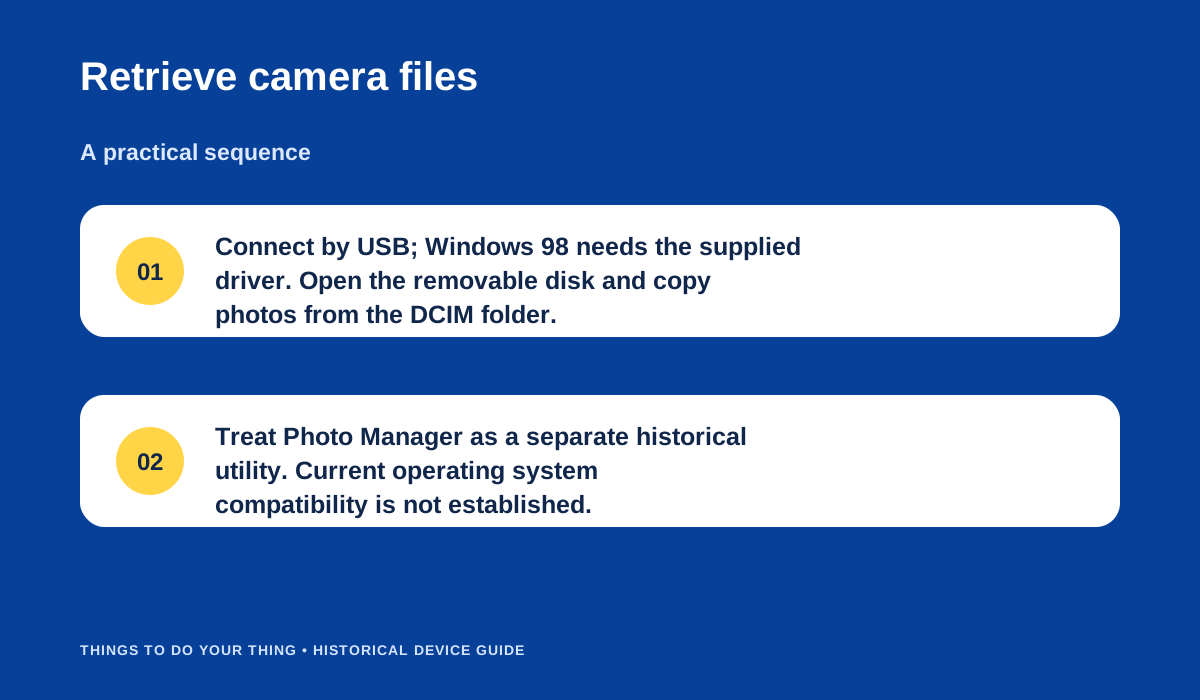
Retrieve camera files.
The Philips Photo Manager is an optional period utility, not a prerequisite for basic file retrieval when the camera mounts as a drive. Editing functions in the original package may require old software. If no removable drive appears, confirm the exact suffix and—on Windows 98/98SE—that the driver was installed first. Avoid unverified driver downloads. Current macOS/Windows recognition has not been established by these sources.
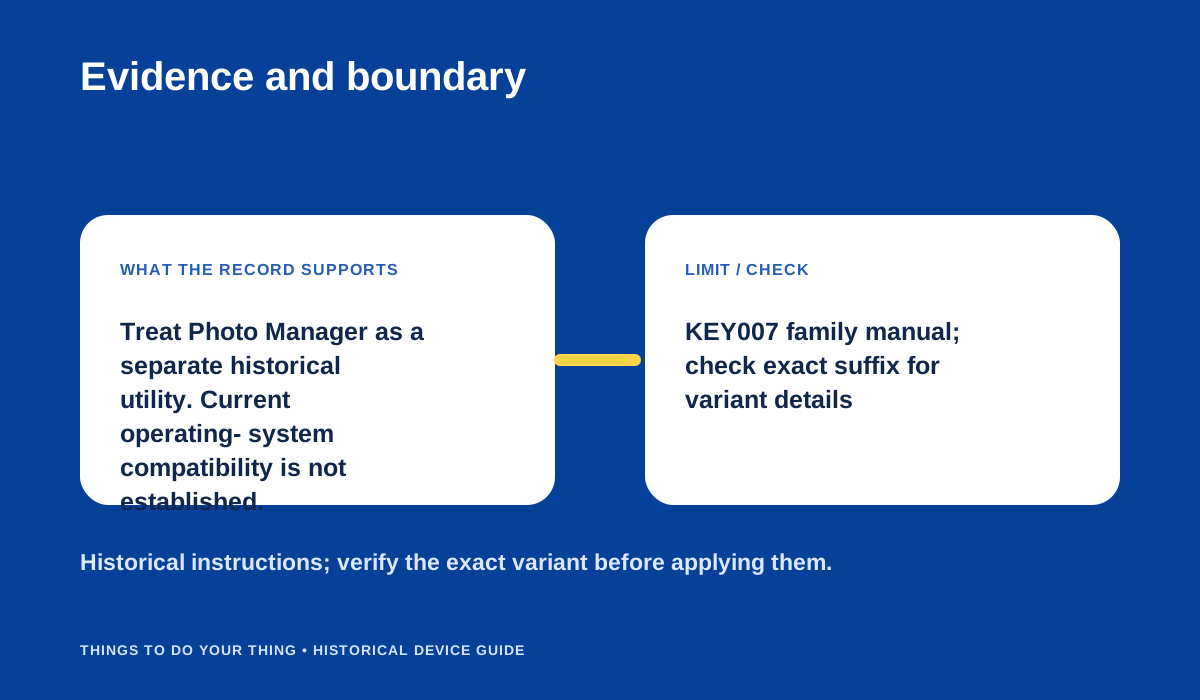
Evidence and boundary.
Sources & image credits
Sources
- D04-S1 Philips KEY007 User Manual (KEY007/0078/0079 and KEY008) — Quick-start pp. 3–4; transfer/view photos pp. 15–17; mass storage p. 18; system requirements p. 8.
- D04-S2 Philips KEY007 Specifications — pp. 1–2: 64 MB, 1.3-megapixel output, direct USB, USB charging; p. 2 copyright/date.
- D04-S3 How do I install my Philips KEY camera? — Support answer text: Windows ME/2000/XP USB mass storage; Mac OS 9-X drive icon; Windows 98 SE driver install.
- D04-S4 Philips Snap Share and Wear (Key 007) — Opening review and image-quality section.
Image credits
- D04-I-HERO — AI-generated illustration of the Philips KEY007; fine markings may differ from a real unit. — AI-generated illustration; model details are approximate. AI-generated illustration created because a photograph with verified publication rights was not available. Details may differ from the original device. Reference photographs (private visual references, not publication assets): Philips-Key007.html; philips-key007.shtml; philips-key007.shtml.
- D04-I-DIAG-TRANSFER — Retrieve camera files. — Things To Do Your Thing editorial diagram. Evidence: Philips KEY007 User Manual (KEY007/0078/0079 and KEY008). Rights basis: original explanatory vector artwork recorded in the image ledger.
- D04-I-DIAG-CHECK — Evidence and boundary. — Things To Do Your Thing editorial diagram. Evidence: Philips KEY007 User Manual (KEY007/0078/0079 and KEY008). Rights basis: original explanatory vector artwork recorded in the image ledger.