iPod 3rd Generation: Identification, Charging and Music Transfers
Apple’s third-generation iPod uses a touch-sensitive wheel with four separate buttons above it. Apple’s model-identification page lists capacities across the 10, 15, 20, 30 and 40 GB family revisions, so capacity alone does not identify the exact release. Check the model number on the back and the physical controls. (Apple model identification)
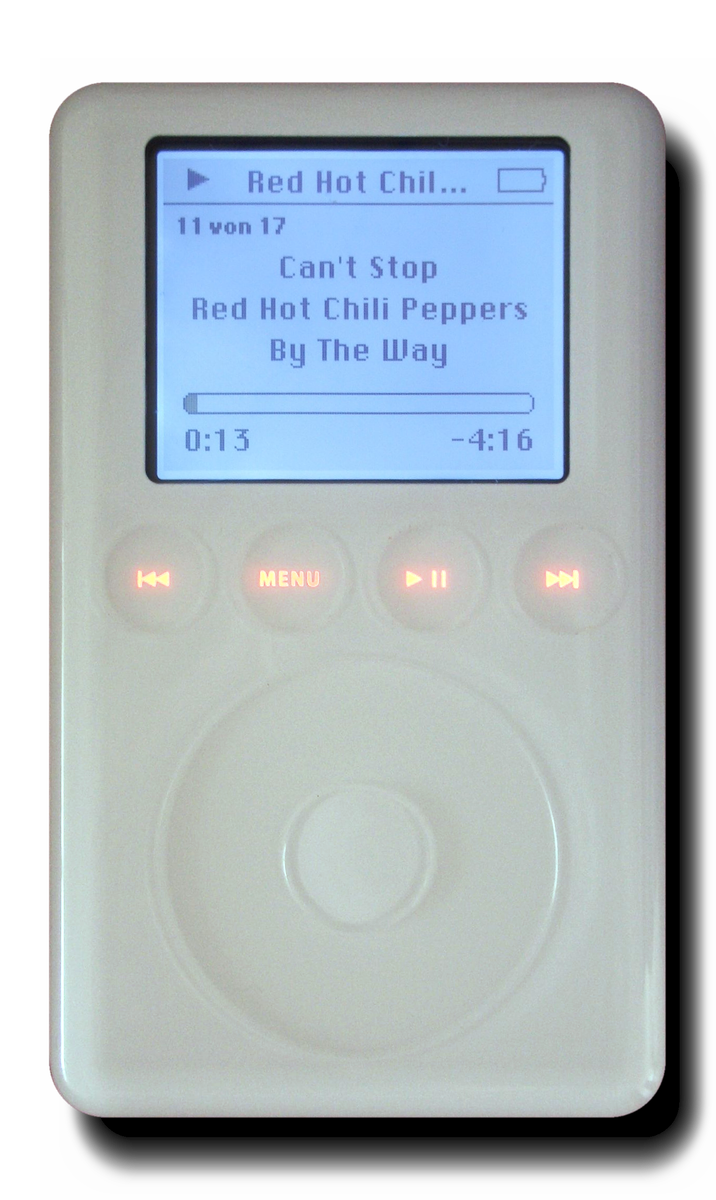
Apple iPod (3rd generation), front view showing four touch controls above the wheel. Attribution: Ilmari Karonen, derivative based on photograph by Xell, CC BY-SA 2.0 AT, via Wikimedia Commons.
Connection and charging at a glance
| Connection | Documented role |
|---|---|
| FireWire | Data transfer and charging |
| USB through the split dock cable | Data transfer; the separate FireWire lead supplied power/charging |
| USB cable alone | Do not assume it will charge this generation |
Apple’s April 2003 launch bundle included a FireWire cable and a 4-pin-to-6-pin adapter. Windows USB 2.0 synchronization was a later option requiring the appropriate cable and software. Period reviewers describe their specific systems and sample capacities; their experience is not evidence of current computer compatibility. (Apple launch announcement; Stereophile review)
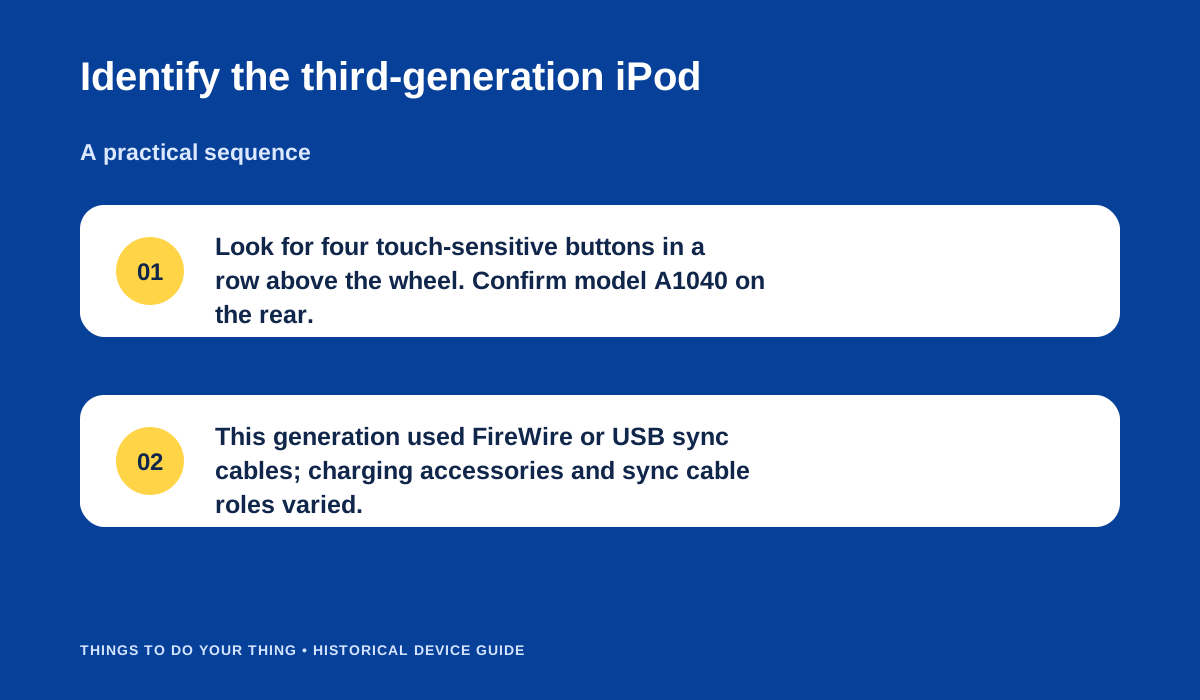
Identify the third-generation iPod.
Set up a period-style music transfer
- Identify the exact capacity/revision and check that the cable matches the iPod’s dock connector.
- For the original FireWire route, connect the iPod to a compatible powered FireWire port. That connection carries both data and charging.
- If using the split USB/FireWire cable, connect USB for synchronization and the FireWire lead to power. Do not treat a plain USB connection as a charging substitute.
- Use compatible period iTunes/iPod software to manage the library, wait for synchronization to finish, then eject before disconnecting.
The exact Apple software/host requirements belong to its period; current macOS or Windows recognition, battery condition and drive health are unverified. A unit that powers on may still need a replacement battery or storage service; these sources do not diagnose an individual device.
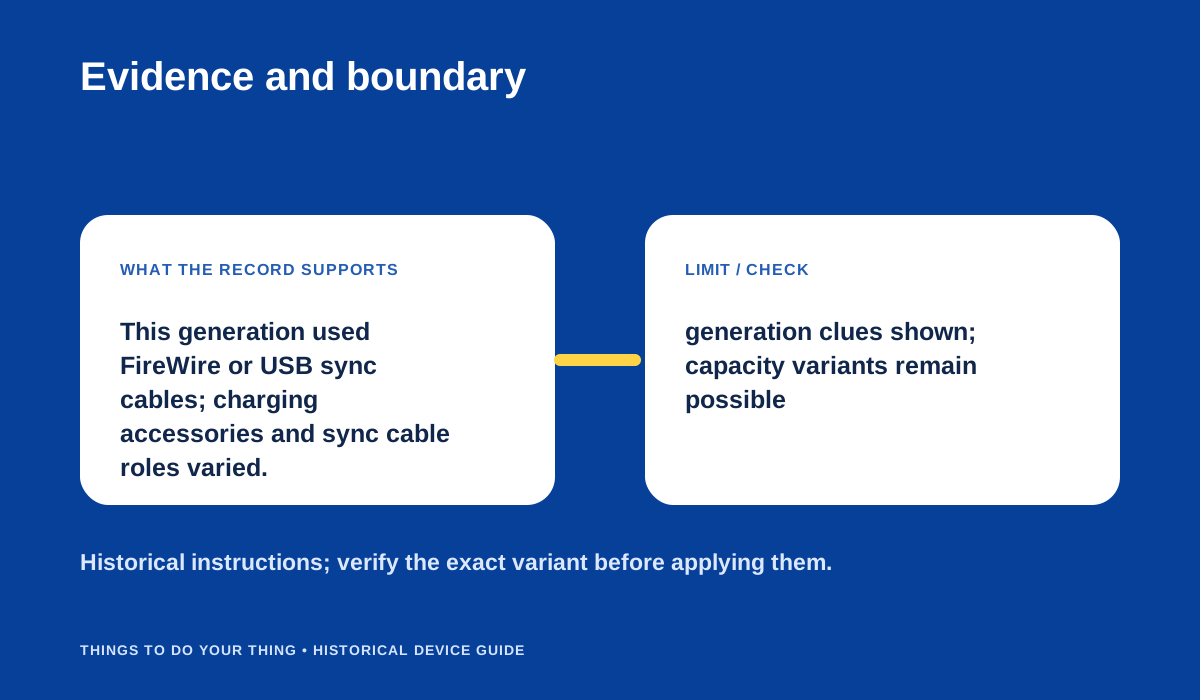
Evidence and boundary.
Sources & image credits
Sources
- D06-S1 Identify your iPod model — Lines 516–531: capacities, A1040 dates, Touch Wheel and four buttons above wheel.
- D06-S2 Apple Introduces New iPods — Announcement paragraphs 43–47: launch capacities, USB support timing, bundled FireWire cable/adapter, host requirements and software.
- D06-S3 Apple iPod portable music player — Review lines 177–187: capacities, bifurcated USB/FireWire cable, charging and connectors.
- D06-S4 Apple iPod (3rd Generation 30GB Model) Review — Product requirements and review lines 5–8, 56–71.
Image credits
- D06-I-HERO — Apple iPod (3rd generation), front view showing four touch controls above the wheel. Attribution: Ilmari Karonen, derivative based on photograph by Xell, CC BY-SA 2.0 AT, via Wikimedia Commons. — Attribution: Ilmari Karonen, derivative based on photograph by Xell, CC BY-SA 2.0 AT, via Wikimedia Commons. Original: Apple iPod (3rd generation), front view with four illuminated touch controls above the wheel. License: CC BY-SA 2.0 Austria (terms). Changes: None.
- D06-I-DIAG-TRANSFER — Identify the third-generation iPod. — Things To Do Your Thing editorial diagram. Evidence: Identify your iPod model. Evidence: Apple Introduces New iPods. Evidence: Apple iPod portable music player. Rights basis: original explanatory vector artwork recorded in the image ledger.
- D06-I-DIAG-CHECK — Evidence and boundary. — Things To Do Your Thing editorial diagram. Evidence: Apple Introduces New iPods. Evidence: Apple iPod portable music player. Rights basis: original explanatory vector artwork recorded in the image ledger.