USB and FireWire for Older iPods: Charging and Data Connections
Older iPods do not share one cable or power rule. Identify the generation and capacity, then check data transfer and charging separately.
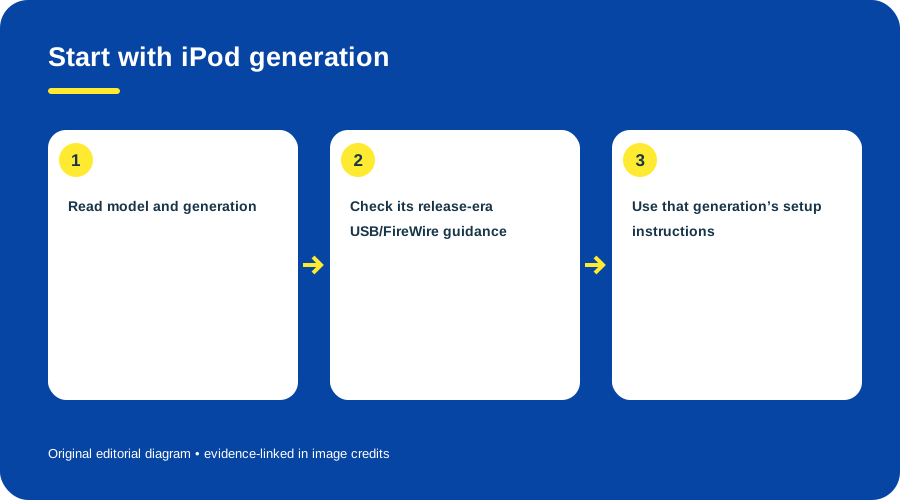
Start with iPod generation. Original diagram by Things To Do Your Thing; facts are traced to G05-S1, G05-S2, G05-S3, G05-S4.
| Evidence | Documented connection detail | Caution |
|---|---|---|
| Third-generation, April 2003 | Apple lists FireWire and USB 2.0 and period computer requirements. (Apple release) | Period requirements are not current OS guidance. |
| 20/40 GB models, September 2003 | Apple documents those models and USB 2.0/FireWire connections. (Apple release) | Accessories may vary by configuration. |
| Fourth-generation, July 2004 | Apple says syncing and charging could use FireWire or USB. (Apple release) | Applies to this announcement’s generation. |
Two documented models: data and charging are separate
| Model | USB data | FireWire data | USB charging | FireWire charging |
|---|---|---|---|---|
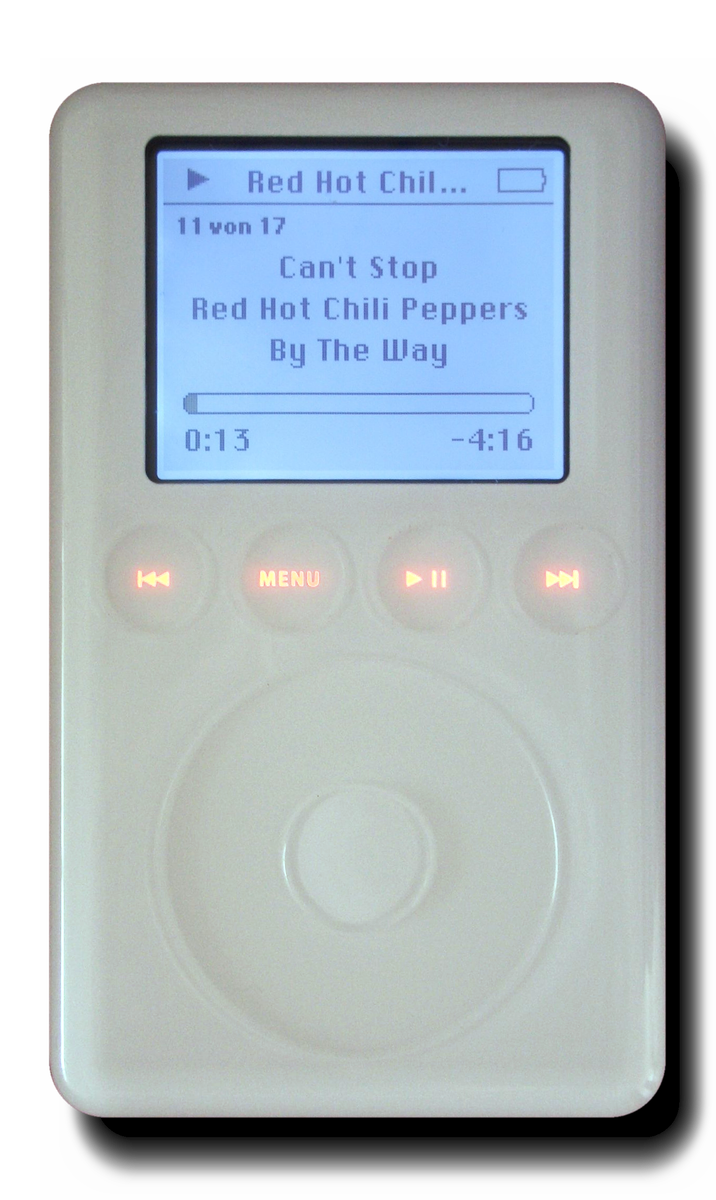
| iPod (3rd generation) | Yes, with the split dock cable and supported software | Yes | No through the USB-only leg of the split cable | Yes; FireWire carries both sync and power |
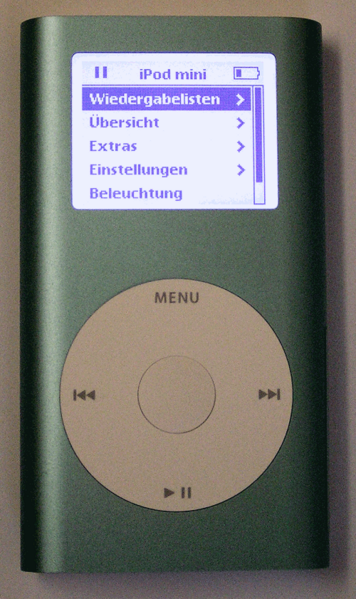
| iPod mini (1st generation) | Yes, USB 2 with supported cable/host | Yes | Yes | Yes |
The third-generation row reflects the split cable documented in a period review: USB carries data while the FireWire lead supplies charge; FireWire alone can do both. Apple’s first-generation mini specifications and launch announcement document sync and charge over either supported connection. This comparison covers only these two models—do not apply it to another generation based on connector shape alone. (Stereophile; Apple mini specifications; Apple mini launch announcement)
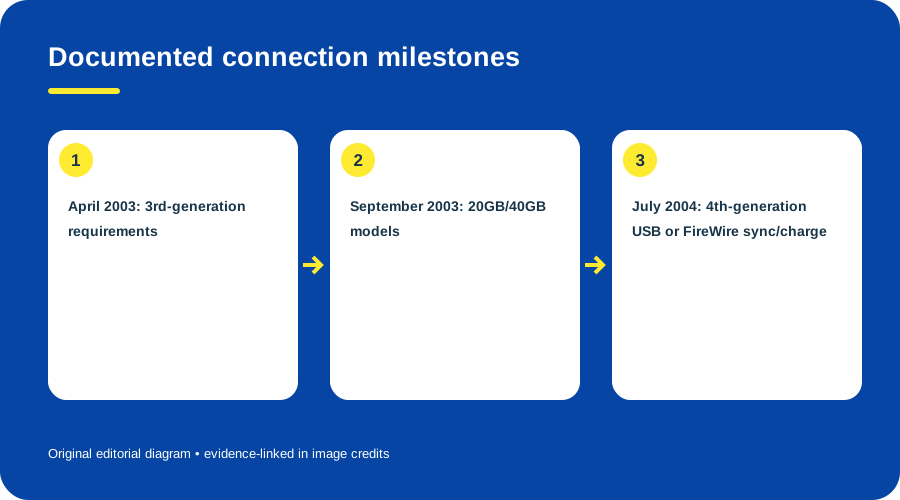
Documented connection milestones. Original diagram by Things To Do Your Thing; facts are traced to G05-S1, G05-S2, G05-S3, G05-S4.
A plug that fits does not establish syncing support, and data support does not itself establish charging support. Eject through the documented software. Apple’s later iPod classic guide gives a USB setup sequence for that edition only. (iPod classic Quick Start)
No old iPod or current computer port was tested. See 3rd-generation iPod and iPod mini.
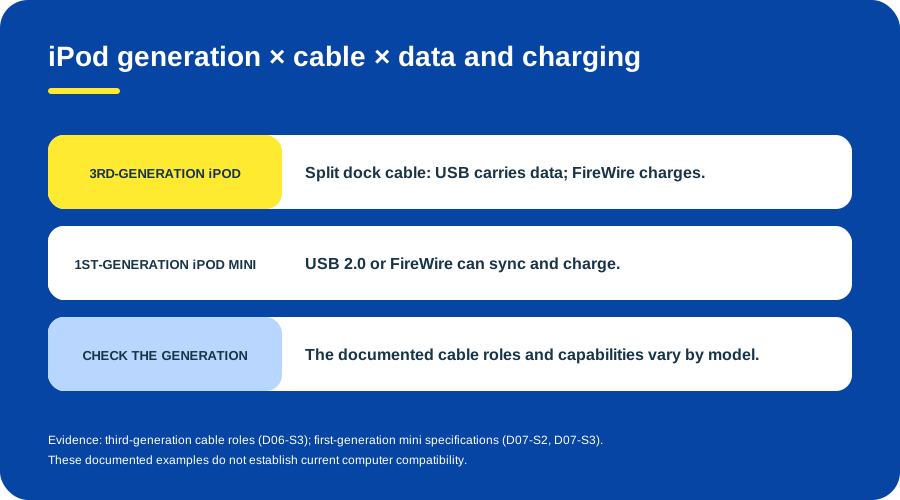
Documented USB and FireWire connection examples: third-generation iPod and first-generation iPod mini. Original diagram created for Things To Do Your Thing, based on the Stereophile third-generation iPod review and Apple first-generation iPod mini specifications and launch announcement.
Sources & image credits
- G05-S1 Apple Introduces New iPods — press release dated 2003-04-28: third generation, period system/connection requirements
- G05-S2 Apple Introduces New 20GB and 40GB iPods — press release dated 2003-09-08: 20GB and 40GB models, USB 2.0 and FireWire
- G05-S3 Apple Introduces the New iPod — press release dated 2004-07-19: 4th-generation syncing and charge options
- G05-S4 iPod classic Quick Start Guide — pp. 1-2: USB connection, sync/charge and eject before disconnecting
- D06-S3 Apple iPod portable music player — Review lines 177–187: capacities, bifurcated USB/FireWire cable, charging and connectors
- D07-S2 iPod mini and iPod mini (Second Generation) Technical Specifications — Top comparison table and “iPod mini 4GB (First Generation)” section, lines 16–34, 45–107, 206–209
- D07-S3 Apple Introduces iPod mini — Announcement lines 33–43: design/colors, sync/charge, Auto-Sync, 4GB and included USB/FireWire accessories
Original diagrams by Things To Do Your Thing; their evidence and rights notes are in the image ledger.
Diagram credits
- G05-I-PATH — Start with iPod generation. Original diagram by Things To Do Your Thing; facts are traced to G05-S1, G05-S2, G05-S3, G05-S4. Evidence reference: Apple Introduces New iPods, Apple Introduces New 20GB and 40GB iPods, Apple Introduces the New iPod, iPod classic Quick Start Guide.
- G05-I-COMPARISON — Documented connection milestones. Original diagram by Things To Do Your Thing; facts are traced to G05-S1, G05-S2, G05-S3, G05-S4. Evidence reference: Apple Introduces New iPods, Apple Introduces New 20GB and 40GB iPods, Apple Introduces the New iPod, iPod classic Quick Start Guide.
- G05-I-EVIDENCE — Documented USB and FireWire connection examples: third-generation iPod and first-generation iPod mini. Original diagram created for Things To Do Your Thing, based on the Stereophile third-generation iPod review and Apple first-generation iPod mini specifications and launch announcement. Evidence reference: Apple iPod portable music player, iPod mini and iPod mini (Second Generation) Technical Specifications, Apple Introduces iPod mini.