How to Get Photos Off an Old Digital Camera
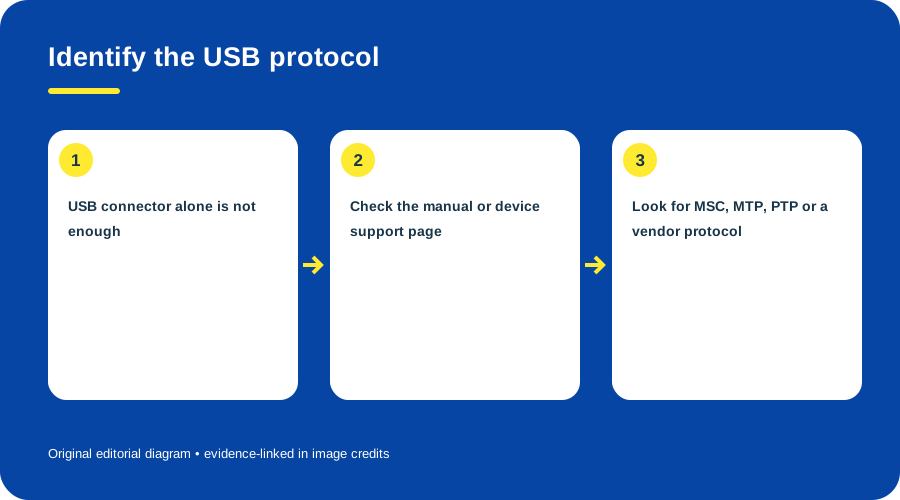
A camera’s USB socket does not guarantee that every computer will expose its card as a disk. Microsoft documents PTP, MTP and Mass Storage Class as distinct communication paths. (Microsoft WPD overview; WPD and earlier technologies)
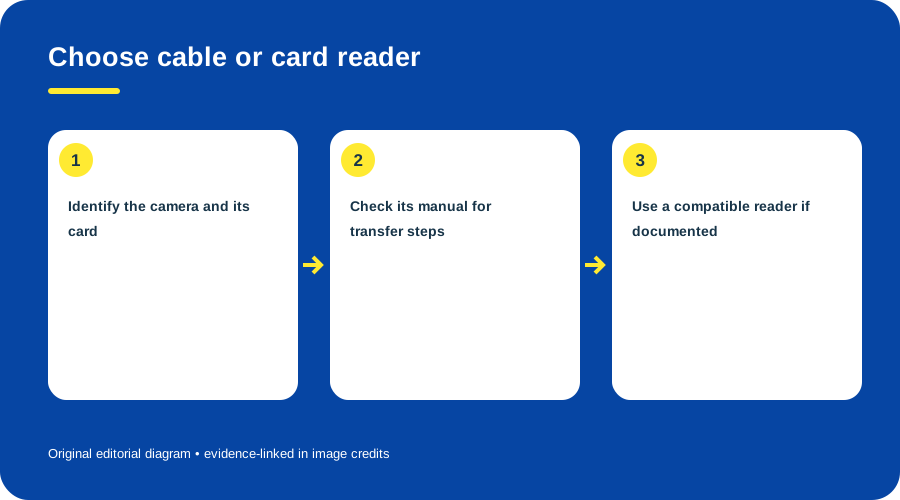
Choose cable or card reader. Original diagram by Things To Do Your Thing; facts are traced to G06-S1, G06-S2, G06-S4.
Identify the complete model and card type. Charge the camera or use its documented power source. Prepare a destination folder and leave the card unchanged until you have checked a second copy. If using a reader, confirm support for the exact media. Canon lists the PowerShot A70 as accepting Type I and II CompactFlash. (Canon A70 support)
Choose a route
- Reader: remove the card safely and copy files with a reader that supports that type.
- Camera cable: follow the model’s USB instructions. Canon documents the A70 mini-B interface, but points readers to a separate Software Starter Guide for image downloads. Do not infer a menu sequence from the socket. (Canon A70/A60 guide)
- Verify: open several copied files and compare folder contents or file count.
- Back up: make a second copy before deleting or formatting.
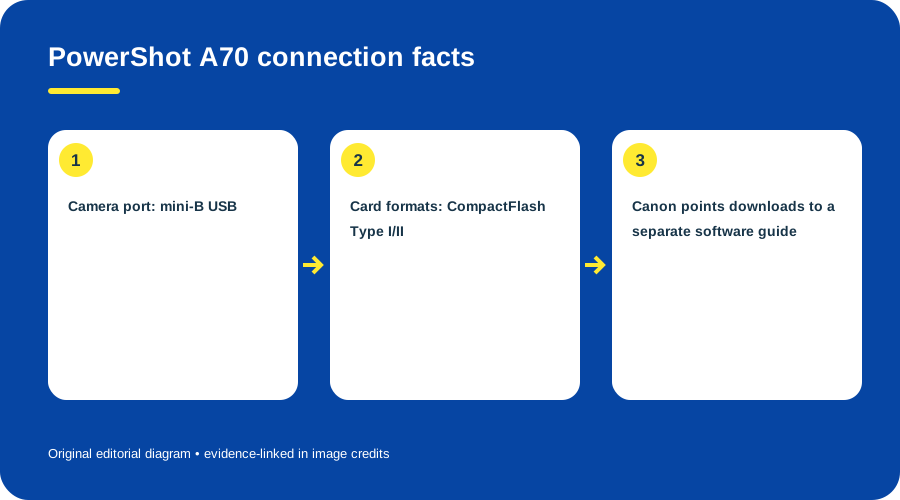
PowerShot A70 connection facts. Original diagram by Things To Do Your Thing; facts are traced to G06-S3, G06-S4.
If the computer does not see the camera, try only the documented software and a known data cable, or use a matching reader. This guide did not test current computers with the A70; its separate Starter Guide is needed for the full download sequence.
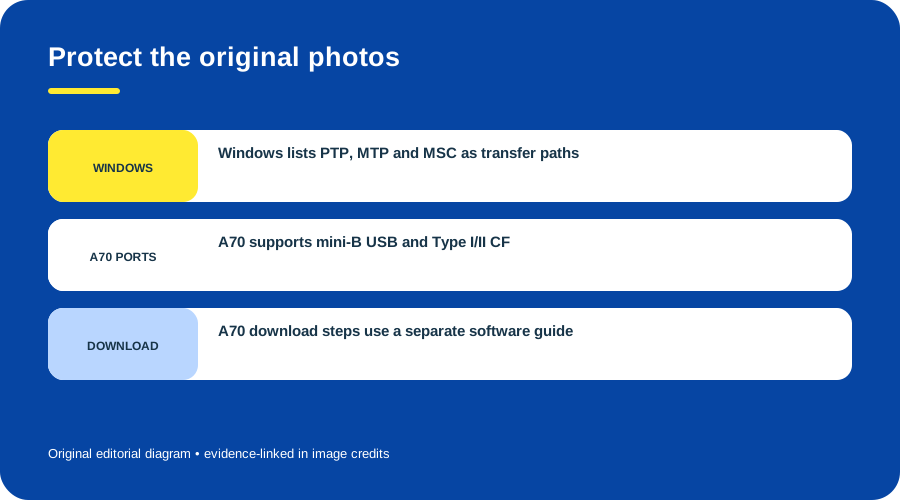
Protect the original photos. Original diagram by Things To Do Your Thing; facts are traced to G06-S1, G06-S2, G06-S4.
Sources & image credits
- G06-S1 Introduction to Windows Portable Devices (WPD) Drivers — standard protocols list for MTP, PTP and USB MSC
- G06-S2 WPD and Earlier Technologies — WPD, WIA and WMDM compatibility-layer explanation
- G06-S3 PowerShot A70 Support and Technical Specifications — Technical specifications list mini-B USB and CF Type I/II; manuals section
- G06-S4 PowerShot A70/A60 Camera User Guide — cover p.1: 2003 copyright and separate Software Starter Guide for image downloads
Original diagrams by Things To Do Your Thing; their evidence and rights notes are in the image ledger.
Diagram credits
- G06-I-PATH — Choose cable or card reader. Original diagram by Things To Do Your Thing; facts are traced to G06-S1, G06-S2, G06-S4. Evidence reference: Introduction to Windows Portable Devices (WPD) Drivers, WPD and Earlier Technologies, PowerShot A70/A60 Camera User Guide.
- G06-I-COMPARISON — PowerShot A70 connection facts. Original diagram by Things To Do Your Thing; facts are traced to G06-S3, G06-S4. Evidence reference: PowerShot A70 Support and Technical Specifications, PowerShot A70/A60 Camera User Guide.
- G06-I-EVIDENCE — Protect the original photos. Original diagram by Things To Do Your Thing; facts are traced to G06-S1, G06-S2, G06-S4. Evidence reference: Introduction to Windows Portable Devices (WPD) Drivers, WPD and Earlier Technologies, PowerShot A70/A60 Camera User Guide.