USB Mass Storage vs MTP: Why Old Music Players Behave Differently
When a computer does not show an old player as a disk, that alone does not mean the cable or player is broken. USB is the connection; the protocol determines how the computer communicates with the device.
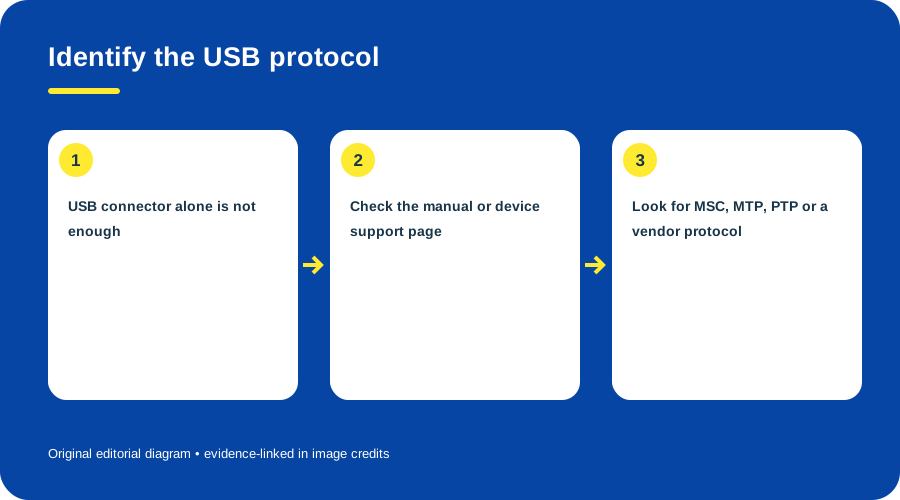
Identify the USB protocol. Original diagram by Things To Do Your Thing; facts are traced to G02-S1, G02-S3.
Three paths to distinguish
- USB Mass Storage Class (MSC): storage is presented through a mass-storage protocol. The USB-IF specification defines a transport; a USB connector does not prove that the player implements it. (USB-IF specification)
- Media Transfer Protocol (MTP): media objects use a transfer interface rather than behaving like a conventional mounted disk. Microsoft lists MTP and Mass Storage Class as distinct choices. (Microsoft WPD overview)
- Vendor-specific software or driver: some devices need a manufacturer application or custom driver. (Microsoft vendor guidance)
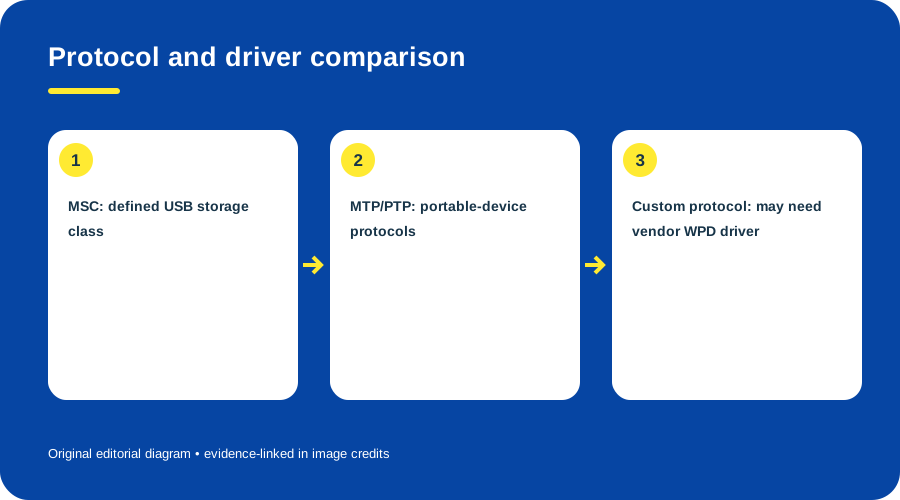
Protocol and driver comparison. Original diagram by Things To Do Your Thing; facts are traced to G02-S1, G02-S2, G02-S3.
Diagnose safely
- Read the exact model manual for its connection mode and required software.
- Connect with a known data cable; check the device list as well as the file browser. A portable-device entry without a drive letter can be consistent with MTP.
- If the manual specifies manufacturer software, use that documented path.
- If copied music does not play, check whether the player requires a database, supported format or library sync.
- Do not format or initialize it until backed up and checked against the manual.
These sources explain protocol choices, not which mode every legacy player uses. Current drivers and operating systems were not tested. See how to transfer music to an old MP3 player.
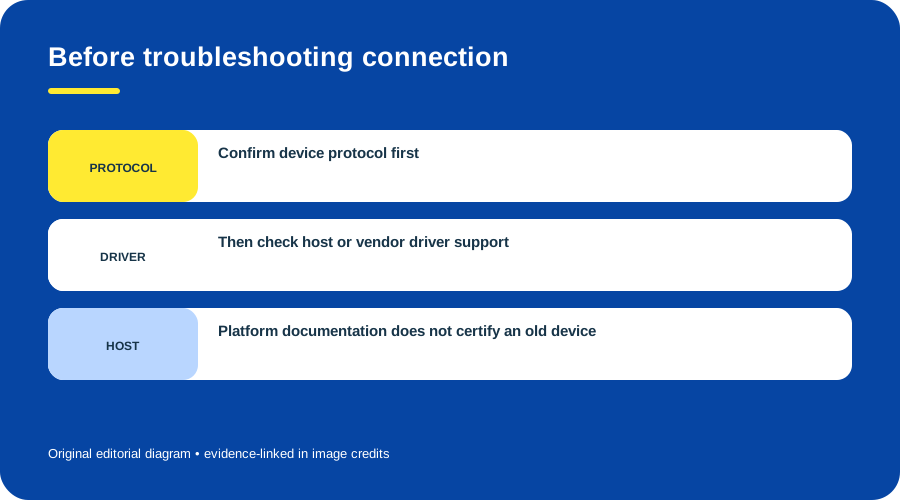
Before troubleshooting connection. Original diagram by Things To Do Your Thing; facts are traced to G02-S1, G02-S2.
Sources & image credits
- G02-S1 Introduction to Windows Portable Devices (WPD) Drivers — sections describing MTP, PTP and Mass Storage Class over USB
- G02-S2 Guidance for the Hardware Vendor — lines 31-35: MTP/PTP class protocols and non-class protocol driver guidance
- G02-S3 USB Mass Storage Class CBI Transport Specification Revision 1.1 — pp. 7 and 23-25: MSC CBI/bulk specification purpose, descriptors and endpoints
Diagram credits
- G02-I-PATH — Identify the USB protocol. Original diagram by Things To Do Your Thing; facts are traced to G02-S1, G02-S3. Evidence reference: Introduction to Windows Portable Devices (WPD) Drivers, USB Mass Storage Class CBI Transport Specification Revision 1.1.
- G02-I-COMPARISON — Protocol and driver comparison. Original diagram by Things To Do Your Thing; facts are traced to G02-S1, G02-S2, G02-S3. Evidence reference: Introduction to Windows Portable Devices (WPD) Drivers, Guidance for the Hardware Vendor, USB Mass Storage Class CBI Transport Specification Revision 1.1.
- G02-I-EVIDENCE — Before troubleshooting connection. Original diagram by Things To Do Your Thing; facts are traced to G02-S1, G02-S2. Evidence reference: Introduction to Windows Portable Devices (WPD) Drivers, Guidance for the Hardware Vendor.