Memory Stick Formats: How to Choose the Right Card and Reader
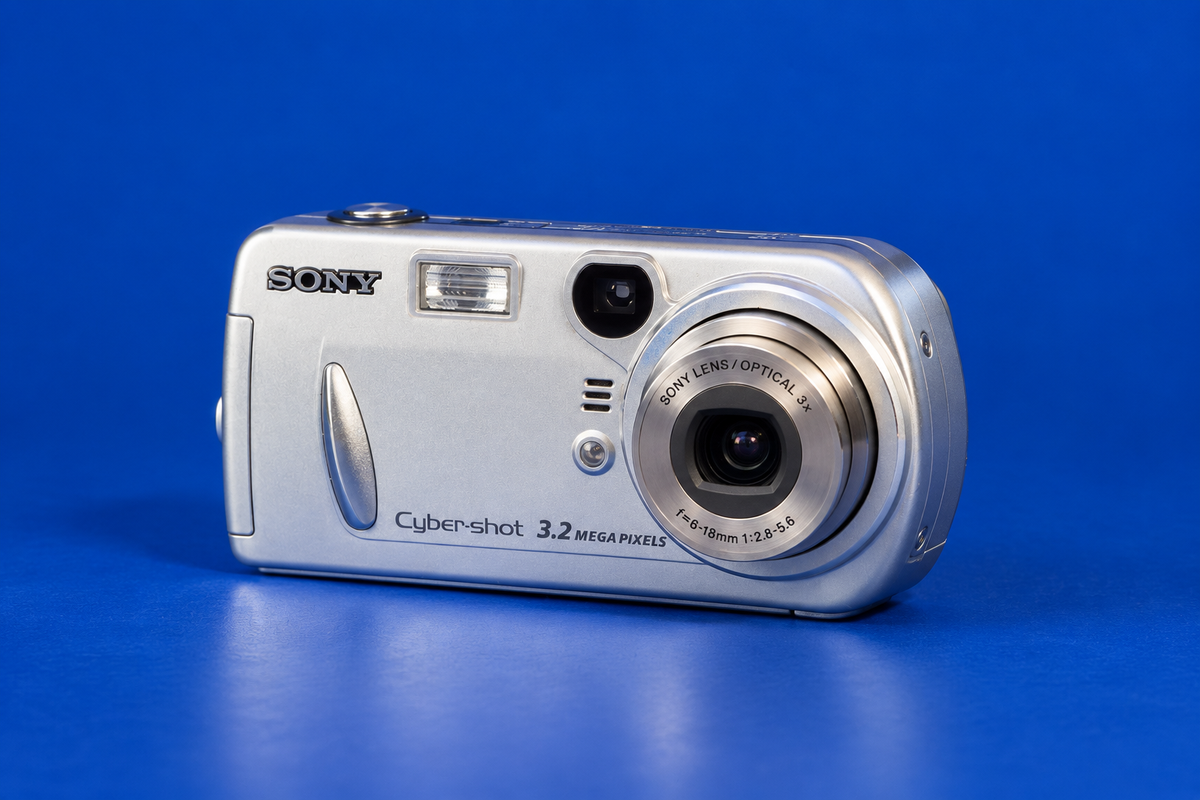
“Memory Stick” is a family name, not a guarantee that one card fits every Sony device. Choose in this order: identify the host model, check its supported media and capacity, then match the card’s physical size to the slot or a suitable adapter. For a concrete example, Sony’s DSC-P72 manual says Memory Stick PRO up to 1 GB was verified for that camera; that limit does not apply to every Sony product. (DSC-P72 manual, p. 110)
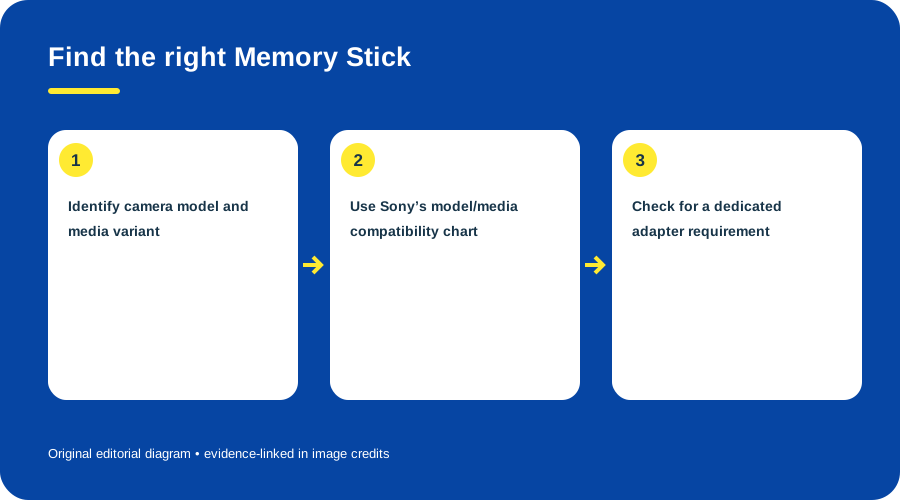
Find the right Memory Stick. Original diagram by Things To Do Your Thing; facts are traced to G09-S1, G09-S3.
Card and reader choice
| What you have | What to check |
|---|---|
| Standard-size Memory Stick | The host’s exact model entry and capacity class. |
| Memory Stick Duo / PRO Duo | Check whether the host accepts that media; if its slot is standard-size, use an adapter only where the host documentation supports the card. |
| PRO or later/high-capacity card | Do not infer support from the word “PRO.” Read the exact row and footnotes for the model and capacity. |
| USB reader or computer slot | Confirm that its manufacturer explicitly lists the card family and capacity; a physical fit alone is not evidence. |
Sony’s compatibility chart gives a useful model-first example: the DSC-P72 row distinguishes media and capacity classes and marks some unsupported combinations. Its legend matters, so do not treat the Memory Stick family name as a blanket compatibility guarantee. (Sony compatibility chart) An adapter can solve a size mismatch; it cannot turn unsupported media into a supported generation.
Transfer safely
- Read the device label and record the full model code.
- Find that exact model in its manufacturer’s media table. Check format and capacity, including footnotes.
- Match the physical card size to the slot. Use a format/size adapter only if the host documentation permits that card type.
- For a reader, verify its own support list for the format and capacity; then insert the card and copy files to a new folder.
- Open several copied files and make a second backup before erasing or formatting the card.
For a DSC-P72, the practical conservative reference is the manual’s verified Memory Stick PRO ceiling of 1 GB. Sony’s chart has additional media/capacity categories, but use its exact row and legend rather than extrapolating. (Sony DSC-P72 manual, p. 110; Sony compatibility chart)
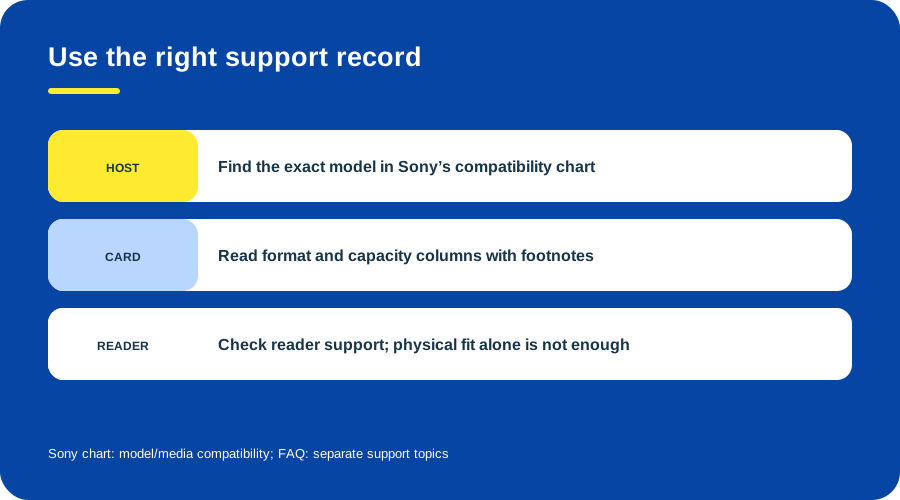
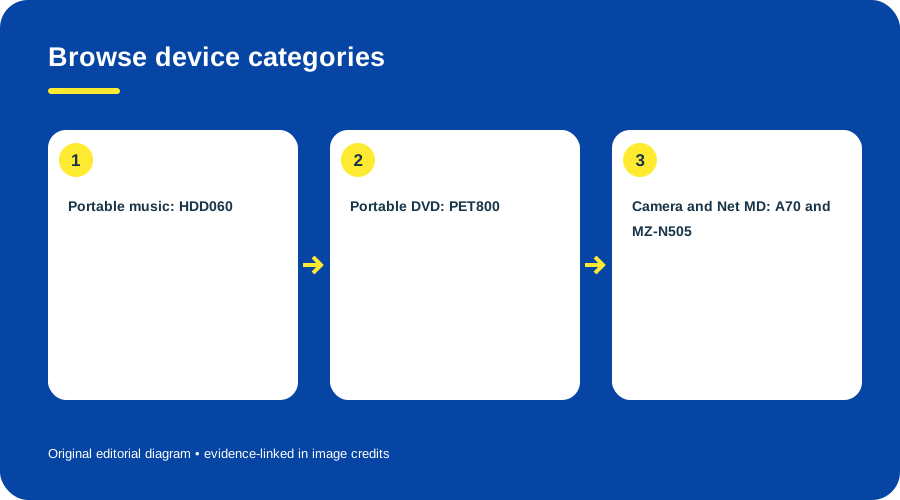
Pick the correct Sony support topic. Original diagram by Things To Do Your Thing; facts are traced to G09-S1, G09-S3.
See the model-specific Cyber-shot DSC-P72 guide. Modern reader and host compatibility remain unverified here.
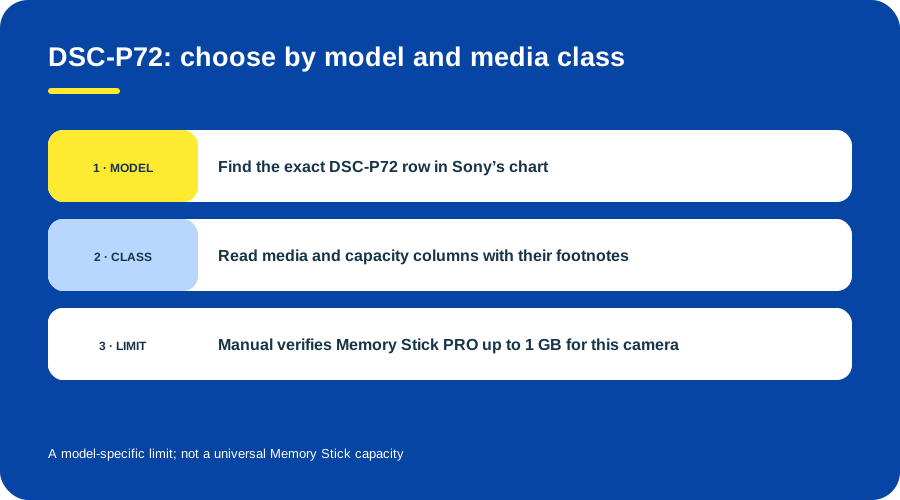
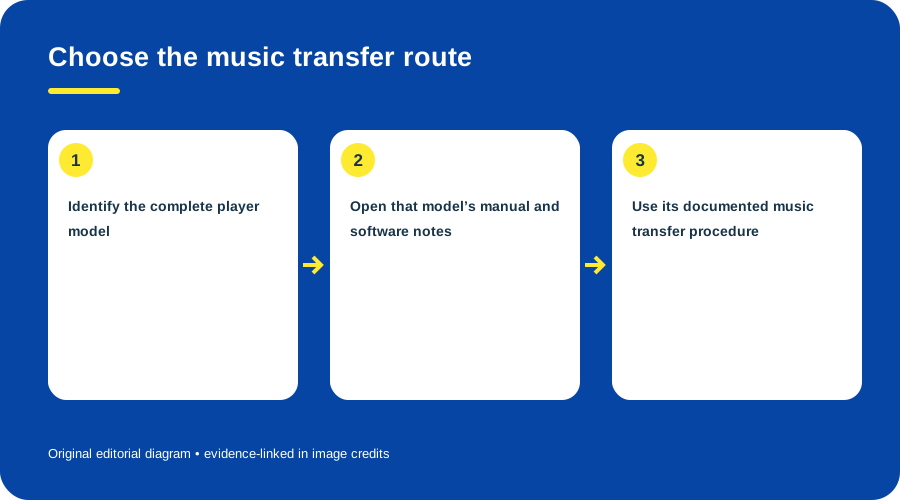
DSC-P72 example: check media class and capacity in the model-specific chart; the original manual verifies Memory Stick PRO up to 1 GB. This is not a general Memory Stick limit.
Sources & image credits
- G09-S1 Memory Stick Media Compatibility Information for Sony Accessories — compatibility table and notes on adapters, capacity, exact host models, and limits
- G09-S3 Questions and Answers about Memory Stick — FAQ index lists media compatibility, camera usage, formatting and reader installation topics
- D16-S1 Cyber-shot DSC-P32/P52/P72 Operating Instructions — p. 110, Memory Stick PRO capacity verified for DSC-P72; evidence reused from the device guide
- D16-S2 Sony Memory Stick and Memory Stick PRO compatibility chart — legend and exact DSC-P72 row; evidence reused from the device guide
Original diagrams by Things To Do Your Thing; their evidence and rights notes are in the image ledger.
Diagram credits
- G09-I-PATH — Find the right Memory Stick. Original diagram by Things To Do Your Thing; facts are traced to G09-S1, G09-S3. Evidence reference: Memory Stick Media Compatibility Information for Sony Accessories, Questions and Answers about Memory Stick.
- G09-I-COMPARISON — Pick the correct Sony support topic. Original diagram by Things To Do Your Thing; facts are traced to G09-S1, G09-S3. Evidence reference: Sony Memory Stick compatibility chart, Questions and Answers about Memory Stick.
- G09-I-EVIDENCE — DSC-P72 example: check media class and capacity; PRO up to 1 GB verified. Original diagram by Things To Do Your Thing; facts are traced to D16-S1, D16-S2. Evidence reference: Cyber-shot DSC-P32/P52/P72 Operating Instructions, p. 110; Sony Memory Stick compatibility chart.