
CompactFlash Cards and Readers for Older Cameras
CompactFlash and CFast are separate standards: the CompactFlash Association identifies CF as PATA and CFast as SATA. A related shape does not make readers interchangeable. (CompactFlash Association)
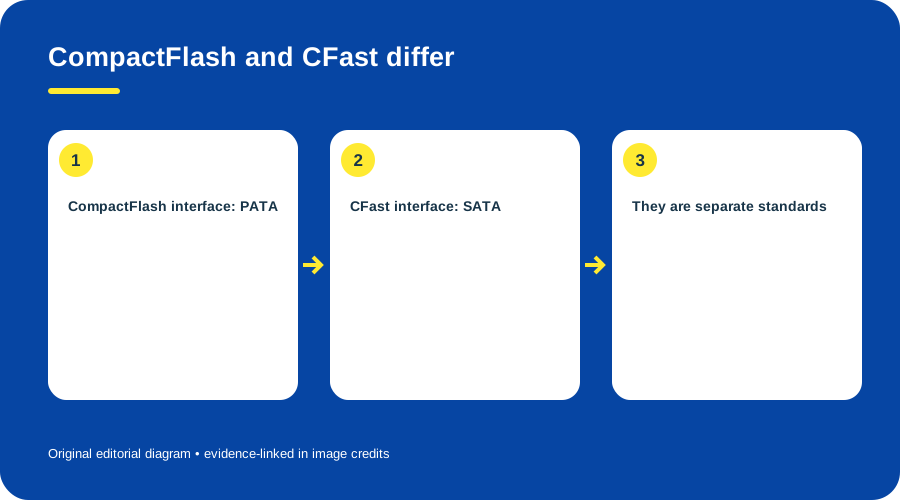
CompactFlash and CFast differ. Original diagram by Things To Do Your Thing; facts are traced to G08-S1.
- Read the camera manual for its exact media type, including Type I or II if stated.
- Confirm the reader explicitly supports that same standard.
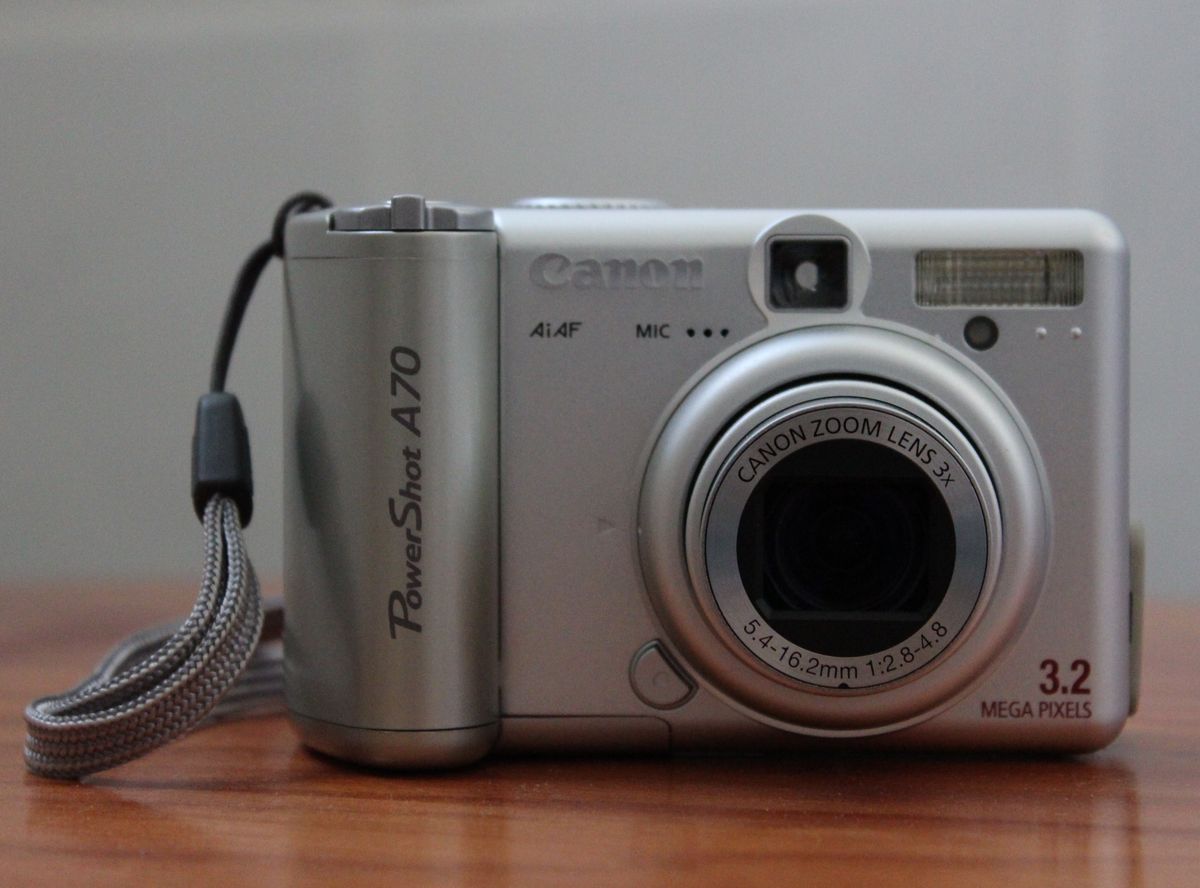
- Canon lists the PowerShot A70 as accepting Type I and II CompactFlash; that example does not set a rule for every CF camera. (Canon A70 support)
- Follow the insertion orientation in the manual; never force a card.
- Copy files, open several, and create a second backup before deleting or formatting.
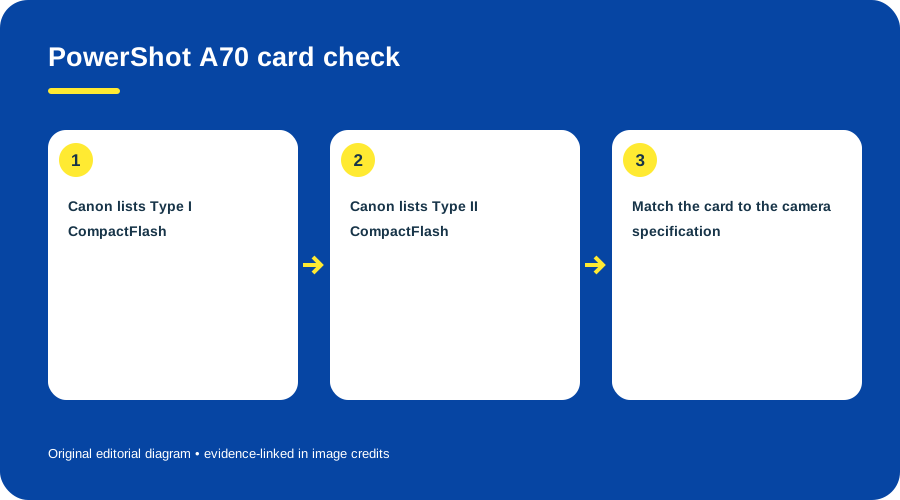
PowerShot A70 card check. Original diagram by Things To Do Your Thing; facts are traced to G08-S2.
Reader or camera cable?
A compatible reader can expose card files directly. For cable transfer, use the model’s download instructions. Canon’s A70 guide points to a separate Software Starter Guide; the CF standard does not specify its USB transfer procedure. (Canon A70/A60 User Guide)
If a card is not recognized, recheck type and orientation before formatting. These sources do not establish a universal maximum card capacity. See the PowerShot A70 guide.
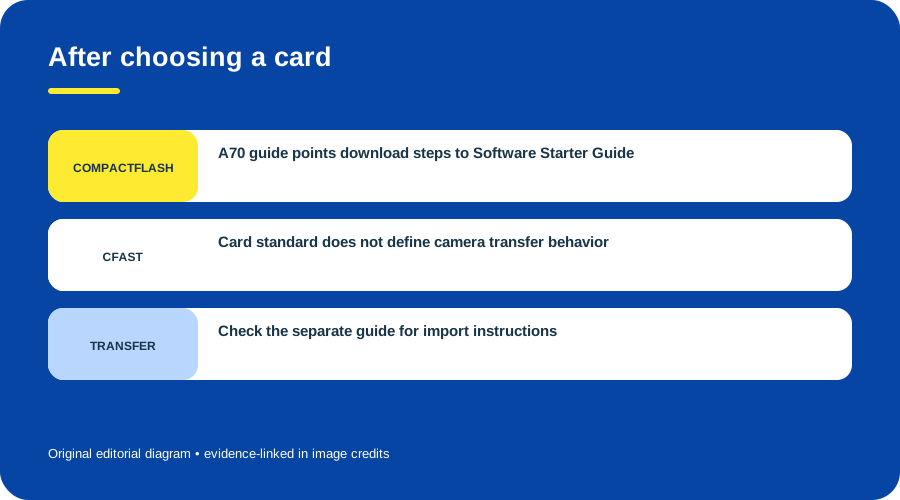
After choosing a card. Original diagram by Things To Do Your Thing; facts are traced to G08-S2, G08-S3.
Sources & image credits
- G08-S1 Card Types — Legacy Standards > CompactFlash and CFast; CFA table
- G08-S2 PowerShot A70 Support and Technical Specifications — Technical specifications: CF Type I and Type II cards, USB mini-B
- G08-S3 PowerShot A70/A60 Camera User Guide — cover page (©2003; image-download procedures in separate Software Starter Guide)
Original diagrams by Things To Do Your Thing; their evidence and rights notes are in the image ledger.
Diagram credits
- G08-I-PATH — CompactFlash and CFast differ. Original diagram by Things To Do Your Thing; facts are traced to G08-S1. Evidence reference: Card Types.
- G08-I-COMPARISON — PowerShot A70 card check. Original diagram by Things To Do Your Thing; facts are traced to G08-S2. Evidence reference: PowerShot A70 Support and Technical Specifications.
- G08-I-EVIDENCE — After choosing a card. Original diagram by Things To Do Your Thing; facts are traced to G08-S2, G08-S3. Evidence reference: PowerShot A70 Support and Technical Specifications, PowerShot A70/A60 Camera User Guide.
.JPG)